The user interface 75
imc CANSAS Users Manual - Doc. Version 1.9 - 05.12.2014© 2014 imc Meßsysteme GmbH
3.3 Working with the Module Tree
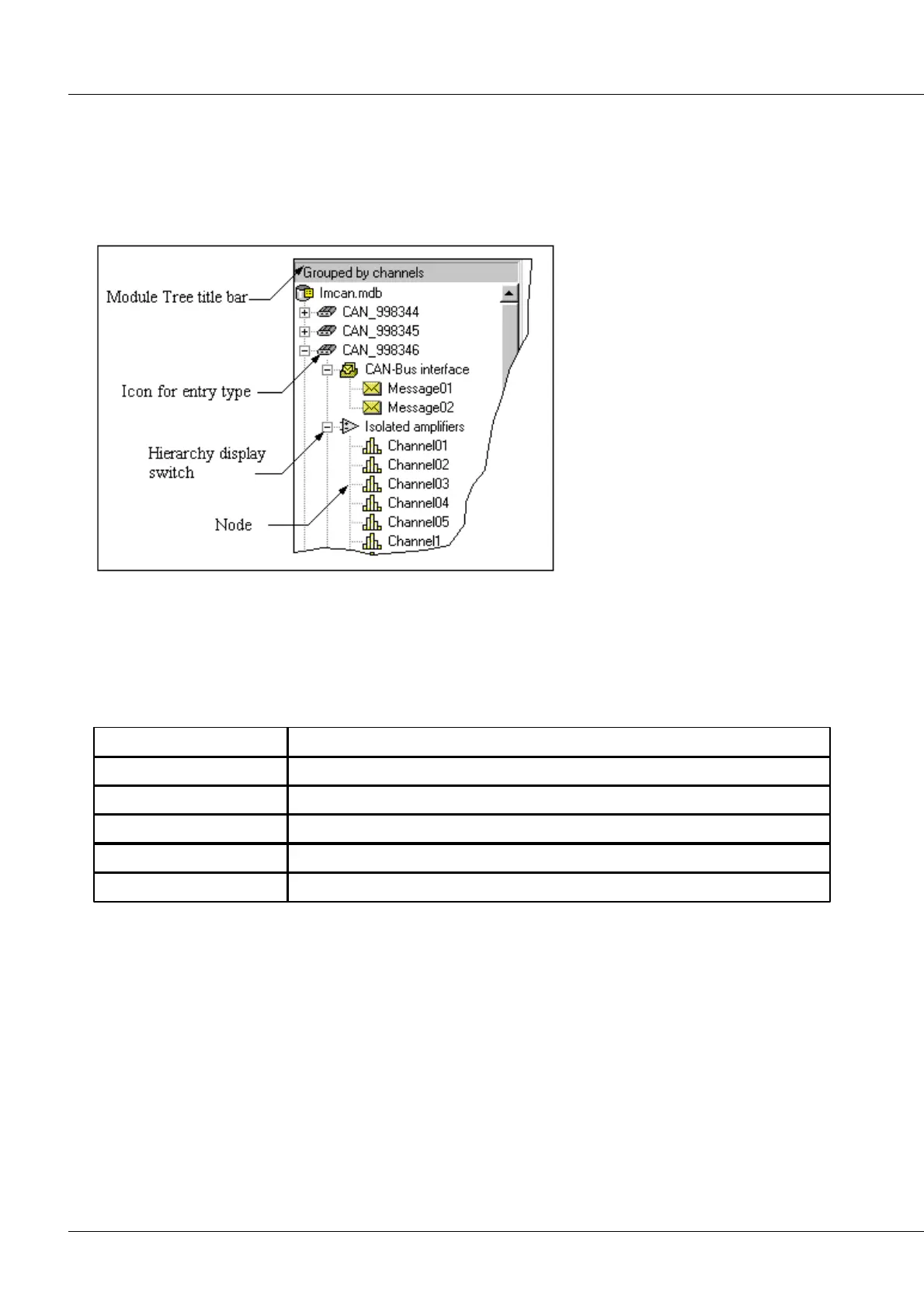
The modules loaded from a database are displayed in the form of a directory tree. Each entry in the tree
is accompanied by an icon which indicates the entry's type. The individual entries are attached to the
tree by branch-lines. In front of the icons there are little softkeys containing either a plus sign or minus
sign, which serve to let you expand or compact a branch.
Expanding and compacting entries
Entries which have subordinate entries can be expanded or compacted. The presence of subordinate
entries is indicated by the little boxes with either plus or minus signs. A mouse-click on such a box either
expands the branch concerned or collapses it; double-clicking has the same effect. The following actions
can be initiated from the keyboard:
The selected node is expanded by one branching level
The selected node is collapsed
The selected node is expanded through all branching levels
The selected node is expanded by one branching level
The selected node is collapsed
Selecting entries
One or multiple entries in the Module Tree can be selected at the same time. The properties of the
selected entries are indicated in the right segment of the main window.
Clicking the mouse on an entry selects the entry. Clicking over an entry while holding <Shift> selects all
entries in a row from the last selected to the present one.
Clicking over an entry while holding <Ctrl> adds it to the group of selected entries, regardless of its
location in the tree; or if it is already selected, removes it from the group.



 To Next Page