Menu functions 89
imc CANSAS Users Manual - Doc. Version 1.9 - 05.12.2014© 2014 imc Meßsysteme GmbH
3.4.4 Module
3.4.4.1 Module - Integrating Assistant
Purpose: Incorporates a new imc CANSAS-module into the module database. This can be done either by
accessing an actually existing module via the CAN-Interface (on-line) or by making an entry manually (off-
line).
Shortcuts
Toolbar:
Prerequisite: For on-line module integration, a supported hardware CAN-interface must be installed. The
interface is selected and its parameters set in the dialog for the menu item Extras/ Interface. If this hasn't
been done, the Integration Assistant will be closed after posting a corresponding message in explanation.
Also, the imc CANSAS-module must be correctly connected to the CAN-Bus and ready to run.
For the module integration procedure, only the module to integrate may be currently connected to the
bus involved. It's recommended to make a direct connection to the PC rather than going via the bus-
complex.
Procedure: Integration of a module is accomplished with the help of the Integration-Assistant's sequence
of dialogs. The softkeys Next and Back can be used to proceed to either the next step or the previous
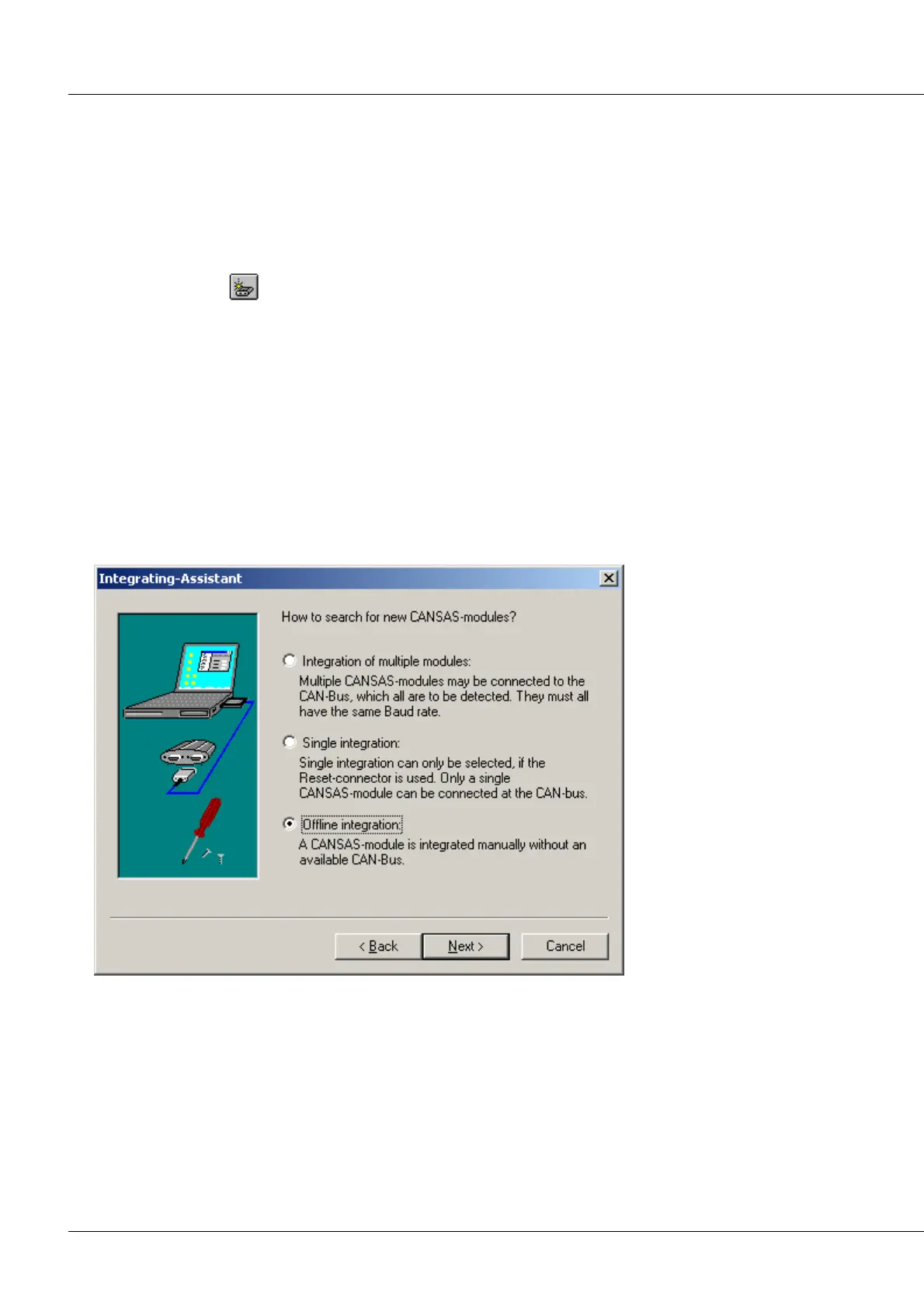
one. In the dialog succeeding the introductory dialog, the decision is made whether the module to
integrate is accessed on-line:
Single integration: Integrates a new module on-line.
Choose this option to use this program to make the settings for a newly purchased imc CANSAS-module.
This is the preferable way to proceed as long as you have an actual module to integrate; the entry of the
module's parameters will be handled automatically and the database settings will be compatible with the
module.
Integration of multiple modules: It's possible to connect multiple modules, but they must all have the
same Baud rate and firmware. If this is not the case, proceed as follows:



 To Next Page