General notes on working with imc CANSAS modules 121
imc CANSAS Users Manual - Doc. Version 1.9 - 05.12.2014© 2014 imc Meßsysteme GmbH
There is an alternative to the Drag & Drop procedure, in which you also first select the sensor in imc
SENSORS. Next, select one or more channels in the tree diagram on the left side of the imc CANSAS user
interface and the menu item Edit / Add sensor.... Then the sensors properties will be used for setting all
the selected channels. This makes sense for sensor properties common to many units, independent of
any serial number; for instance, a simple Type K thermocouple.
3.5.7 Sensor recognition
Some imc CANSAS-modules such as UNI8 are able to read-in sensors with Eprom. These are intelligent
sensors in which an electronic spec sheet is stored in the Eprom. This spec sheet is also referred to as
TEDS (Transducer Electronic Data Sheet), as described in the industrial standard IEEE 1451. The standard
IEEE 1451.4 is of particular interest in this context. At this writing, however, this standard is as yet at the
"proposed" stage, therefore not yet official. The electronic spec sheet contains information for
administrating it, such as its manufacturer, model and serial number. Also data for scaling, such as
sensitivity, and physical and electrical value range. And finally, it also contains data on the sensor's power
supply and calibration.
Sensor recognition, for example in UNI8, proceeds according to the following pattern:
1. Before connecting sensors to the module, you must guard against any danger. For this purpose, you
must keep in mind that UNI8 is an all-purpose module with built-in sensor feed. If this internal
voltage source supplies 24 V, for instance, because a sensor needing this voltage either is or was
connected, no sensor may be connected which can take, for example, only 5 V. The module must
first be put in a "neutral" state. To do this use the menu item Module / Sensors / Prepare plugin...
Then the UNI8 can be configured for a sensor feed of 5 V.
2. Connect the sensors to UNI8. The UNI8 should not be activated at the time. But note any
peculiarities of the sensor used. Many sensors may actually be connected while the power supply
for UNI8 is on; this is a so-called hot-plug procedure. At this point, the UNI8 (if activated), is not yet
correctly configured.
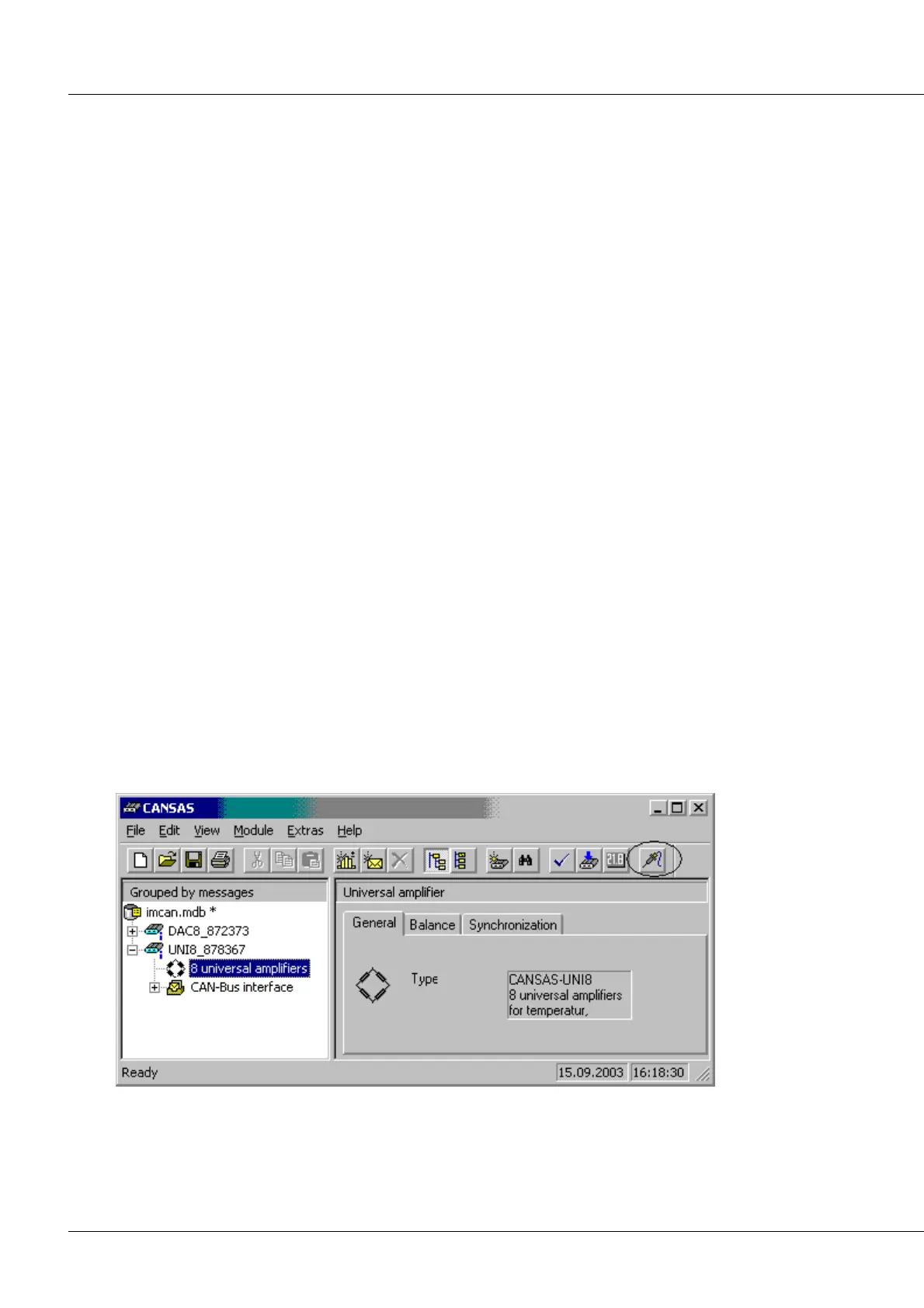
3. Now it is possible to read out the Eprom-chip's sensor information. To do this, go to the tree
diagram on the left-hand side of the user interface and there select the entry of the module whose
connected sensors are to be read in. Then select the menu item Module / Sensors / Read identifier
data... Alternatively, the corresponding toolbar button can also be used:



 To Next Page