P8 pressure 359
imc CANSAS Users Manual - Doc. Version 1.9 - 05.12.2014© 2014 imc Meßsysteme GmbH
6.16.7.5 Barometer
Each P8 pressure module is equipped with a barometer whose input range is 800 mbar.. 1200 mbar,
enabling it to measure the pressure of the surrounding air. Its purpose is to determine the relative
pressure in case an absolute pressure sensor is being used.
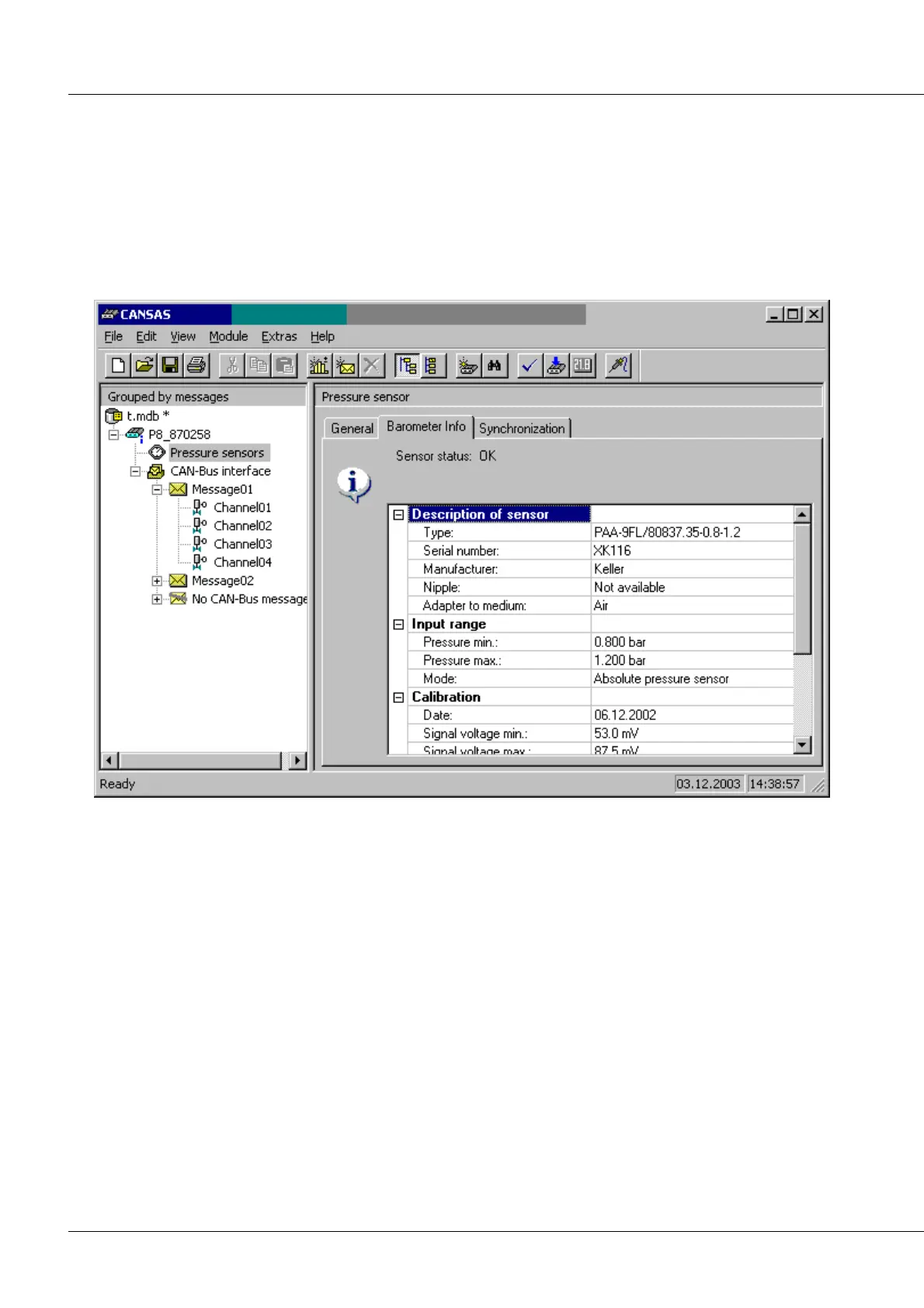
The information on the barometer's pressure sensor is available via the operating software. To access it,
select in the tree diagram at left the entry "8 pressure sensors" and at the right, the index card
Barometer-Info. Then select the menu item Modules / Sensors / Read identifying data... (or alternatively
the corresponding button in the toolbar). Then the information will appear:
6.16.7.5.1 Barometer readings
The P8 pressure module comes with 8 high-speed inputs for external pressure channels. In addition,
there is the built-in barometer, which is digitalized only very slowly. This is because the ambient air
pressure is assumed to change only very slowly. The built-in barometer's readings can only be accessed
using a virtual channel. To do this, create a virtual channel and select the function "Barometer". You can
specify the rate at which the barometer's readings are to be subjected to further processing. Note that
the barometer actually obtains a new reading only about every 1,2 s.
All you can do is to set at which rate this value is queried, not measured. It hardly makes any sense to set
a faster clock rate than 500 ms. Any subsequent processing should only be used in exceptional cases or
for checkups. It should not be used to take the difference between an absolute pressure and a relative
pressure reading. For such purposes, begin by setting relative pressure measurement as the channel's
measurement mode. This will produce much better measurement results.



 To Next Page