32 Startup
imc CANSAS Users Manual - Doc. Version 1.9 - 05.12.2014© 2014 imc Meßsysteme GmbH
2.3 Installation of imc CANSAS software
The software included for installing the imc CANSAS-module is on CD-ROM. The software is started by
running the file "Setup.exe".
The supported operating systems are listed here .
The installation process includes updating of the following drivers:
MS DAO
MS-Jet Engine
MS OLE Automation
Crystal Records
Microsoft XML Parser
The installation offers both a German and an English version of the software; make the choice in the first
dialog which appears. The Welcome dialog provides in formation in the respective language on applicable
legal provisions, as well as certain instructions for proceeding with the system.
The second dialog displays legal provisions and instructions on completing the installation procedure. The
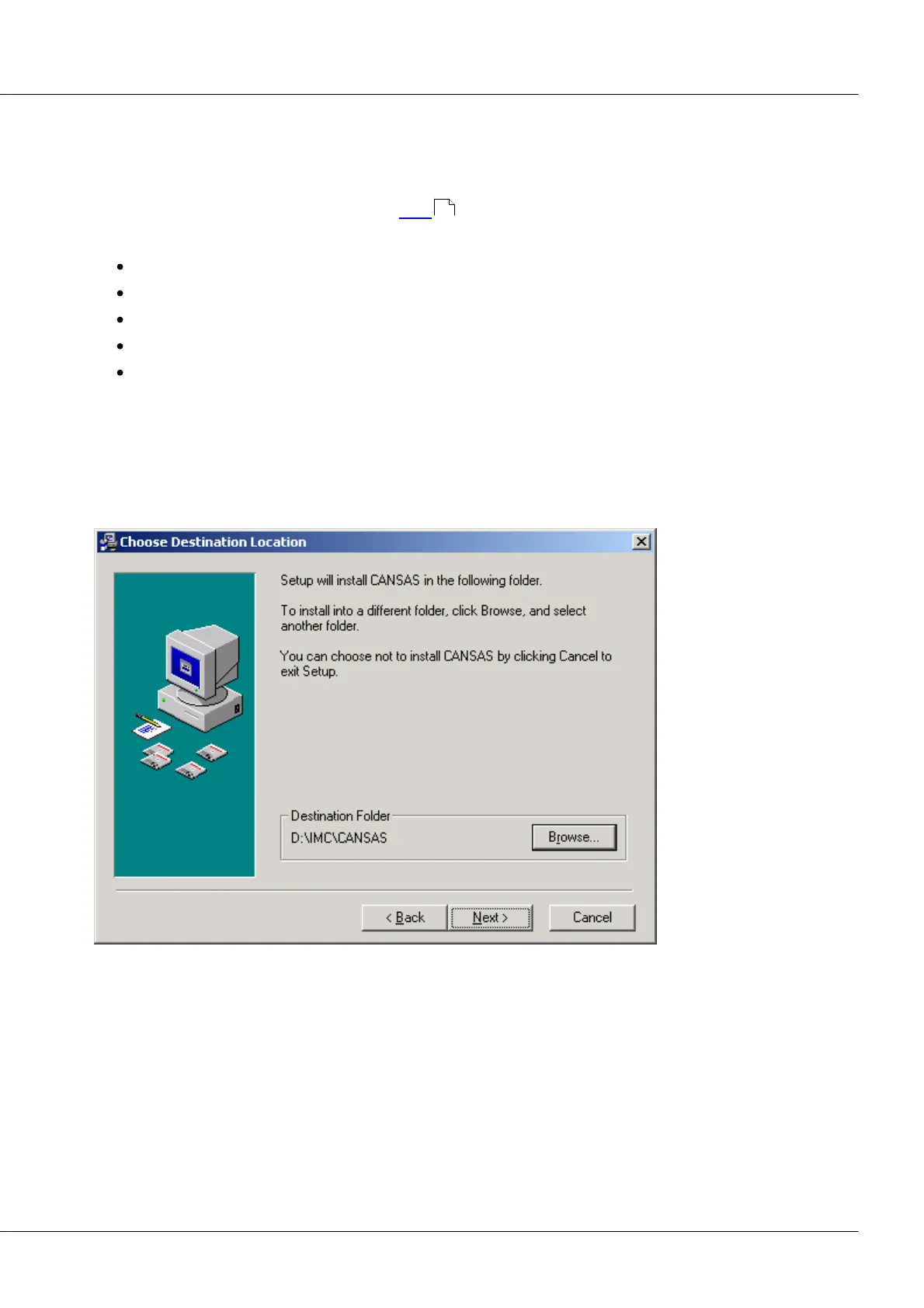
third dialog prompts the user to specify the installation folder's location. All files needed for running the
imc CANSAS-module are then copied into this folder.
24



 To Next Page