Menu functions 93
imc CANSAS Users Manual - Doc. Version 1.9 - 05.12.2014© 2014 imc Meßsysteme GmbH
If a imc CANSAS-module of the same serial number but a different type is already registered in the
database, the system asks whether the module is to be (completely) overwritten, including the channel
and message settings.
When using the on-line option for integrating a module, this can never occur, since the serial number is
unique and the serial number and module type are entered automatically. Only in the off-line option can
this case arise.
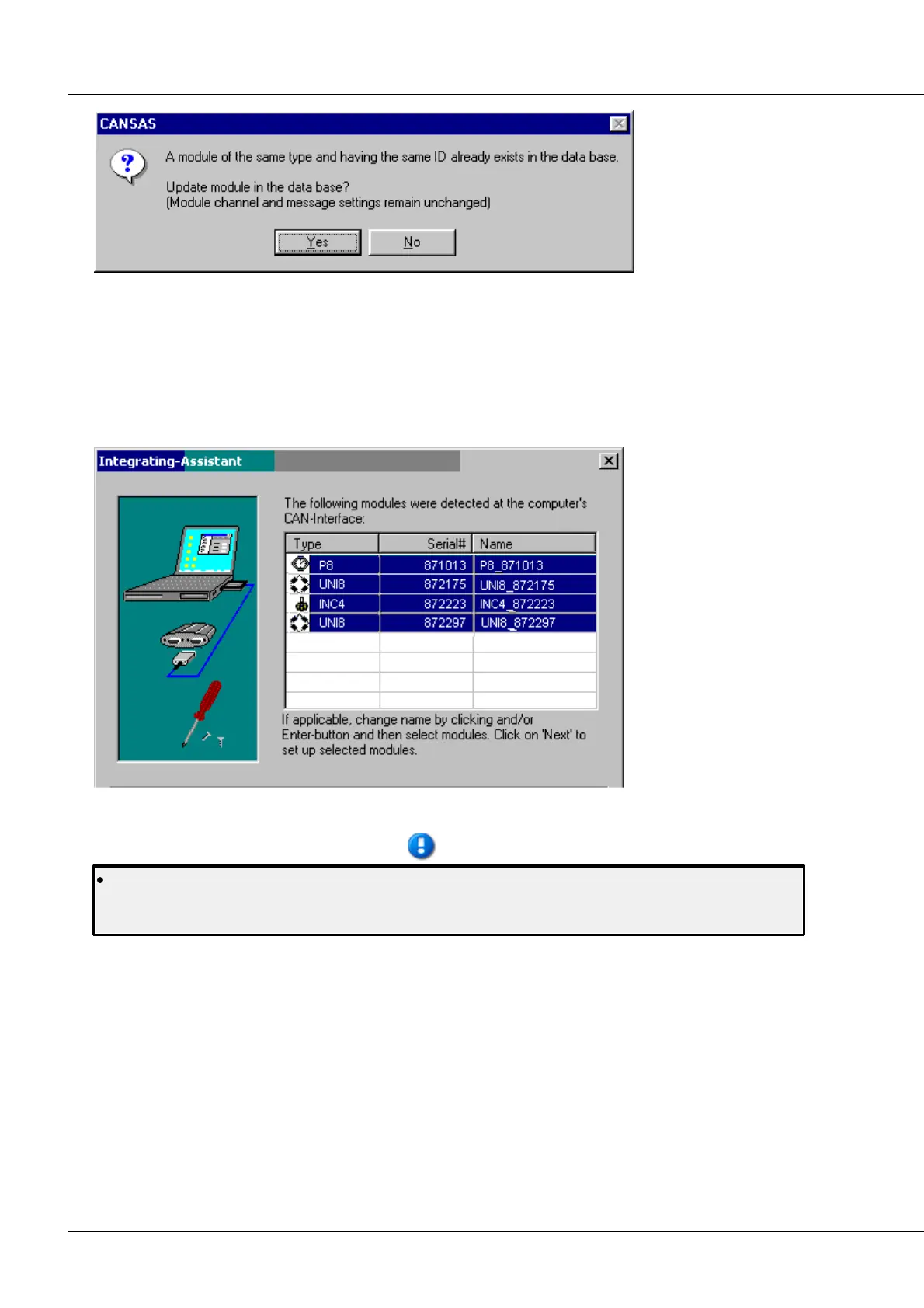
When multiple modules are integrated, the following overview is displayed:
Select all modules you wish to enter into the database. Then press "More".
If a new update of the software is used and the modules still have the firmware for Software
Version 1.2, a search for all modules on the bus will not work. In that case, simply load your
existing database and reconfigure the modules. In this process, the firmware is updated.



 To Next Page