CI8 isolated voltage channels with current and temperature mode 277
imc CANSAS Users Manual - Doc. Version 1.9 - 05.12.2014© 2014 imc Meßsysteme GmbH
Compensable initial offset*
[V]
Compensable initial offset* [V]
In the Measure window, balancing is performed by selecting one or more channels and clicking on the
Balance button.
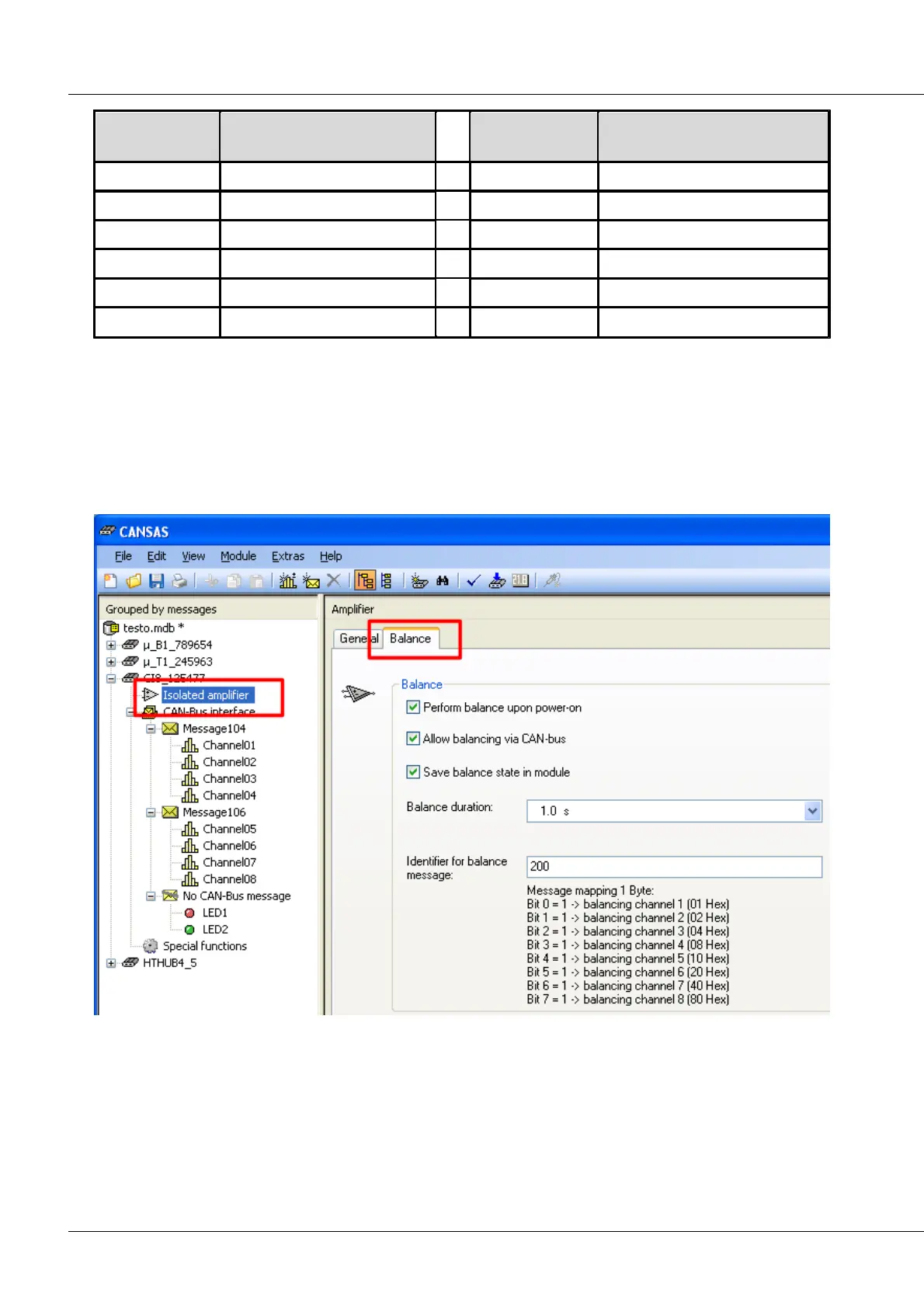
Balancing using the Balance dialog
This dialog is available under the CI8’s node Isolated amplifier. It enables automatic balancing each time
the device is activated. You can also store the balancing values in the module permanently, so that they
are not lost as soon as the device is deactivated. It is also possible to perform a balancing procedure at a
specific point in time as desired.



 To Next Page