34 Startup
imc CANSAS Users Manual - Doc. Version 1.9 - 05.12.2014© 2014 imc Meßsysteme GmbH
The next dialog is for selecting the program group which contains the shortcut icon for starting the
module.
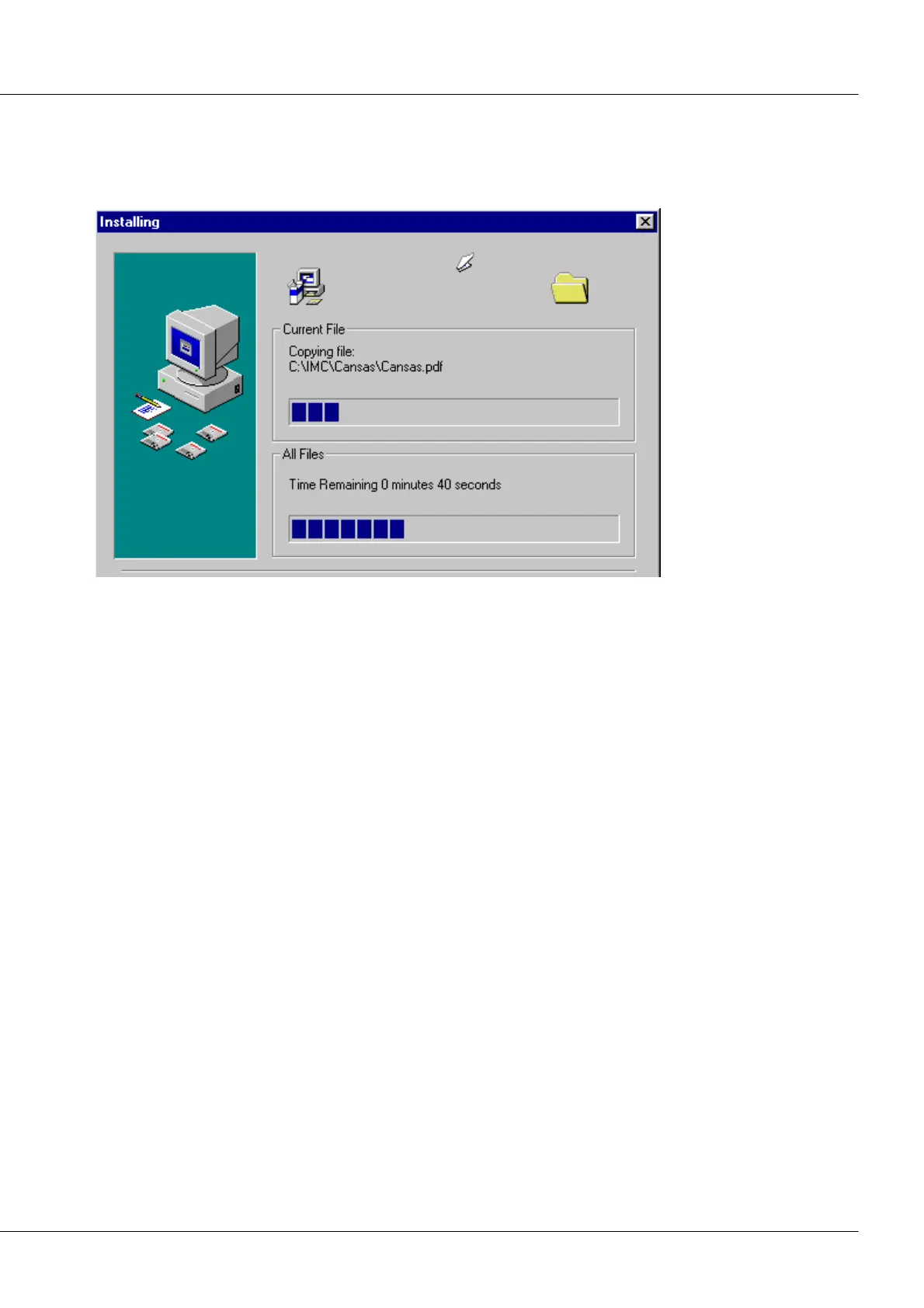
A progress indicator bar is displayed during the actual installation process, indicating the extent of
progress and which files are currently being copied.
The last dialog announces successful installation. If, however, the "Common Controls" are too old for the
imc CANSAS software, the installation continues with the Microsoft installation of the common controls.
This may make it necessary to reboot the computer.



 To Next Page