The user interface 61
imc CANSAS Users Manual - Doc. Version 1.9 - 05.12.2014© 2014 imc Meßsysteme GmbH
The Comment box is provided for the purpose of making notes about the module.
Furthermore the following status information is displays:
The box 'Connection' shows whether a connection to the imc CANSAS module has been made
(Integrate, Configuration, Measurement, Find).
Information, if the software settings are matching to the module configuration
Status of calibration
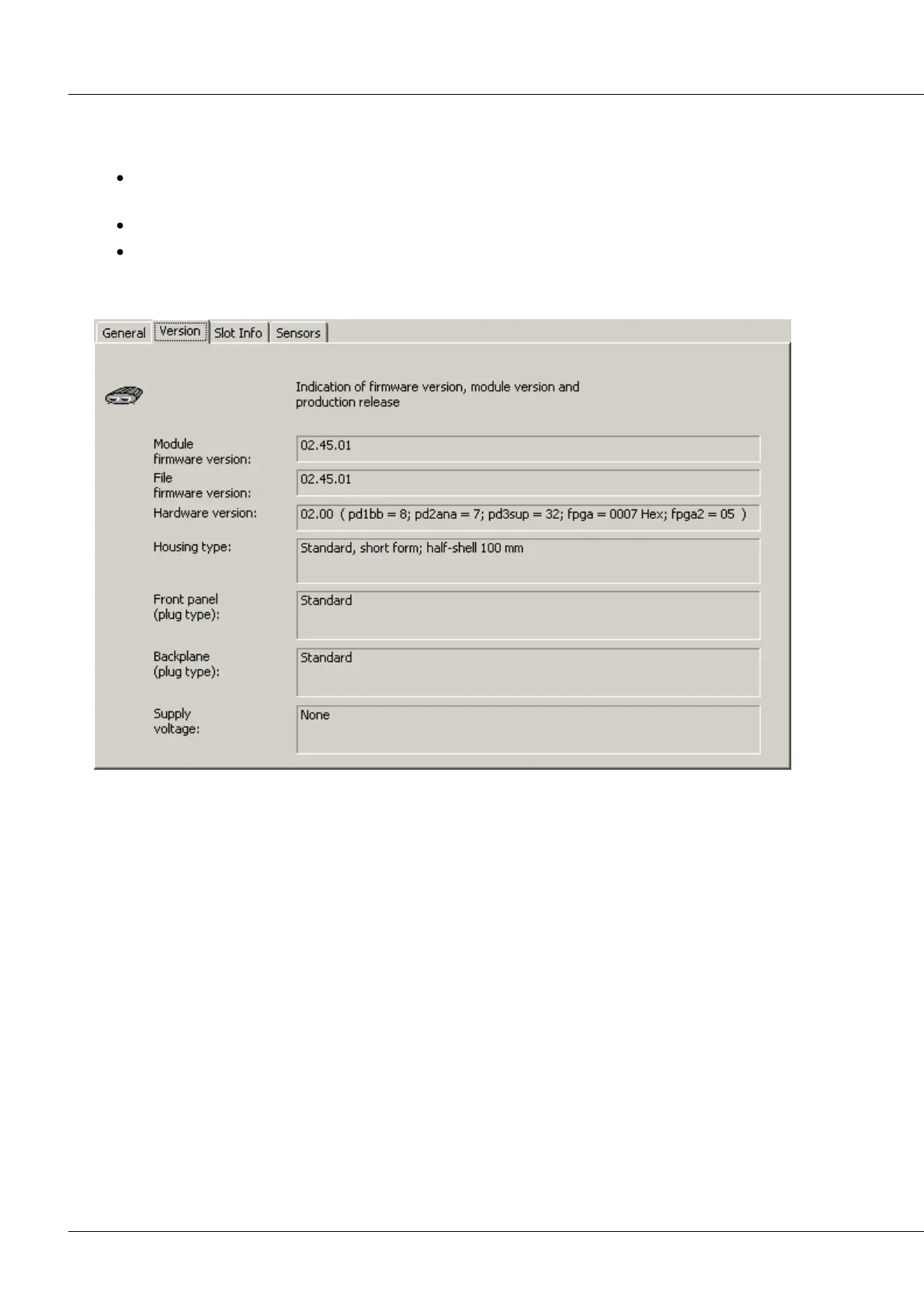
3.2.4.2.2 Version
CANSAS Module Properties dialog, Page 2
The second index card contains information about the firmware and hardware versions.
The module firmware version is the version currently being implemented by the imc CANSAS module. It
can only be indicated once a connection to the module has been established.
When the software is installed, a subdirectory named \FIRMWARE is created. The various firmware files
are copied to this folder. There are different firmware files to reflect the varying module types and
versions. When this page is displayed, the version number is read from the firmware file and indicated
under File firmware version.
The hardware-version can only be indicated after a connection has been established.
About the version number
The version number consists of a more-significant-digit part and a less-significant-digit part. For the
system to work, the higher-value part of the hardware version number must agree with that of the
firmware version. The firmware can only be updated if the lower-value part of the version number is
different.



 To Next Page