General Information Remote Programming Setup and Interface
MS20xxC PM PN: 10580-00306 Rev. E 1-5
USB Interface Connection and Setup
The Universal Serial Bus (USB) architecture is a high-performance networking standard that
is considered “plug and play” compatible. The USB driver software is automatically detected
and configured by the operating system of the devices that are connected to the bus. The
MS20xxC conforms to the USB 2.0 standard and is a USB “full-speed” device that supports
data rates of up to 10 Mbps with the following restrictions:
• One USB network can support up to 127 devices
• The maximum length of USB cables between active devices is 5 meters (for USB 2.0)
and 3 meters (for USB 1.0)
To run the following example, you must have NI-VISA 2.5 or later installed on the controller
PC, and you must select the VISA library (visa32.dll) as a reference in a Visual Basic project.
For remote USB control, the controlling PC needs to have a version of VISA installed that
supports USBTMC (USB Test and Measurement Class) devices.
1. Turn On power to the MS20xxC and controller PC and wait for the systems to power up
completely.
2. Connect the USB cable mini-B connector to the MS20xxC.
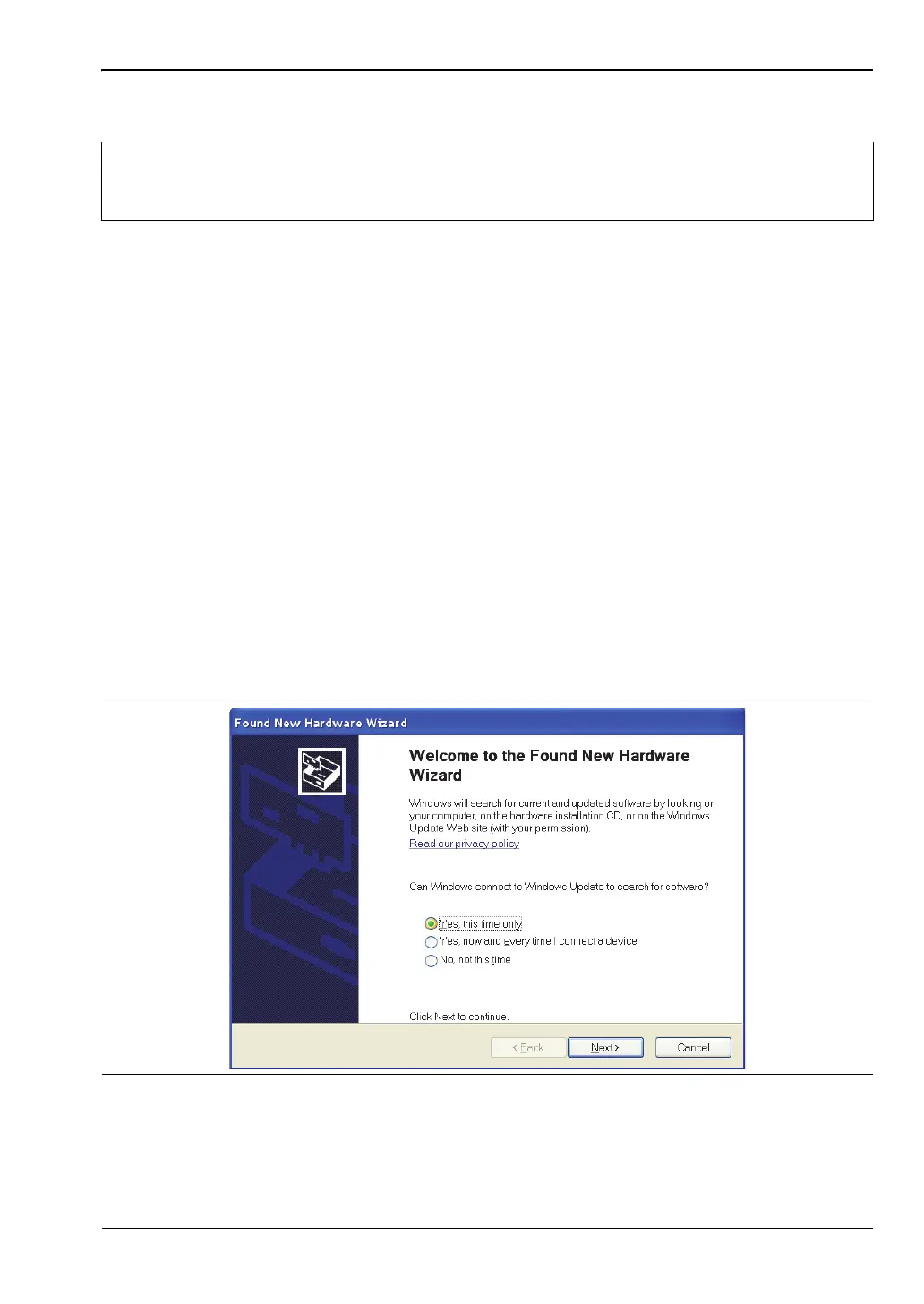
3. Connect the USB cable A connector to the controller PC USB host port. The controller
PC should indicate “New Hardware Found” if the combination of USB VID/PID/Serial
Number has never been connected to this controller PC.
Note
For proper detection, Master Software Tools must be installed on the PC prior to
connecting to the MS20xxC using the USB port. Master Software Tools provides
the installation tools to install the USB and VISA drivers.
Figure 1-1. USB Found New Hardware Wizard











 To Next Page