TEDS 239
imc CANSAS Users Manual - Doc. Version 1.9 - 05.12.2014© 2014 imc Meßsysteme GmbH
5.8.2.4.1 Importing sensor information from the sensor database
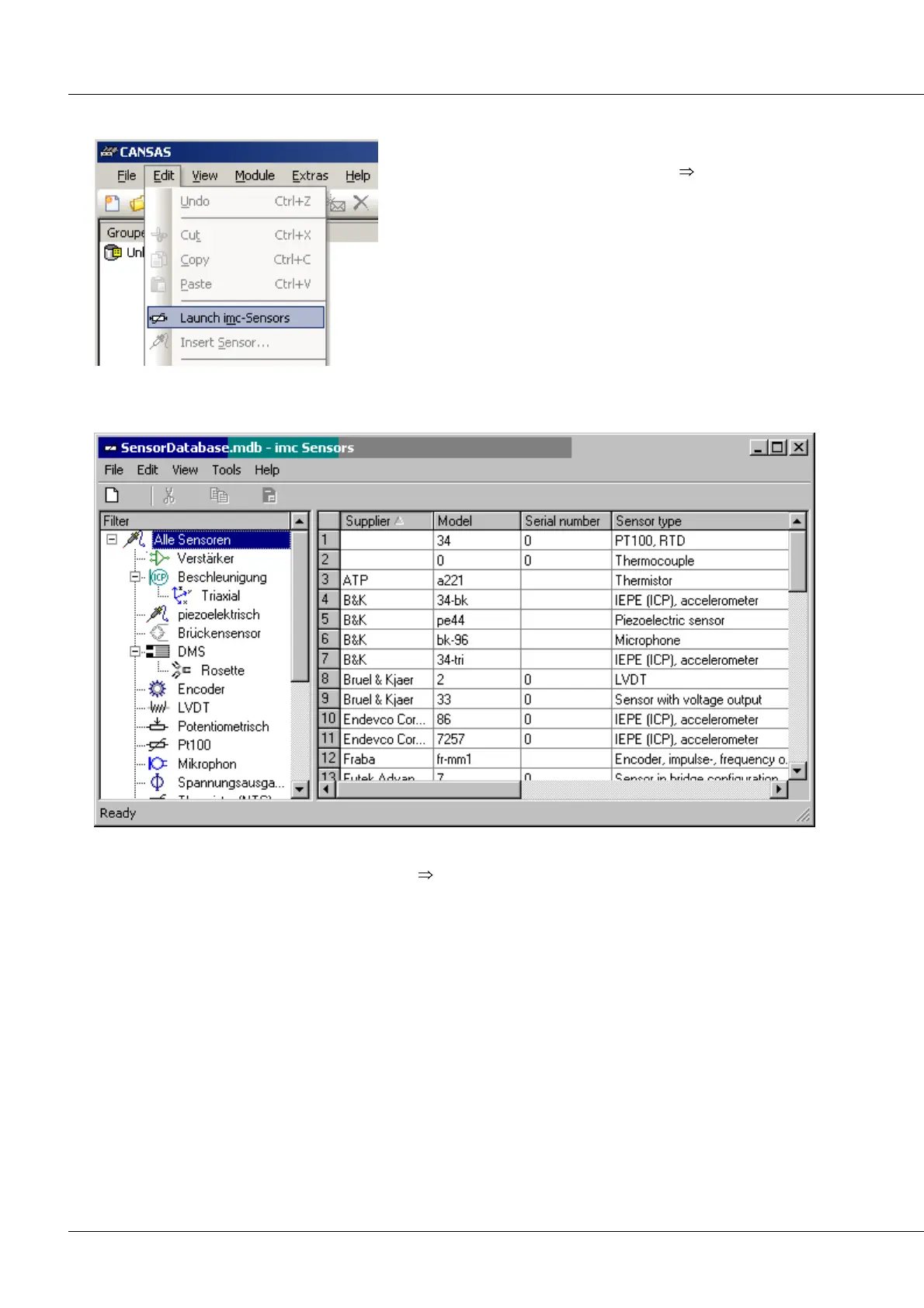
If imc SENSORS is installed, the sensor database can be
started either via the menu item Edit Start imc
SENSORS... or by clicking on the corresponding button in
the toolbar.
Once the desired sensor has been selected, the sensor information can be applied to the desired channel
by means of Drag & Drop.
Alternatively, the imc CANSAS menu item Edit Insert sensor... can be used. Therefore imc Sensor has to
be started and a sensor is selected.



 To Next Page