3.10
SEL-751 Relay Instruction Manual Date Code 20170927
PC Software
Settings
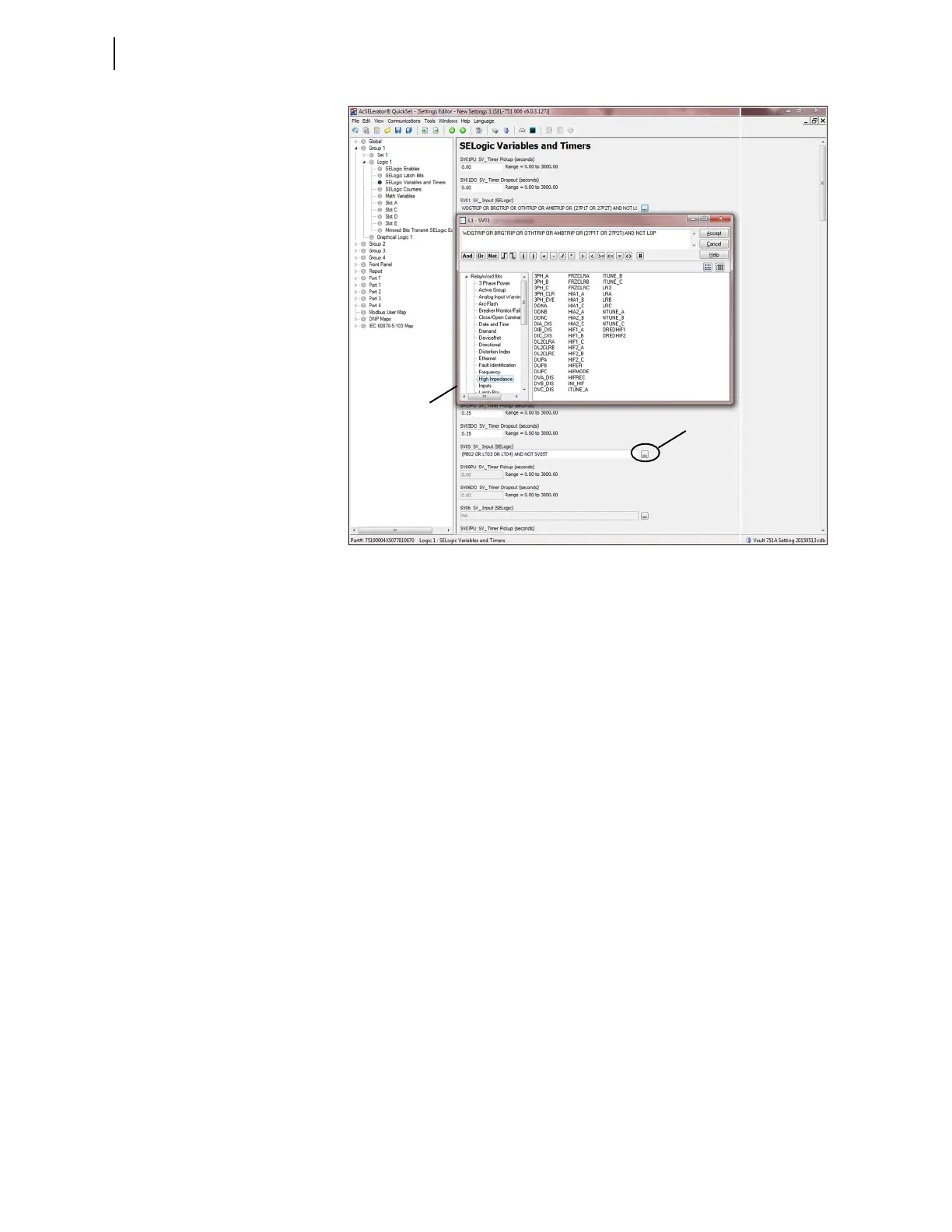
Figure 3.9 Expressions Created With Expression Builder
Expression Builder Organization
The Expression Builder dialog box is organized into two main parts
representing the left side (LVALUE) and right side (RVALUE) of the
SEL
OGIC control equation. The LVALUE is fixed for all settings.
Using the Expression Builder
Use the right side of the equation (RVALUE) to select broad categories of
device elements, analog quantities, counters, timers, latches, and logic
variables. Select a category in the RVALUE tree view, and the Expression
Builder displays all operands for that category in the list box at the bottom
right side. Directly underneath the right side of the equation, choose operators
to include in the RVALUE. These operators include basic logic, rising- and
falling-edge triggers, expression compares, and comments.
Touchscreen Settings and Bay Screen Builder
The touchscreen settings are available when the touchscreen display option is
selected as part of the front-panel options. This option provides you with the
ability to design bay screen one-line diagrams with the help of Bay Screen
Builder SEL-5036 Software. For more information, refer to Bay Screens
Design Using QuickSet and Bay Screen Builder on page 9.6.
File > Save
Select the Save menu item from the File menu item of the Settings Editor
once settings are entered into QuickSet to ensure that the settings are not lost.
Created Expression
Ellipsis Button



 To Next Page