3.15
Date Code 20170927 Instruction Manual SEL-751 Relay
PC Software
Meter and Control
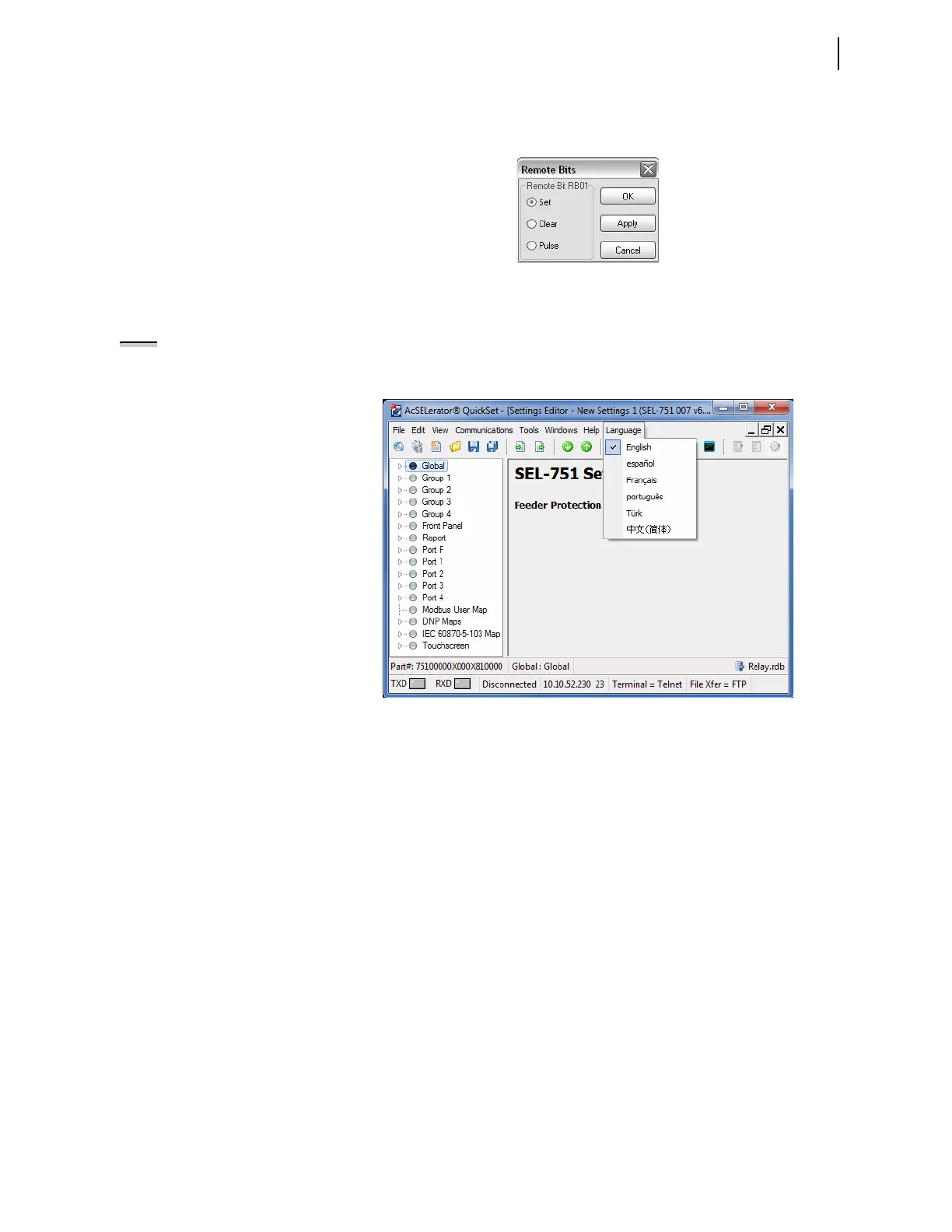
To control the Remote bits, click on the appropriate square, then select the
operation from the box shown in Figure 3.14.
Figure 3.14 Remote Operation Selection
Language Support
QuickSet has multi-language support. Click on the Language menu to choose
from English, Spanish, French, or Chinese, as seen in Figure 3.15. Selecting
any of these choices converts the menu items in QuickSet to the selected
language.
Figure 3.15 Language Support Options
Additionally, if Spanish or English is selected from the Language menu, the
relay settings displayed by QuickSet are converted into the corresponding
language as shown in Figure 3.16.
NOTE: If the SEL-751 is connected
to any SEL communications
processor (SEL-203x or RTAC), the
corresponding LANG port setting
must be set to ENGLISH.



 To Next Page