8.25
Date Code 20170927 Instruction Manual SEL-751 Relay
Front-Panel Operations
Touchscreen Display Front Panel
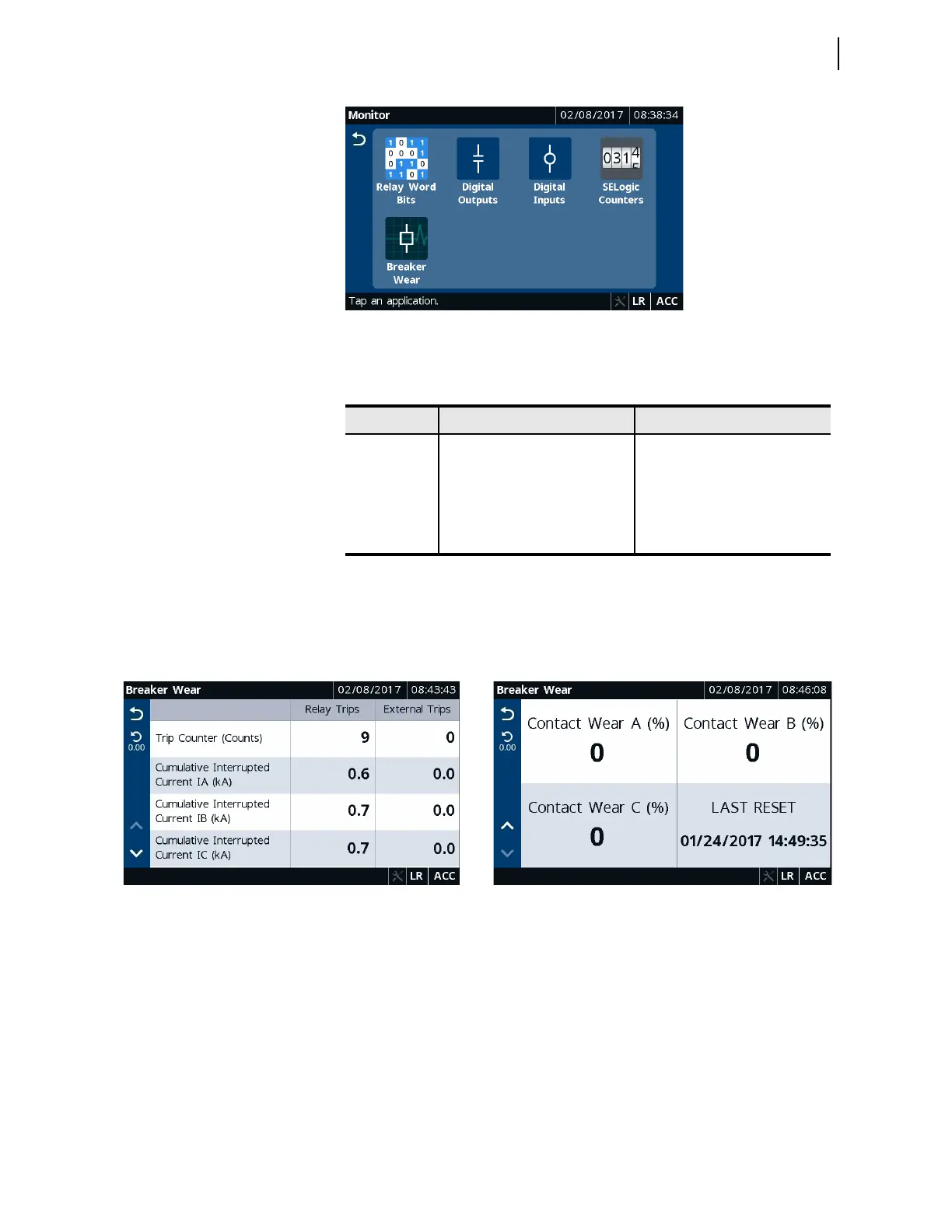
Figure 8.36 Monitor Applications
Table 8.10 identifies all the applications available in the Monitor folder.
Tap the Breaker Wear application to view accumulated breaker wear/
operations. You can reset the accumulated data by tapping the Reset button
provided in the sidebar of the Breaker Wear application. Typical screens for
the Breaker Wear application follow.
Monitor the status of the Relay Word bits using the Relay Word Bits screen.
Note that asserted Relay Word bits are highlighted in blue. You can use the
Search button in the Relay Word Bits application to view the status of a
Relay Word bit. To search for a Relay Word bit, you must enter the full name
of the Relay Word bit in the screen Search Relay Word Bit SEARCH field.
Figure 8.39 and Figure 8.40 show typical Relay Word bits monitoring screens.
Table 8.10 Monitor Application Availability
Folder Name Application Name Comments
Monitor
Relay Word Bits Always available
Digital Outputs Always available
Digital Inputs Always available
SEL
OGIC Counters Always available
Breaker Wear Always available
Figure 8.37 Breaker Wear Trips Figure 8.38 Breaker Wear A, B, C, and Last Reset



 To Next Page