8.13
Date Code 20170927 Instruction Manual SEL-751 Relay
Front-Panel Operations
Two-Line Display Front Panel
Breaker Menu. Select the Breaker menu item on the MAIN menu as shown in
Figure 8.24 to access
Breaker Monitor data or Reset the data. See Breaker
Monitor on page 5.19, in Section 5: Metering and Monitoring for a detailed
description.
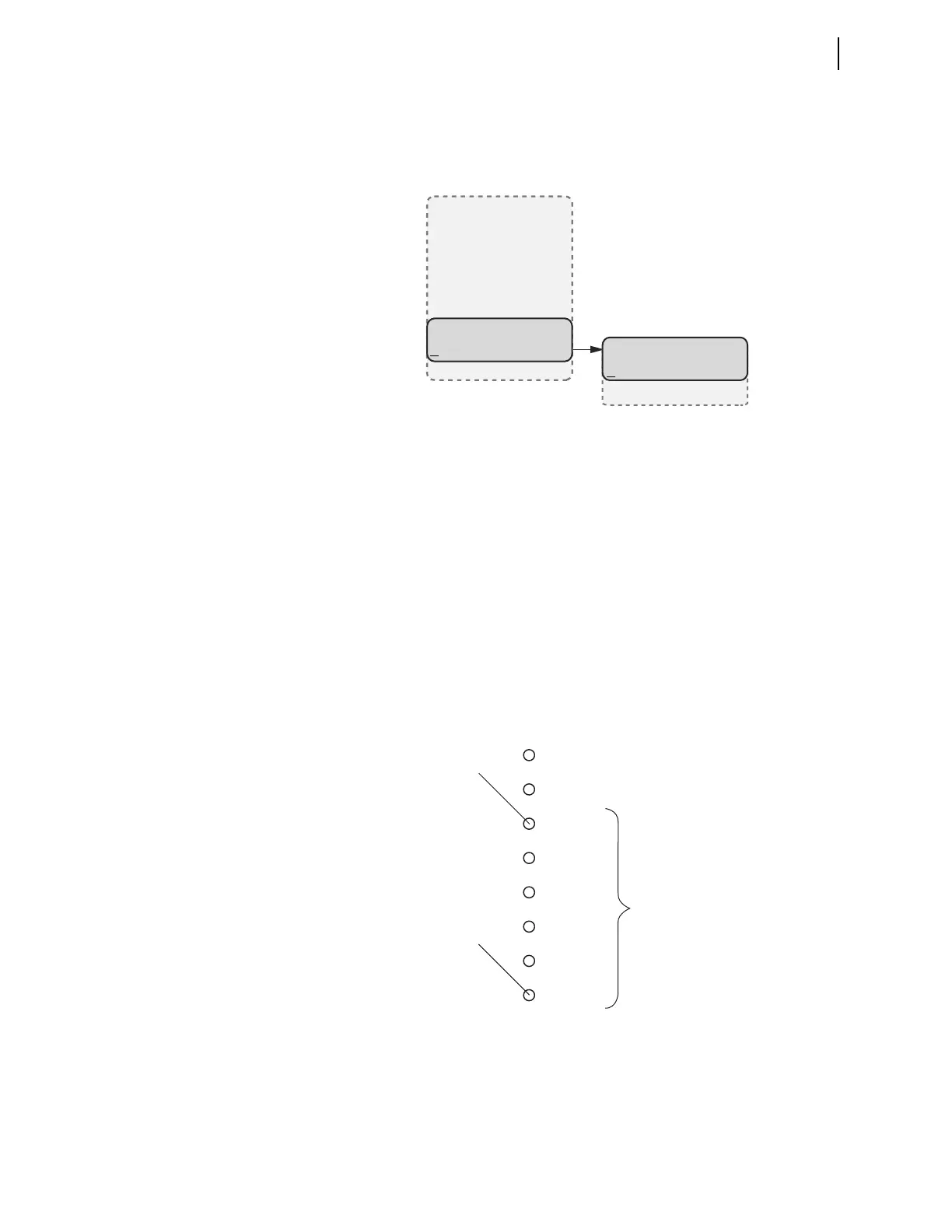
Figure 8.24 MAIN Menu and Breaker Submenu
Language Support
All of the HMI messages can be displayed in multiple languages (English or
Spanish). The relay part number determines which language is displayed on
the HMI. The HMI can display either ENGLISH or SPANISH. See the
SEL-751 Relay Command Summary for a list of the commands.
Operation and Target
LEDs
Programmable LEDs
The SEL-751 provides quick confirmation of relay conditions via operation
and target LEDs. Figure 8.25 shows this region with factory-default text on
the front-panel configurable labels. See Target LED Settings on page 4.203 for
the SEL
OGIC control equations and the tricolor LED color selection settings.
Figure 8.25 Factory Default Front-Panel LEDs
You can reprogram all of these indicators except the ENABLED and TRIP LEDs
to reflect operating conditions other than the factory-default programming
described in this subsection.
(Breaker Selected)
BREAKER
Display
Reset
MAIN
Meter
Events
Targets
Control
Set/Show
Status
Breaker
Quit
T01_LED
Factory Default Label
T06_LED
ENABLED
TRIP
INST OC
PHASE OC
GND/NEU OC
NEG SEQ OC
O/U FREQ
BRKR FAIL



 To Next Page