9.23
Date Code 20170927 Instruction Manual SEL-751 Relay
Bay Control
Bay Control Application Example
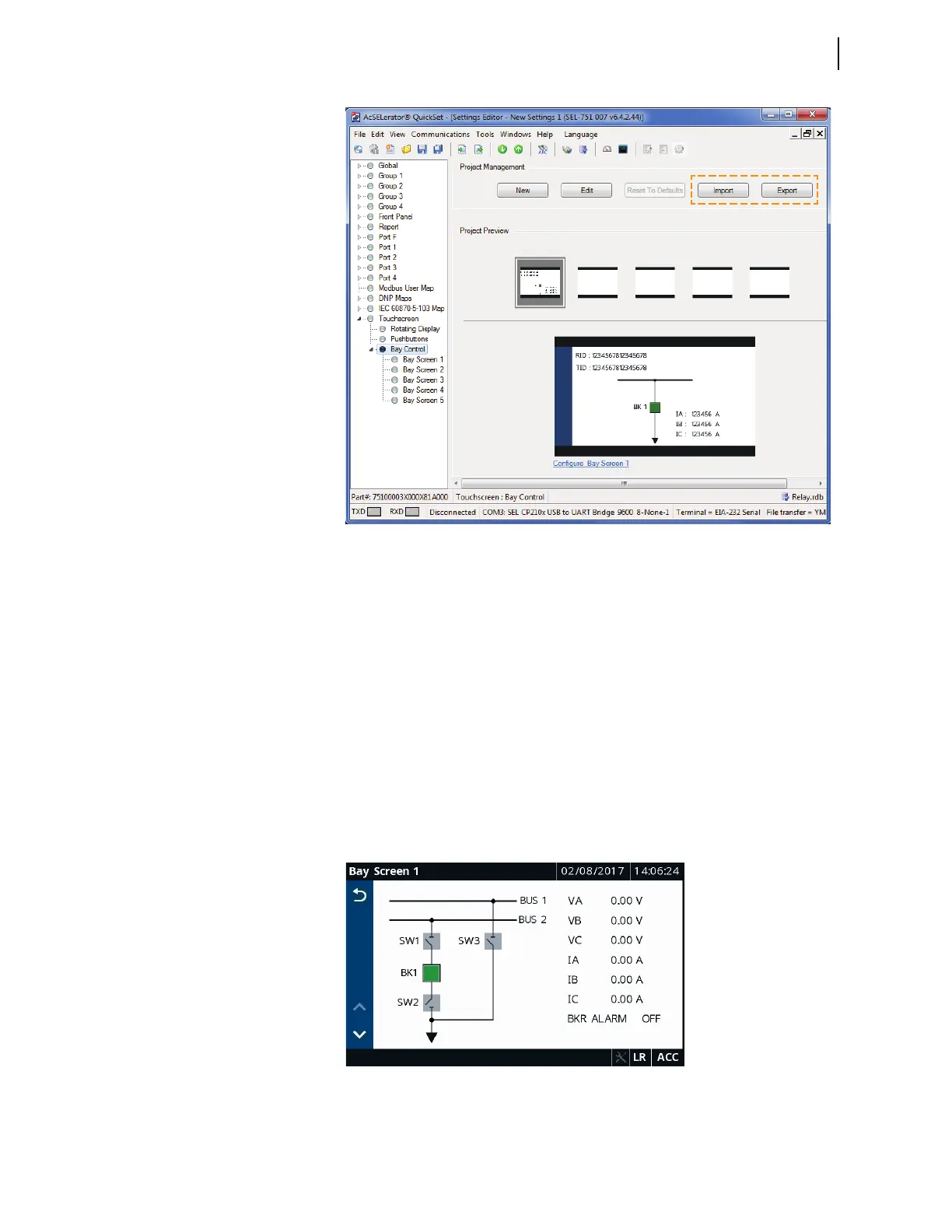
Figure 9.20 Import/Export of the Bay Control Screen in QuickSet
Reset to Defaults
Click Reset to Defaults in the QuickSet Project Management section to
restore the default project in QuickSet.
Predefined Bay
Control Single-Line
Diagrams
Bay Screen Builder provides the ability to design bay control single-line
diagrams. The following predefined single-line diagrams are available on the
instruction manual CD. You can use them as is or edit them to fit your specific
application. Any one of the following single-line diagrams can be imported
into Bay Screen Builder in place of the existing predefined single-line
diagram. Use the Import button in the Project Management area of
QuickSet to import one of the screens provided on the instruction manual CD.
All the predefined single-line diagram templates are created with ANSI
symbols. To create a single-line diagram with IEC symbols, click the New
button in QuickSet to start a new Bay Screen Builder project and select IEC as
the symbol type.
Figure 9.21 Main Bus and Transfer Bus Bay Control Single-Line Diagram



 To Next Page