8.34
SEL-751 Relay Instruction Manual Date Code 20170927
Front-Panel Operations
Touchscreen Display Front Panel
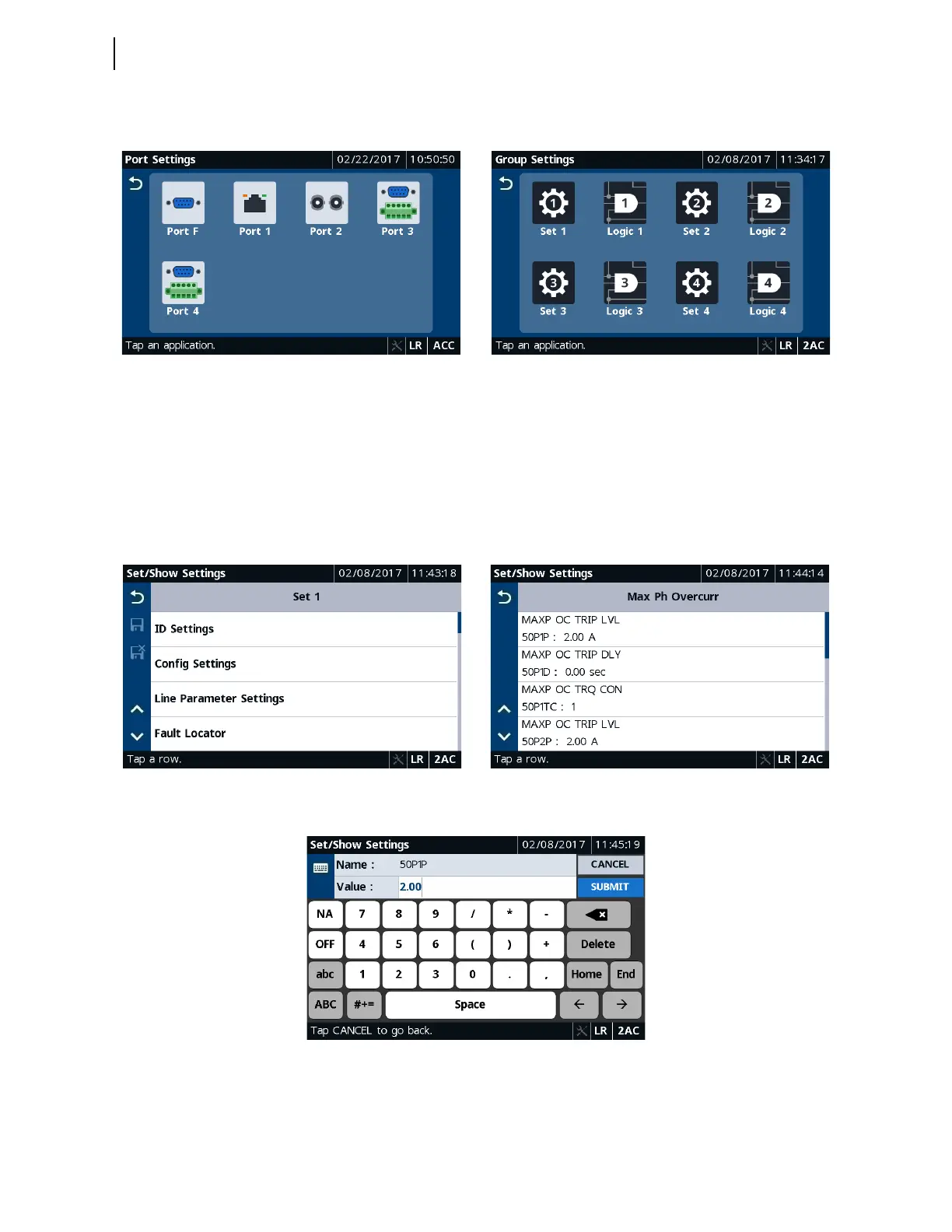
Figure 8.63 and Figure 8.64 show typical port and group settings screens.
To edit a setting, tap on a setting row and enter the 2AC password. If the
access level is already at 2AC, the relay does not prompt for password
authentication. After entering the value, tap the Save button to save your edit,
or click the Cancel Save button to cancel the edit (see Table 8.7). When
editing a settings class (e.g., Set 1 in Group Settings), you cannot navigate to
another class (e.g., Logic 1) without saving or discarding the settings change
made in Set 1.
Figure 8.63 Port Settings Figure 8.64 Group Settings
Figure 8.65 Set 1 Settings Figure 8.66 Max Phase Overcurrent Settings
Figure 8.67 Set/Show Settings Edit



 To Next Page