11.7
Date Code 20170927 Instruction Manual SEL-751 Relay
Testing and Troubleshooting
Commissioning Tests
Step 25. If your relay is equipped with voltage inputs, check the
following:
➢ Phase voltage magnitudes should be nearly equal.
➢ Phase voltage phase angles should be balanced and
have proper phase rotation.
The SEL-751 is now ready for continuous service.
Functional Tests
Phase Current Measuring Accuracy
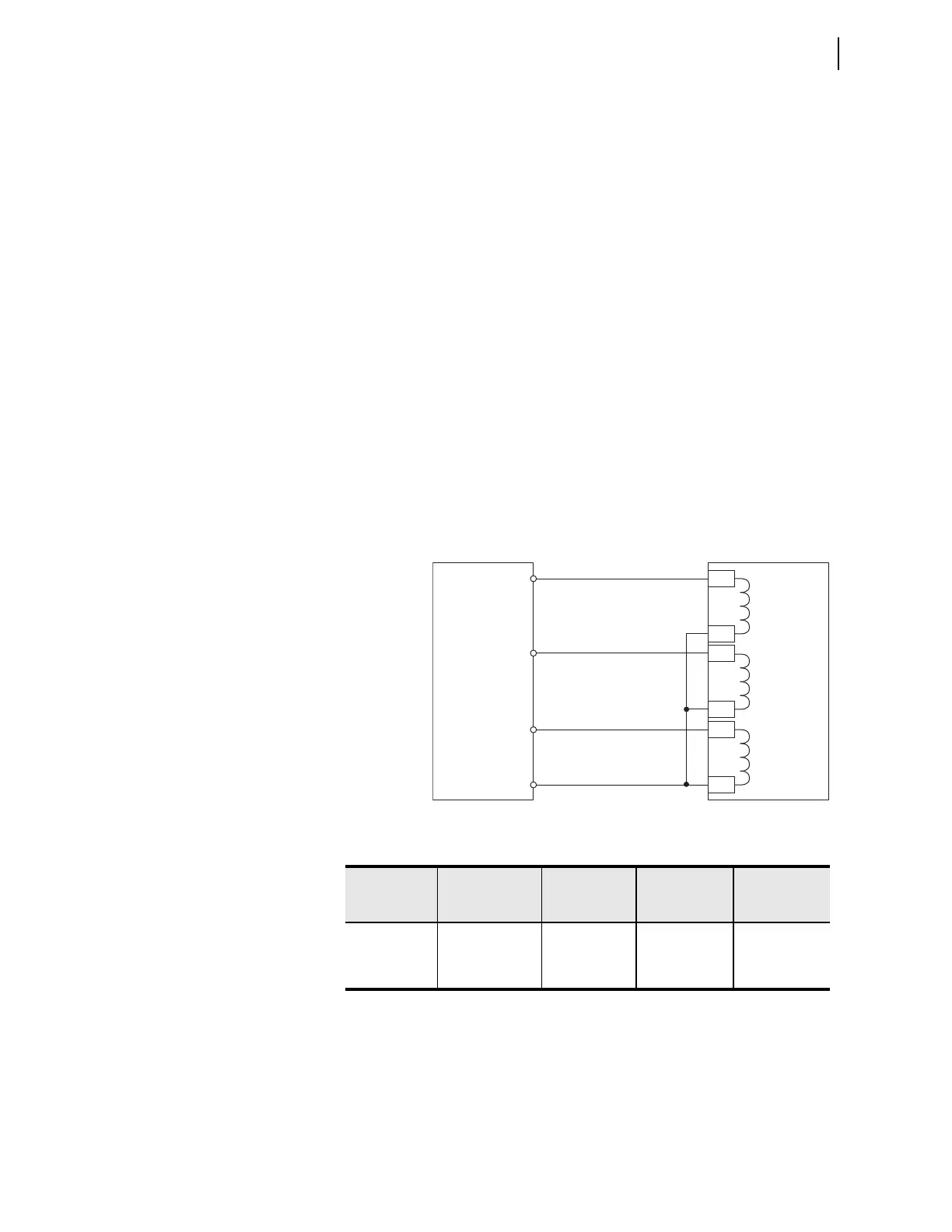
Step 1. Connect the current source to the relay, as shown in
Figure 11.4.
Step 2. Using the front-panel
SET/SHOW or the serial port SHO
command, record the CTR and PHROT setting values.
Step 3. Set the phase current angles to apply balanced three-phase
currents in accordance with the PHROT setting. Refer to
Figure 11.2.
Step 4. Set each phase current magnitude equal to the values listed in
Column 1 of Table 11.3. Use the front panel to view the phase
current values. The relay should display the applied current
magnitude times the CTR setting.
Figure 11.4 Current Source Connections
Table 11.3 Phase Current Measuring Accuracy
|I| Apply
(A secondary)
a
a
I
NOM
= rated secondary amperes (1 or 5).
Expected
Reading
CTR x |I|
A–Phase
Reading
(A primary)
B–Phase
Reading
(A primary)
C–Phase
Reading
(A primary)
0.2 x I
NOM
0.9 x I
NOM
1.6 x I
NOM
SEL-751
Current
Test
Source
IA
IB
IC
IC
IB
IA
N
Z01
Z02
Z03
Z04
Z05
Z06



 To Next Page