8.4
SEL-751 Relay Instruction Manual Date Code 20170927
Front-Panel Operations
Two-Line Display Front Panel
In the figures that follow, restricted activities are indicated by the padlock
symbol.
Figure 8.3 Access Level Security Padlock Symbol
Before you can perform a front-panel menu activity that is marked with the
padlock symbol, you must enter the correct Access Level 2 password. After
you have correctly entered the password, you can perform other Access
Level 2 activities without reentering the password.
Access Level 2 Password Entry
When you try to perform an Access Level 2 activity, the relay determines
whether you have entered the correct Access Level 2 password since the front-
panel inactivity timer expired. If you have not, the relay displays the screen
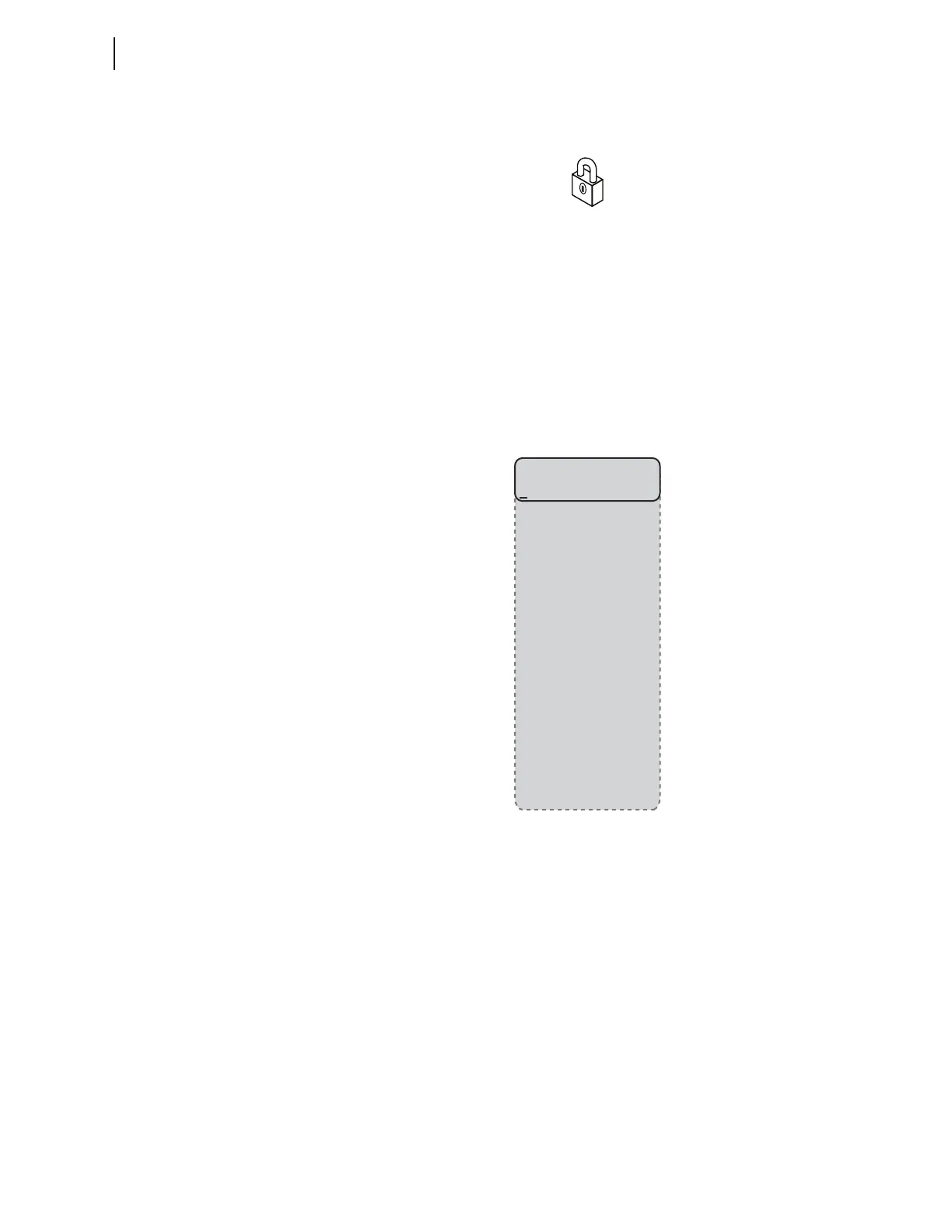
shown in Figure 8.4 for you to enter the password.
Figure 8.4 Password Entry Screen
See PASSWORD Command (Change Passwords) on page 7.44 for the list of
default passwords and for more information on changing passwords.
Front-Panel Timeout
To help prevent unauthorized access to password-protected functions, the
SEL-751 provides a front-panel timeout, setting FP_TO. A timer resets every
time you press a front-panel pushbutton. Once the timeout period expires, the
access level resets to Access Level 1. Manually reset the access level by
selecting
Quit from the MAIN menu.
Password=
Del Clr Accept
A B C D E F G H
I J K L M N O P
Q R S T U V W X
Y Z . . . . . .
a b c d e f g h
i j k l m n o p
q r s t u v w x
y z . . . . . .
0 1 2 3 4 5 6 7
8 9 . . . . . .
! " # $ % & ' (
) * + , - . / :
; < = > ? @ [ \
] ^ _ ` { | } ~



 To Next Page