8.22
SEL-751 Relay Instruction Manual Date Code 20170927
Front-Panel Operations
Touchscreen Display Front Panel
Table 8.8 shows a list of folders and applications available on the Home
screen.
The applications shown in the folders are based on the part number. For
example, if the relay does not support arc flash, the Light Intensity and Arc-
Flash Diagnostics applications are not shown in the Meter and Device Info
folders, respectively.
Descriptions of the folders and applications on the Home screen follow.
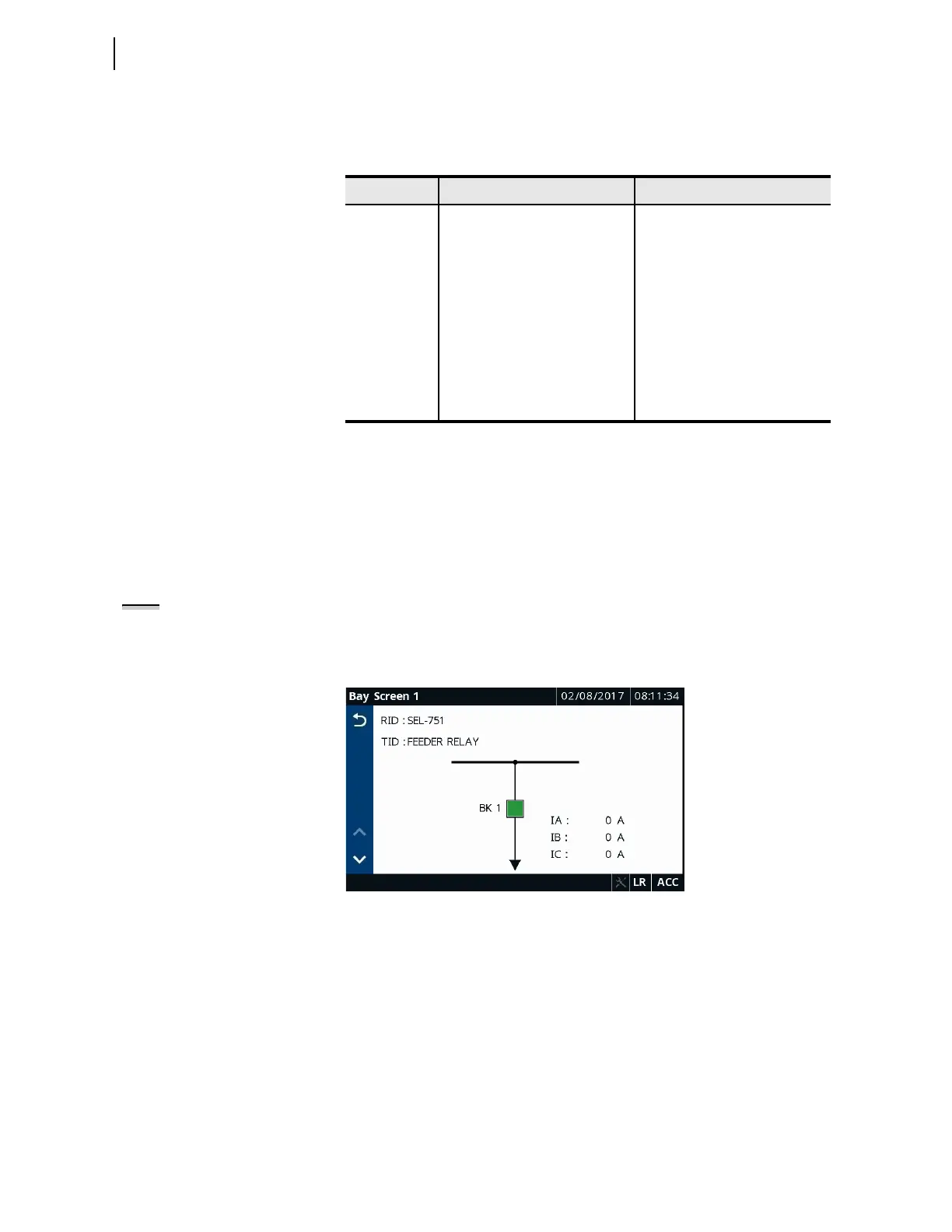
Bay Screens
Tap this application to navigate to as many as five customer-designed screens
(Bay Screen 1 through Bay Screen 5, see Table 8.17). You can design these
screens using
ACSELERATOR Bay Screen Builder SEL-5036 Software. Refer
to Section 9: Bay Control for the procedure to create custom screens.
Figure 8.30 Bay Screens Application
Meter
Tapping this folder navigates you to the Meter screen, as shown in
Figure 8.31. This screen lists all of the available metering applications. The
applications on the Meter screen are part number dependent. Only those
metering applications specific to your part number appear on the Meter
screen. Tapping an application on the Meter screen shows you the report for
that particular application.
Table 8.8 Home Folders and Applications
Screen Name Folder or Application Name Comments
Home
Bay Screens Always available
Meter Always available
Monitor Always available
Reports Always available
Control Always available
Device Info Always available
Access Level Always available
Settings Always available
Rotating Display Always available
NOTE: Five bay screens are always
rendered on the touchscreen. Any
unused screens are blank.



 To Next Page