3.16
SEL-751 Relay Instruction Manual Date Code 20170927
PC Software
Meter and Control
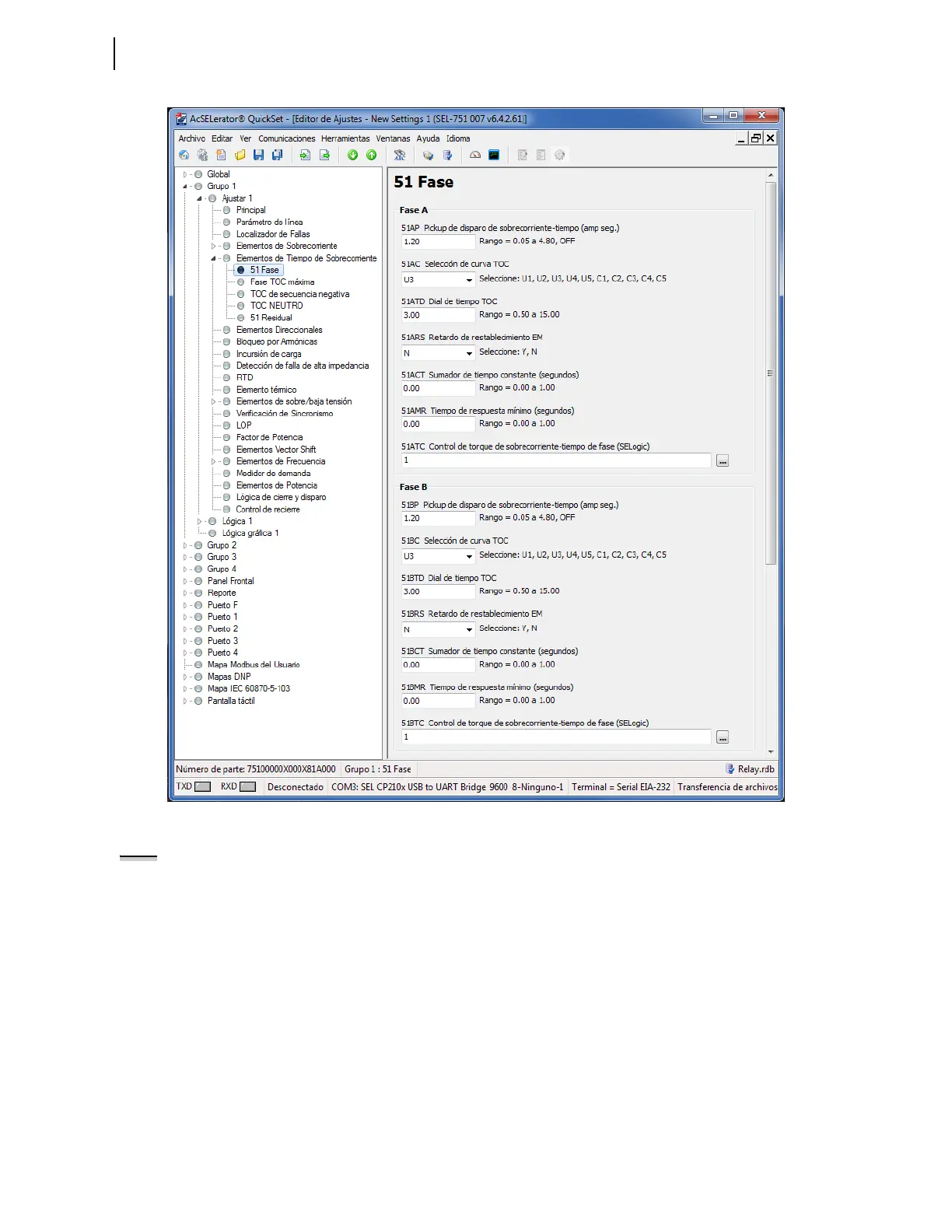
Figure 3.16 Spanish Settings QuickSet Display
Each communications port (serial or Ethernet) on the SEL-751 can be
independently set to display either English or Spanish. Changing the port
setting LANG to SPANISH or ENGLISH results in the QuickSet HMI and all
of its available functions to display in the corresponding language. For
example, if the Control Window is selected in the HMI while the setting
LANG := SPANISH, QuickSet displays the Control Window (Ventana de
Control) in Figure 3.17.
NOTE: Once the HMI screen is
displayed in QuickSet, the LANG
setting does not affect the displayed
HMI. To change the language of the
HMI, the HMI must be closed, and the
LANG setting must be changed, and
the HMI reopened.



 To Next Page