100
Display module settings
Type 8098 FLOWave L
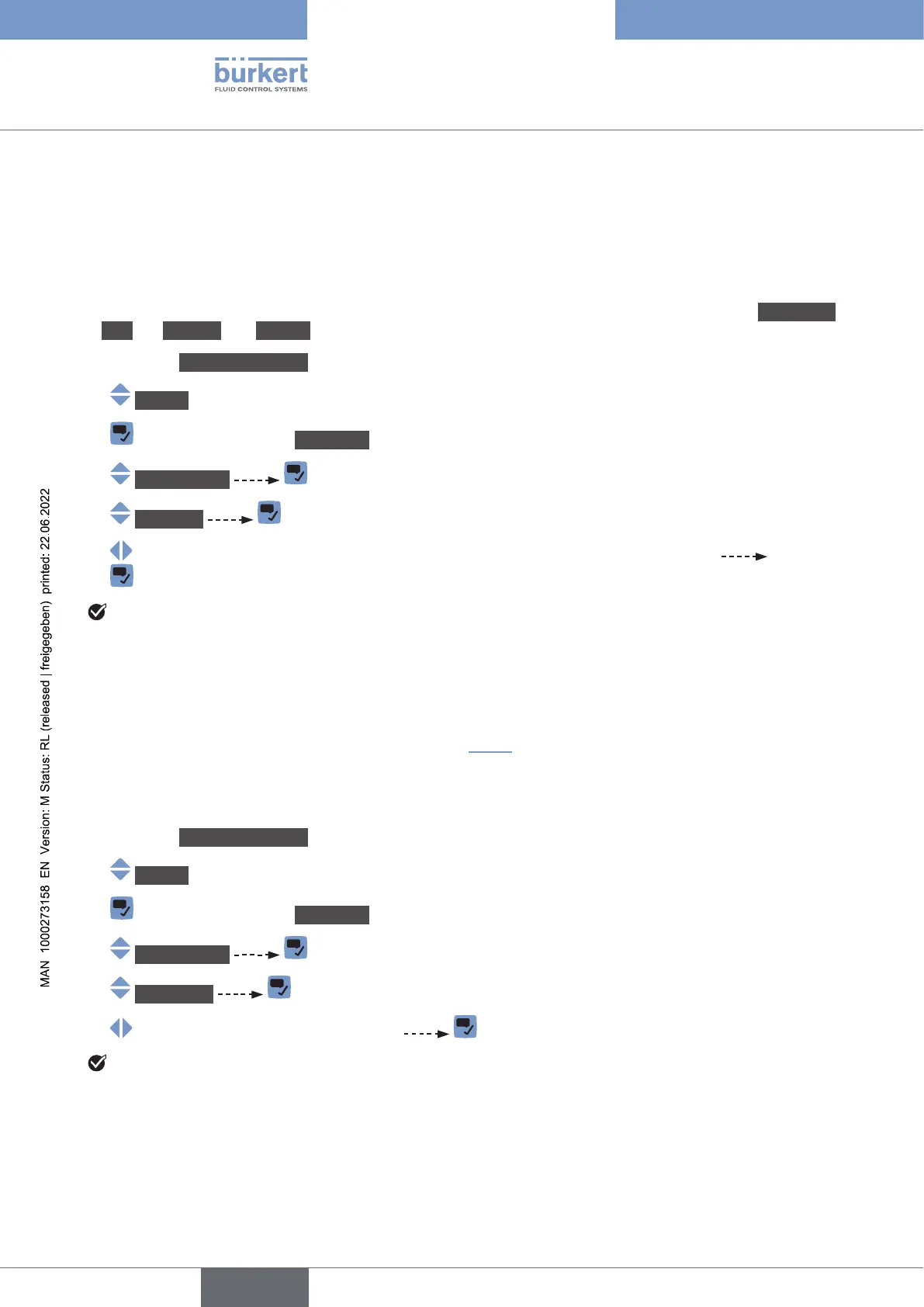
11.3.3 Adjusting the activation delay of the screen saver
The screen saver allows you to:
• Save energy.
•
• And, if the adjustment is protected through passwords, to be automatically logged out from an Advanced
user, an Installer or a Bürkert user level after the activation delay of the screen saver has elapsed.
→ Go to the CONFIGURATION view.
→ Display
→ Parameter view.
→ Screensaver .
→ Waittime .
→
The activation delay of the screen saver is adjusted.
11.3.4 Adjusting the brightness of the backlight by active screen
saver
• .
•
To set the backlight brightness if the screen saver is active, do the following:
→ Go to the CONFIGURATION view.
→ Display
→ Parameter view.
→ Screensaver .
→ Brightness
→
The brightness of the backlight is adjusted.
English



 To Next Page