252
SAW sensor – Diagnostics
Type 8098 FLOWave L
16.6 Reading out the operating hours of the measurement
board
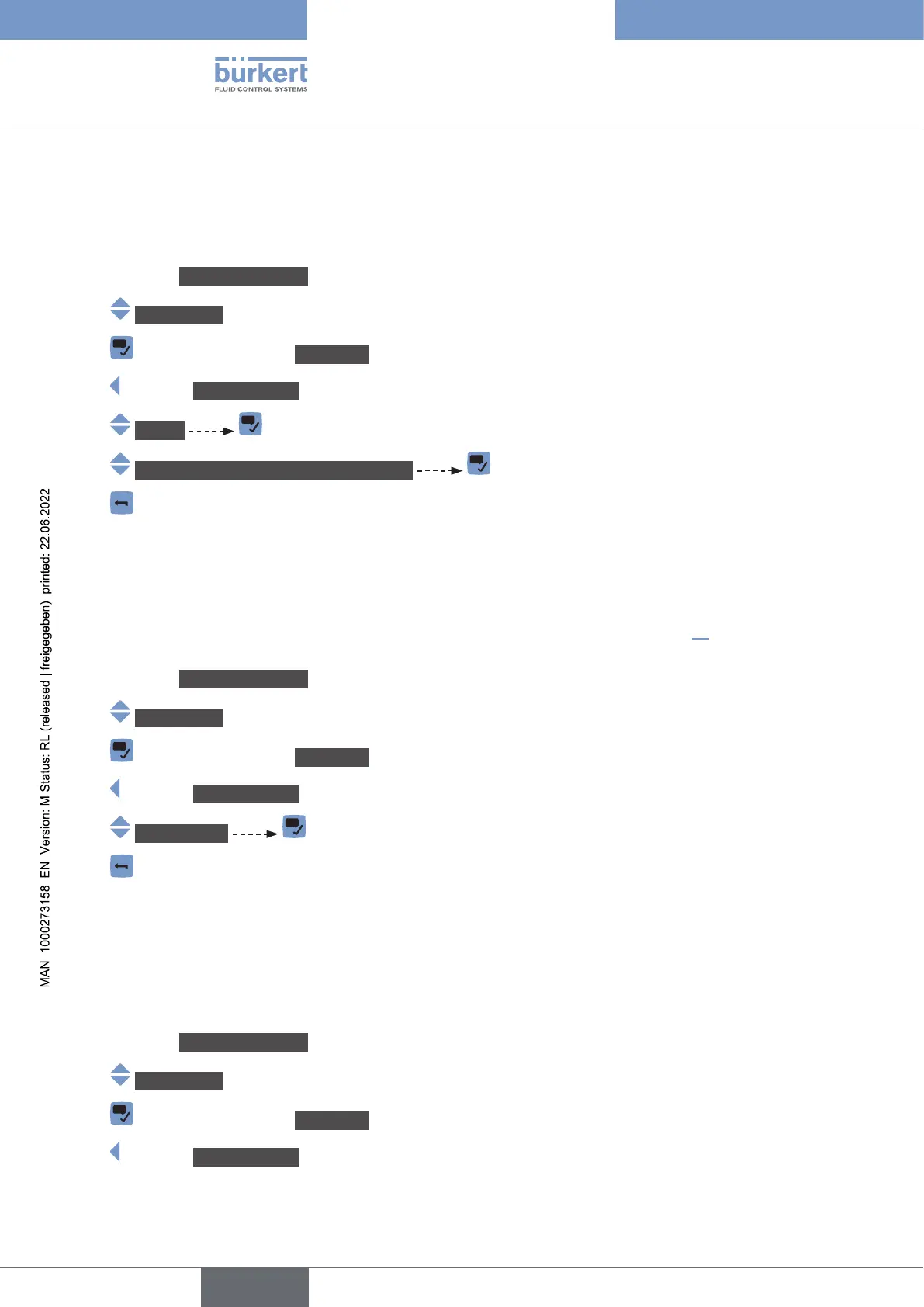
To read out the operating hours of the measurement board, do the following:
→ Go to the CONFIGURATION view.
→ SAWsensor
→ Parameter view.
→ DIAGNOSTICS view.
→ Device
→ Operatinghours(measurementboard)
→
16.7 Reading out the diagnostics related to the output
values
. To read out
diagnostics related to the output values, do the following:
→ Go to the CONFIGURATION view.
→ SAWsensor
→ Parameter view.
→ DIAGNOSTICS view.
→ Outputvalue
→
16.8 Reading out the diagnostics events that occurred in
the process
To read out the diagnostics events that occurred in the process, and to read out the possible associated
behaviour of the device, do the following:
→ Go to the CONFIGURATION view.
→ SAWsensor
→ Parameter view.
→ DIAGNOSTICS view.
English



 To Next Page