324
Maintenance and troubleshooting
Type 8098 FLOWave L
24.8 Messages when setting wrong parameters
24.8.1 Kinematic viscosity ≤ 0. Check the ow viscosity
compensation's parameters
Message
parameters
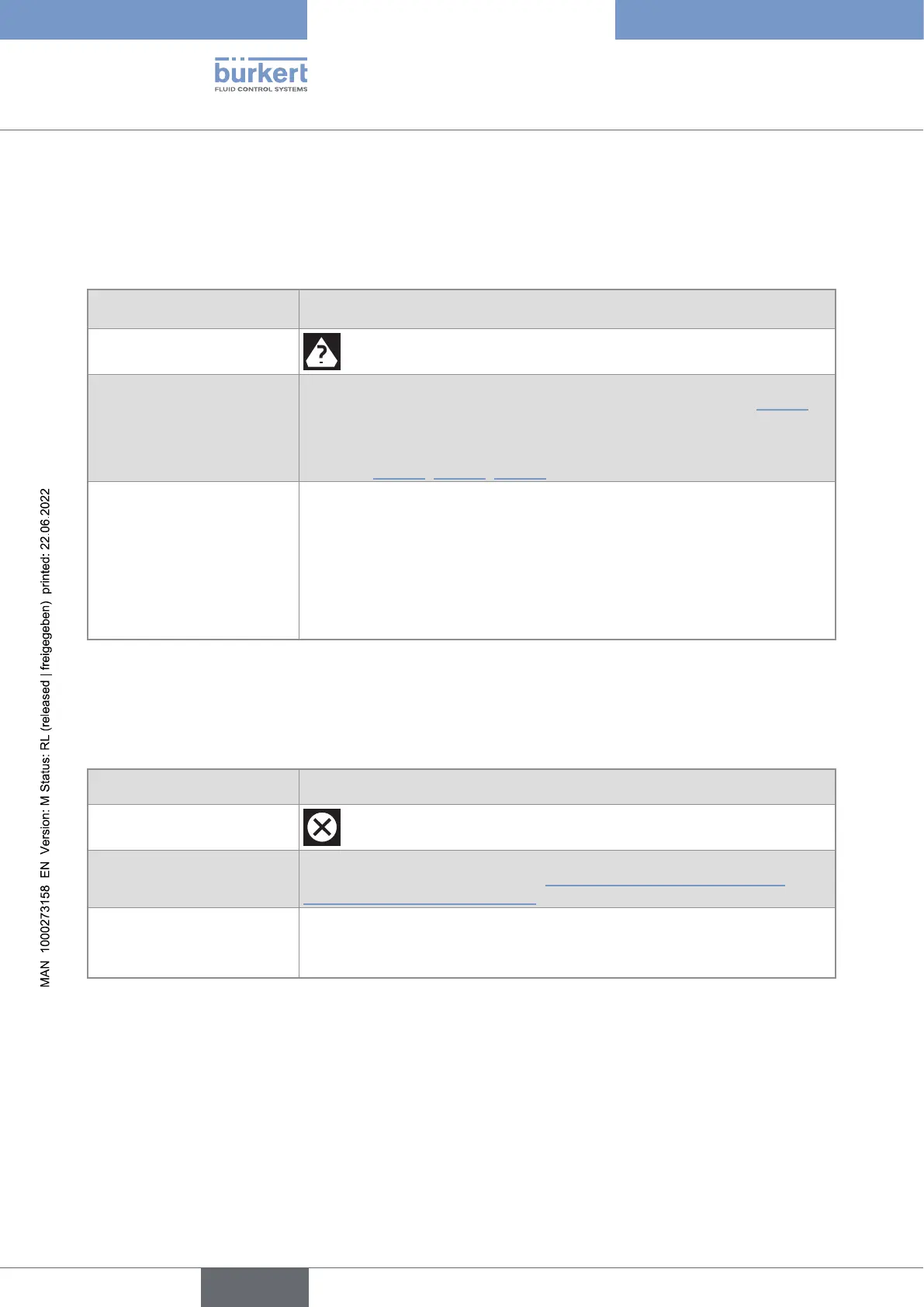
Symboldisplayedinthe
informationbar
Possiblecause • When activating the compensation for a liquid with a constant viscosity,
.
• When activating the compensation for a liquid with a non-constant vis-
cosity, the result of the entered equation is negative or equal to 0. See
, , .
Whattodo?
→ When activating the compensation for a liquid with a constant viscosity,
enter a positive value of the viscosity.
→ When activating the compensation for a liquid with a non-constant vis-
cosity, make sure the liquid temperature is in the range covered by the
equation.
→ When activating the compensation for a liquid with a non-constant vis-
cosity, make sure you have entered correct constant values.
24.9 Messages due to device internal diagnostics
24.9.1 Message "Overvoltage detected"
Message
Overvoltage detected
Symboldisplayedinthe
informationbar
Possiblecause The supply voltage of the device is higher than or equal to the permitted
voltage or the device temperature.
Whattodo?
→
As soon as the supply voltage value returns to within the permitted range,
the error is automatically reset.
English



 To Next Page