187
SAW sensor – Parameter
Type 8098 FLOWave L
15.8 Setting the parameters of the liquid velocity
15.8.1 Giving a user dened name to the measured liquid velocity
Outputs menu).
By default, the name associated to the measured liquid velocity is Liquidvelocity.
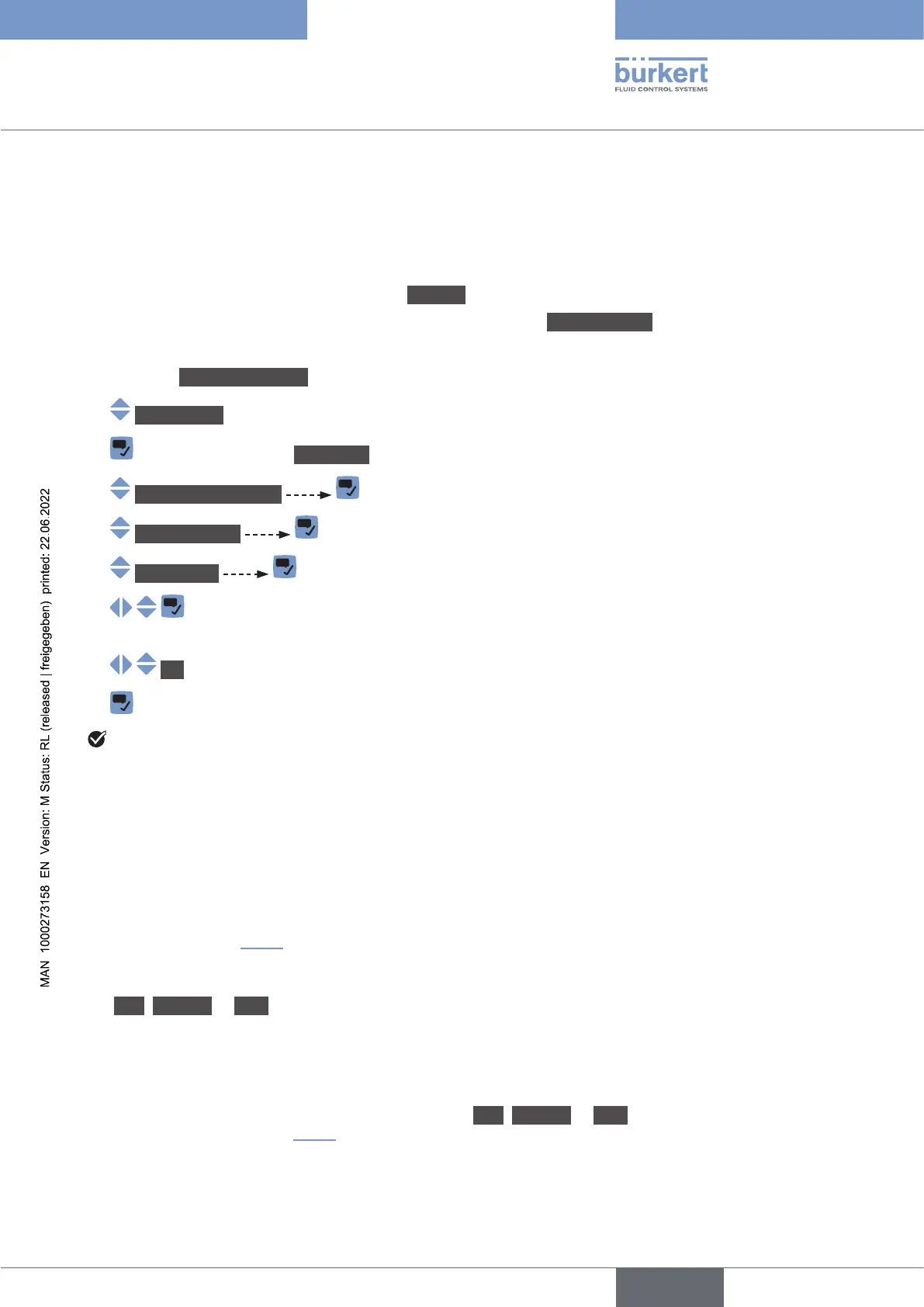
→ Go to the CONFIGURATION view.
→ SAWsensor
→ Parameter view.
→ Stand.meas.values
→ Liquidvelocity
→ Valuename .
→
characters.
→ OK
→
The name is changed.
15.8.2 Activating the damping of the liquid velocity values and
choosing a predened damping level
• on the display,
• on the outputs. The damping of the liquid velocity comes in addition to the damping set for each analog
).
The damping is not applied to the new measured value, if the 2 following conditions are met:
• a Low, Medium or High damping level is active,
•
By default, the liquid velocity values are not damped.
→ Low, Medium or High, you can set your own
damping parameters. See .
English



 To Next Page