204
SAW sensor – Parameter
Type 8098 FLOWave L
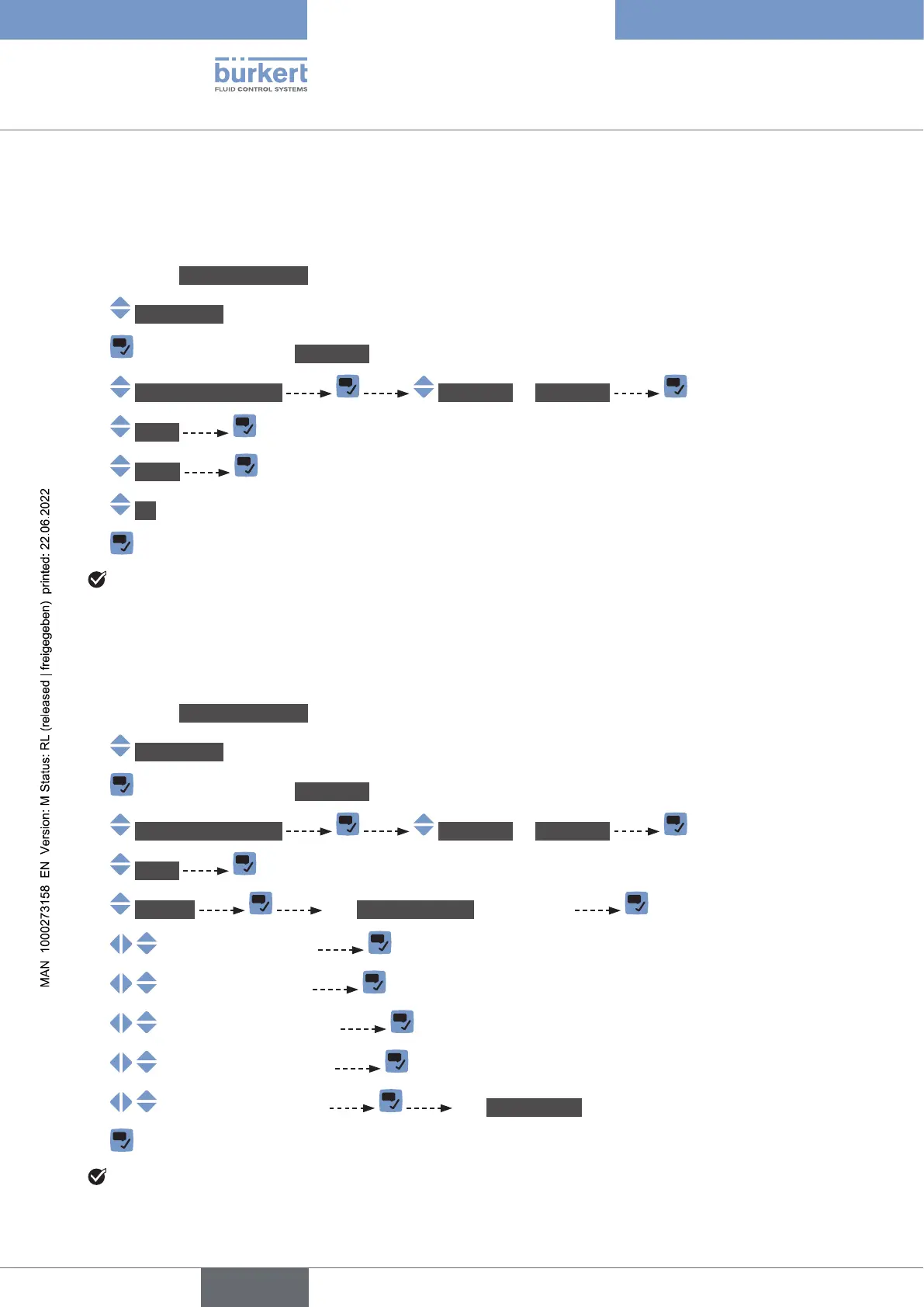
15.10.4 Deactivating the monitoring of each volume totalizer
By default, the volume totalizers are not monitored.
But if the monitoring of a volume totalizer is active, do the following to deactivate it:
→ Go to the CONFIGURATION view.
→ SAWsensor
→ Parameter view.
→ Stand.meas.values Totalizer1 or Totalizer2
→ Limits
→ Active
→ No.
→
The monitoring of the volume totalizer is inactive.
15.10.5 Changing the error limits, the warning limits and the hysteresis
of each volume totalizer
To change the error limits, the warning limits and the hysteresis of each volume totalizer, do the following:
→ Go to the CONFIGURATION view.
→ SAWsensor
→ Parameter view.
→ Stand.meas.values Totalizer1 or Totalizer2
→ Limits
→ Settings The Currentsettings are displayed
→
→
→
→
→ The Newsettings are displayed.
→
The limit values and the hysteresis value are changed.
English



 To Next Page