110
General settings – Parameter
Type 8098 FLOWave L
12.5 Setting the basic parameters for identifying the
device on büS
The Displayedname, the Location and the Description allow you to clearly identify the device on büS.
12.5.1 Entering a name for the device
The entered name will be shown on any display (e.g. the Communicator software) connected to büS.
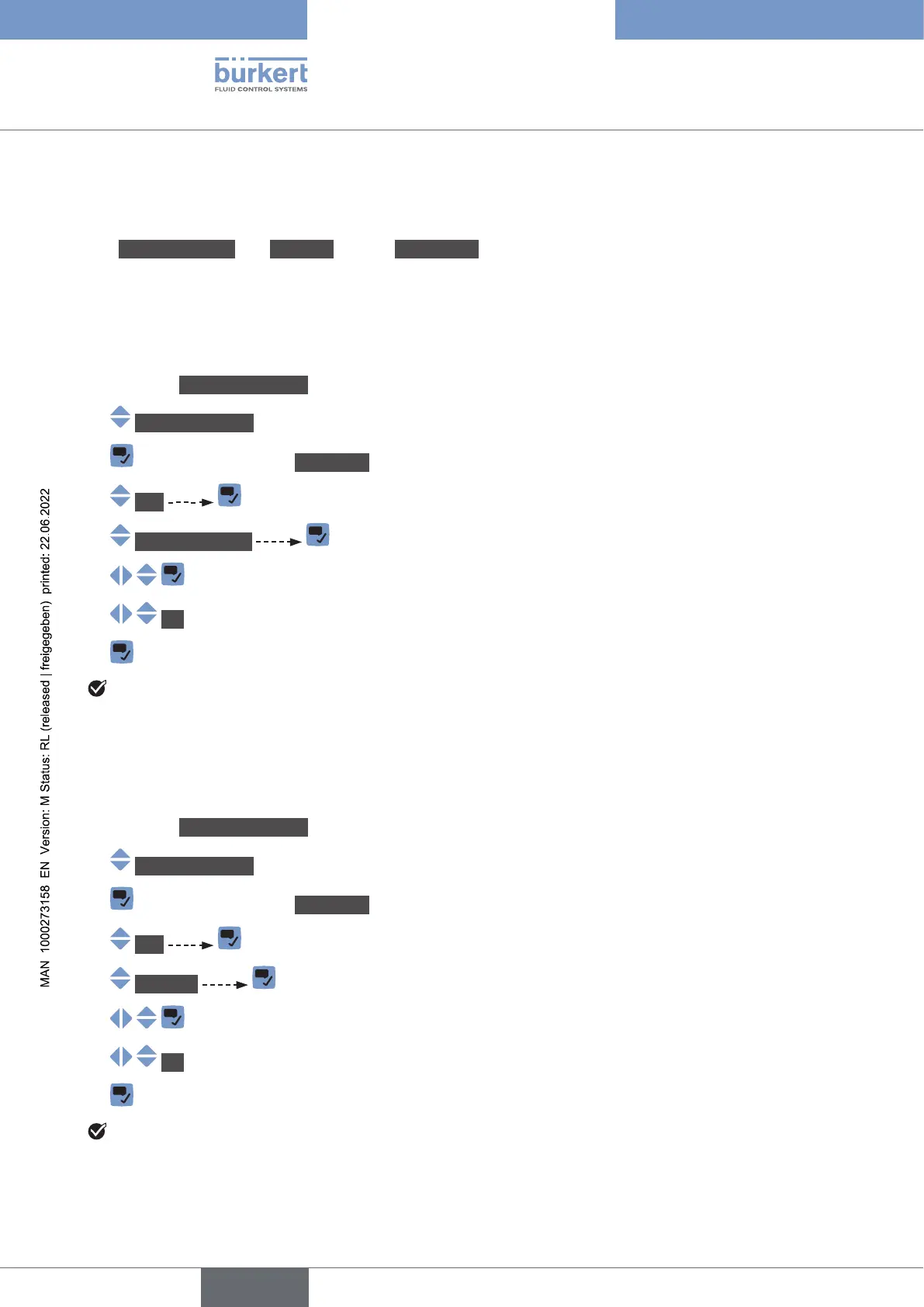
To enter the name of the device that will be shown on any display connected to büS, do the following:
→ Go to the CONFIGURATION view.
→ Generalsettings
→ Parameter view.
→ büS
→ Displayedname
→
→ OK
→
The name is set.
12.5.2 Entering the location of the device
The entered location will be shown on any display (e.g. the Communicator software) connected to büS.
To enter the information where the device is geographically located, do the following:
→ Go to the CONFIGURATION view.
→ Generalsettings
→ Parameter view.
→ büS
→ Location
→
→ OK
→
The location is set.
English



 To Next Page