151
SAW sensor – Parameter
Type 8098 FLOWave L
15.4 Setting the parameters of the volume ow rate
15.4.1 Giving a user dened name to the measured volume ow rate
Outputs menu).
Volumeow.
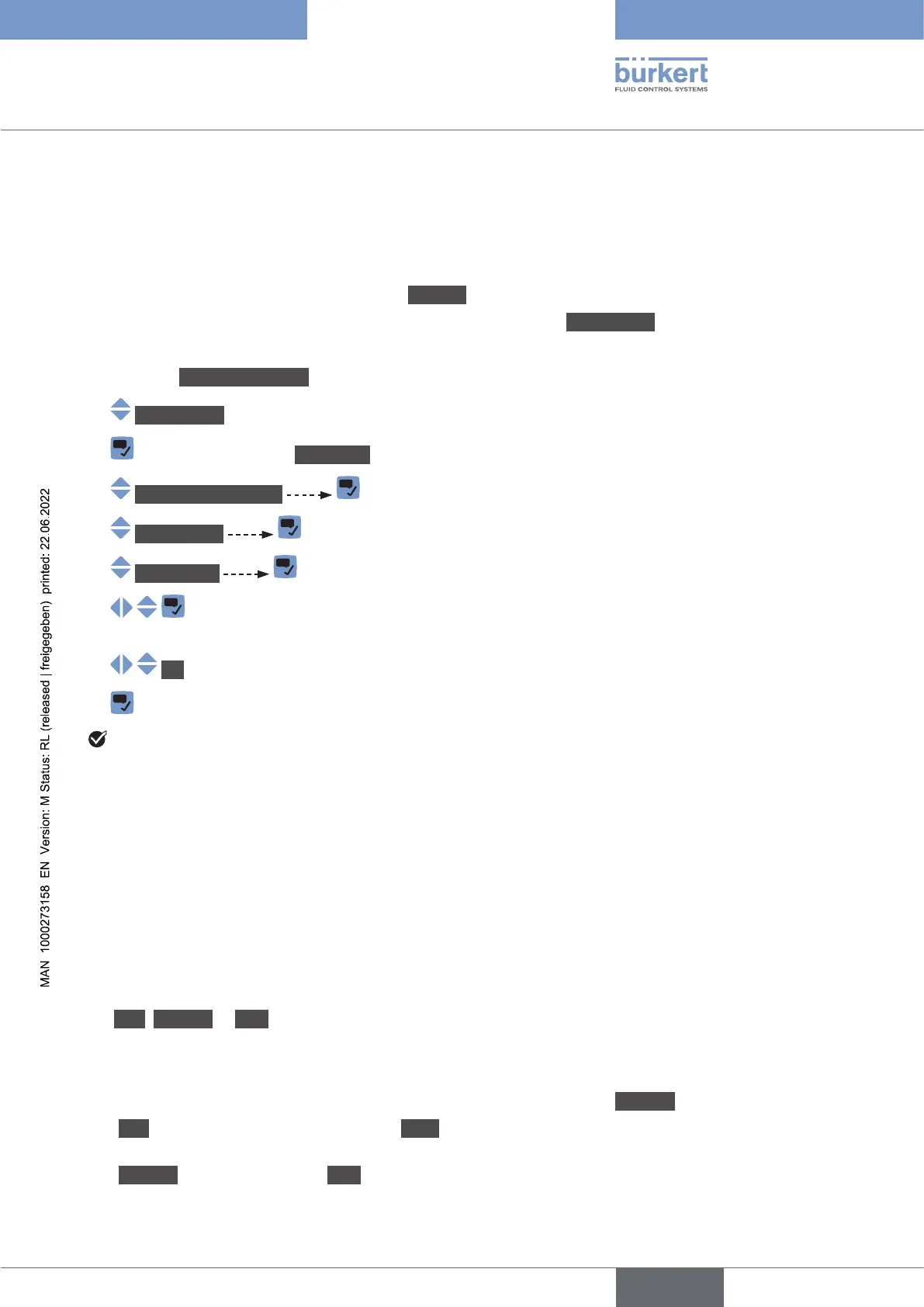
→ Go to the CONFIGURATION view.
→ SAWsensor
→ Parameter view.
→ Stand.meas.values
→ Volumeow
→ Valuename .
→
characters.
→ OK
→
The name is changed.
15.4.2 Activating the damping of the volume ow rate values and
choosing a predened damping level
• on the display,
• on the totalizers,
• on the outputs. The damping set for an analog output comes in addition to the damping of the volume
The damping is not applied to the new measured value, if the 2 following conditions are met:
• a Low, Medium or High damping level is active,
•
Medium.
The Low damping level or no damping at all (None) are suited for applications/processes that need fast
response times.
The Medium damping level or the High
slowly.
English



 To Next Page