EasyManua.ls Logo

Burkert FLOWave L - Activating the Compensation for a Liquid with a Quadratic Viscosity Compensation Curve

Burkert FLOWave L
354 pages
Print Icon
To Next Page IconTo Next Page
To Previous Page IconTo Previous Page
Loading...
244
SAW sensor – Parameter
Type 8098 FLOWave L
15.15.4 Activating the compensation for a liquid with a quadratic
viscosity compensation curve
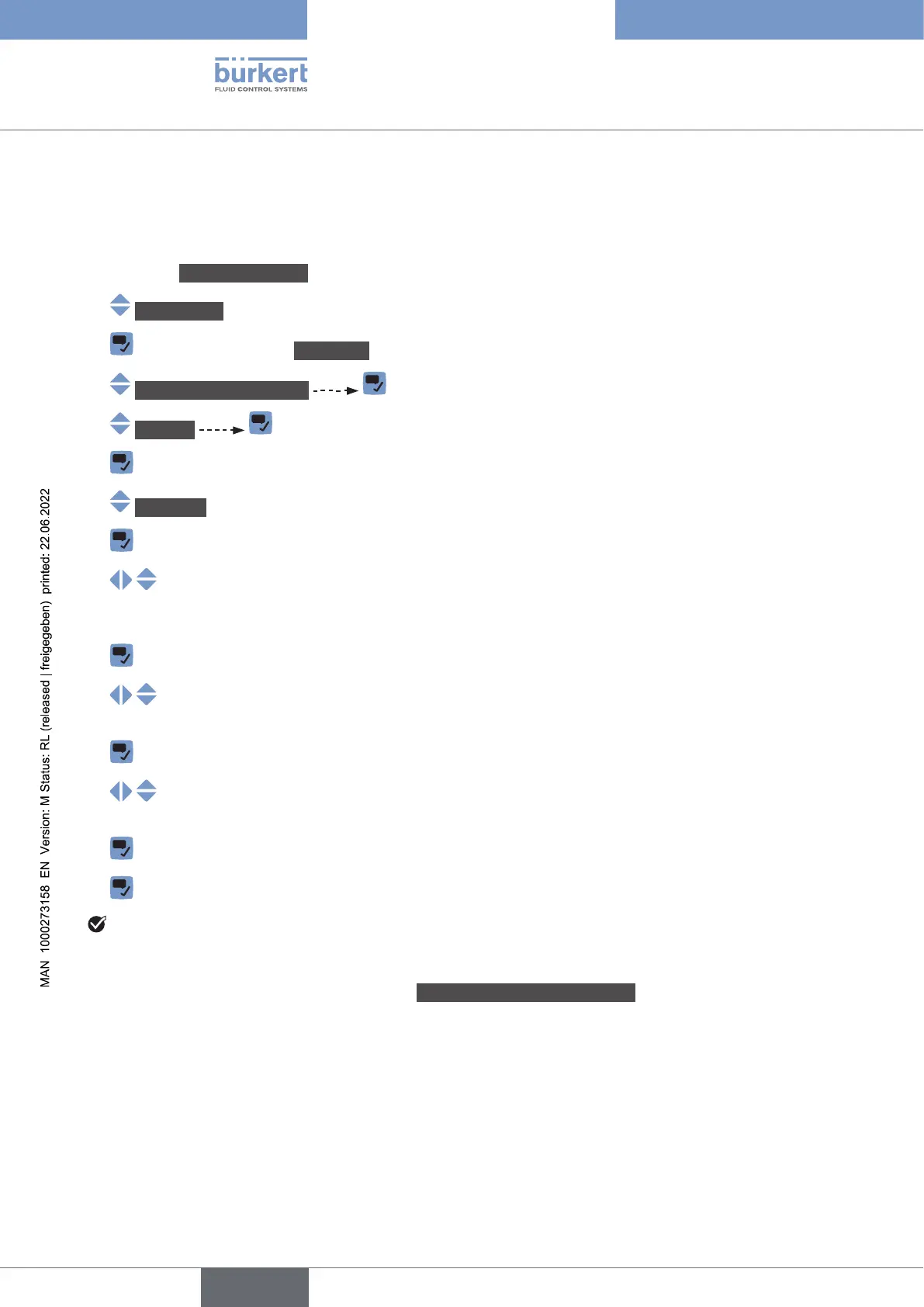
To activate the compensation for a liquid with a quadratic viscosity compensation curve, do the following:
Go to the CONFIGURATION view.
SAWsensor
Parameter view.
Viscositycompensation
Settings The current settings are displayed.

Quadratic

 of the quadratic curve, in the displayed units (mm
2
/s), and in the sci-




notation.


notation.


The compensation for a liquid with a quadratic compensation curve is active.

in the range covered by the equation, or if wrong constant values have been entered), the compensated
Viscositycompensationfailed is displayed. If the message
is displayed, do the following:


English

Table of Contents

Related product manuals