EasyManua.ls Logo

Burkert FLOWave L - Message Flow Rate Too High; Message Simulation Mode Active; Message Test Mode Activated; Messages Due To The Monitoring Of Process Values

Burkert FLOWave L
354 pages
Print Icon
To Next Page IconTo Next Page
To Previous Page IconTo Previous Page
Loading...
333
Maintenance and troubleshooting
Type 8098 FLOWave L
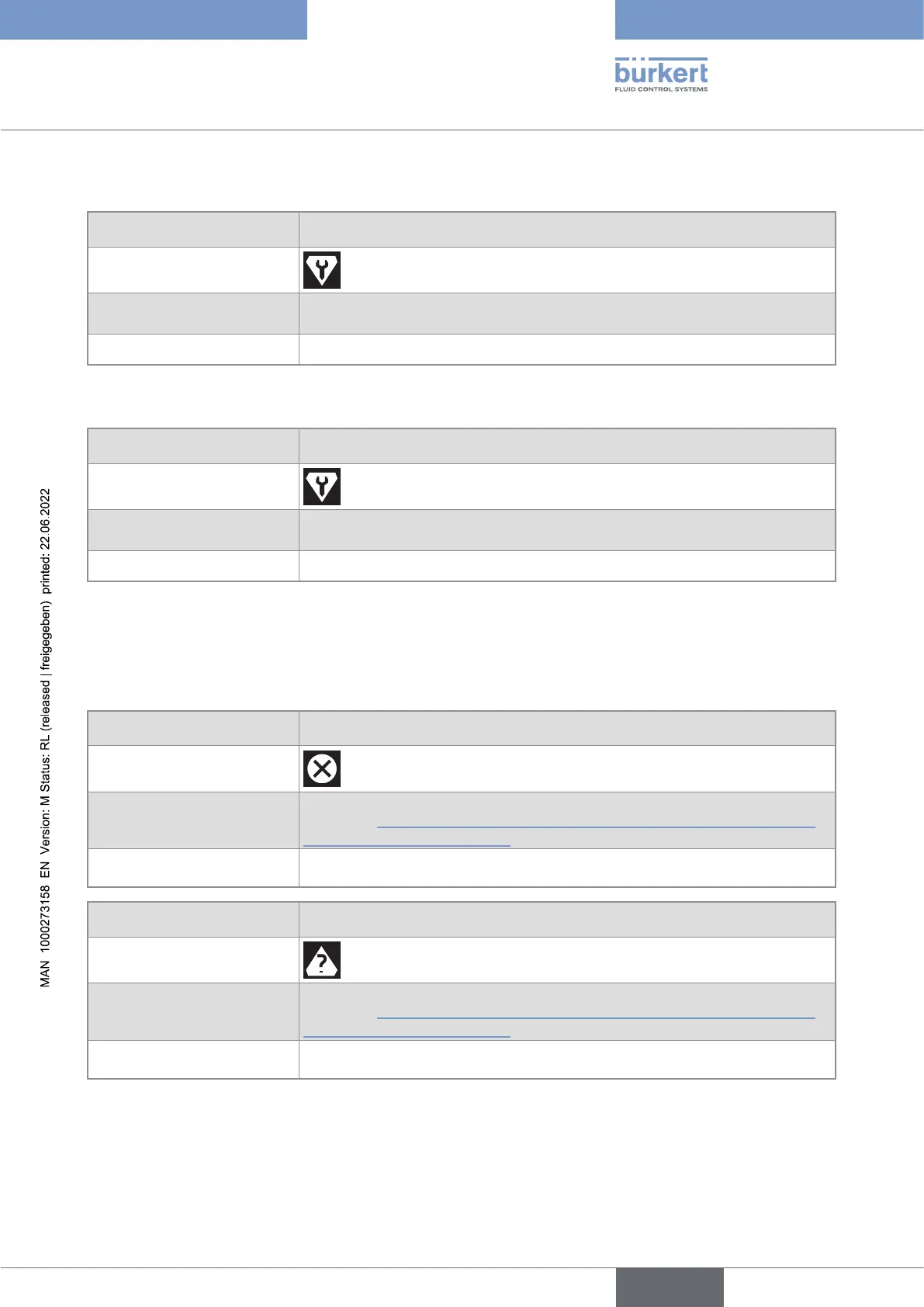
24.10.7 Message "Test mode activated"
Message
Test mode activated
Symboldisplayedinthe
informationbar
Possiblecause The test of an output has been started by the user.
Whattodo?
If needed, complete the test.
24.10.8 Message "Simulation mode active"
Message
Simulation mode active
Symboldisplayedinthe
informationbar
Possiblecause A measurement value is being simulated.
Whattodo?
As soon as the simulation is completed, the message is reset.
24.11 Messages due to the monitoring of process values
24.11.1 Message "Flow rate too high"
Message
Flow rate too high
Symboldisplayedinthe
informationbar
Possiblecause 
-

Whattodo? 
automatically reset.
Message Flow rate too high
Symboldisplayedinthe
informationbar
Possiblecause 
-

Whattodo? 
automatically reset.
English

Table of Contents

Related product manuals