111
General settings – Parameter
Type 8098 FLOWave L
12.5.3 Entering a description for the device
The description allows you to precisely identify this device. To enter a description for the device, do the
following:.
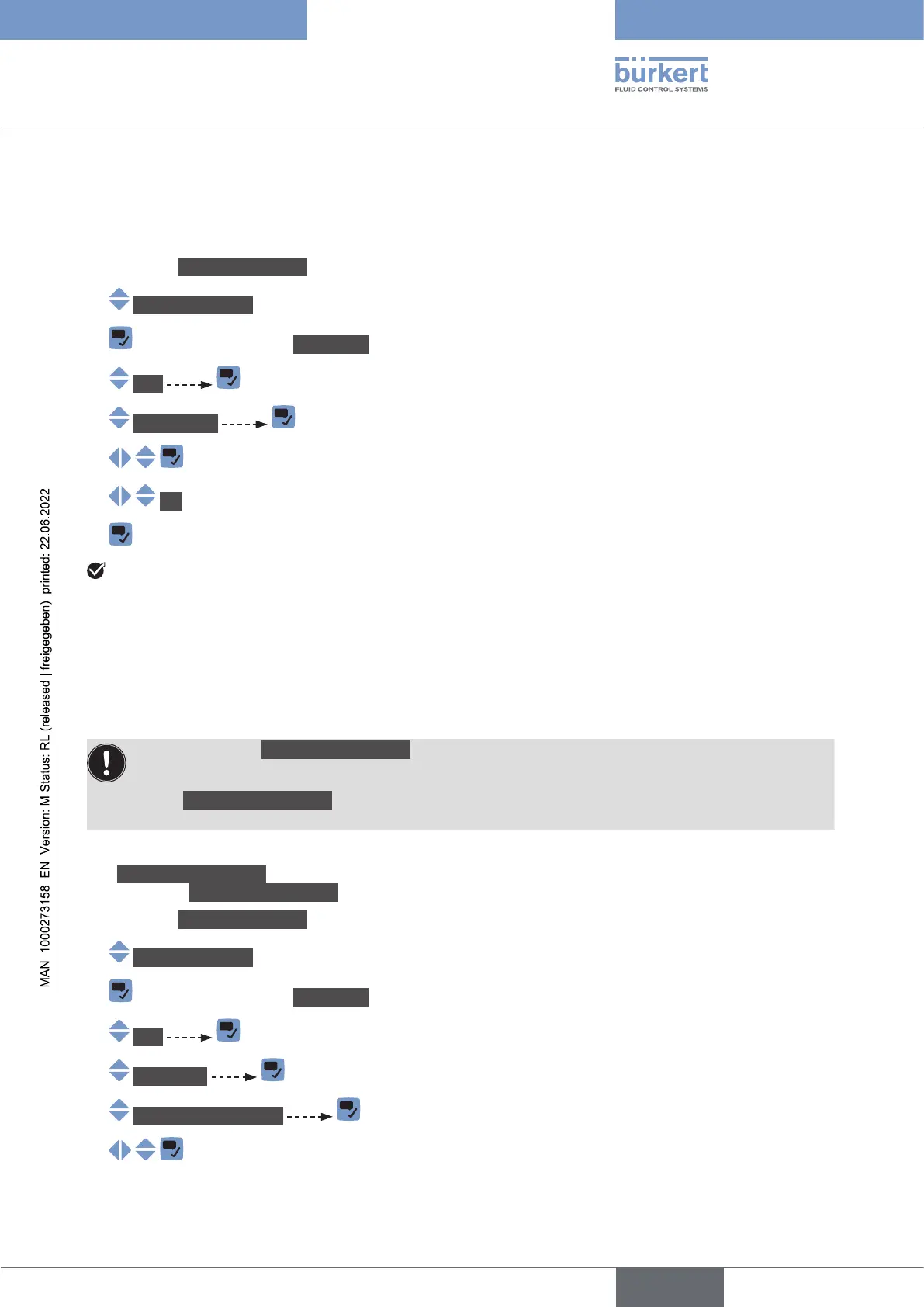
→ Go to the CONFIGURATION view.
→ Generalsettings
→ Parameter view.
→ büS
→ Description
→
→ OK
→
The description is set.
12.6 Setting the advanced parameters for identifying the
device connected to büS or to a CANopen bus
12.6.1 Entering a unique name for the device
• Only change the Uniquedevicename of a device if 2 devices with the same name are connected
to büS or to a CANopen bus.
• If the Uniquedevicename of the device is changed, the participants on büS or to a CANopen bus
lose the link to the device. The link between the participants must then be restored.
The Uniquedevicename of the device is used by the participants connected to büS or to a CANopen bus.
To change the Uniquedevicename, do the following:
→ Go to the CONFIGURATION view.
→ Generalsettings
→ Parameter view.
→ büS
→ Advanced
→ Uniquedevicename
→
English



 To Next Page