309
Menu Parameter
Type 8098 FLOWave L
→ Internalcycletime
→ Autocycletime and several values in milliseconds.
→
The internal cycle time is set.
21.2.8 Choosing the communication timeout and enabling it
because an Ethernet cable is disconnected, the disconnection will be recognized after the set timeout.
Do the following:
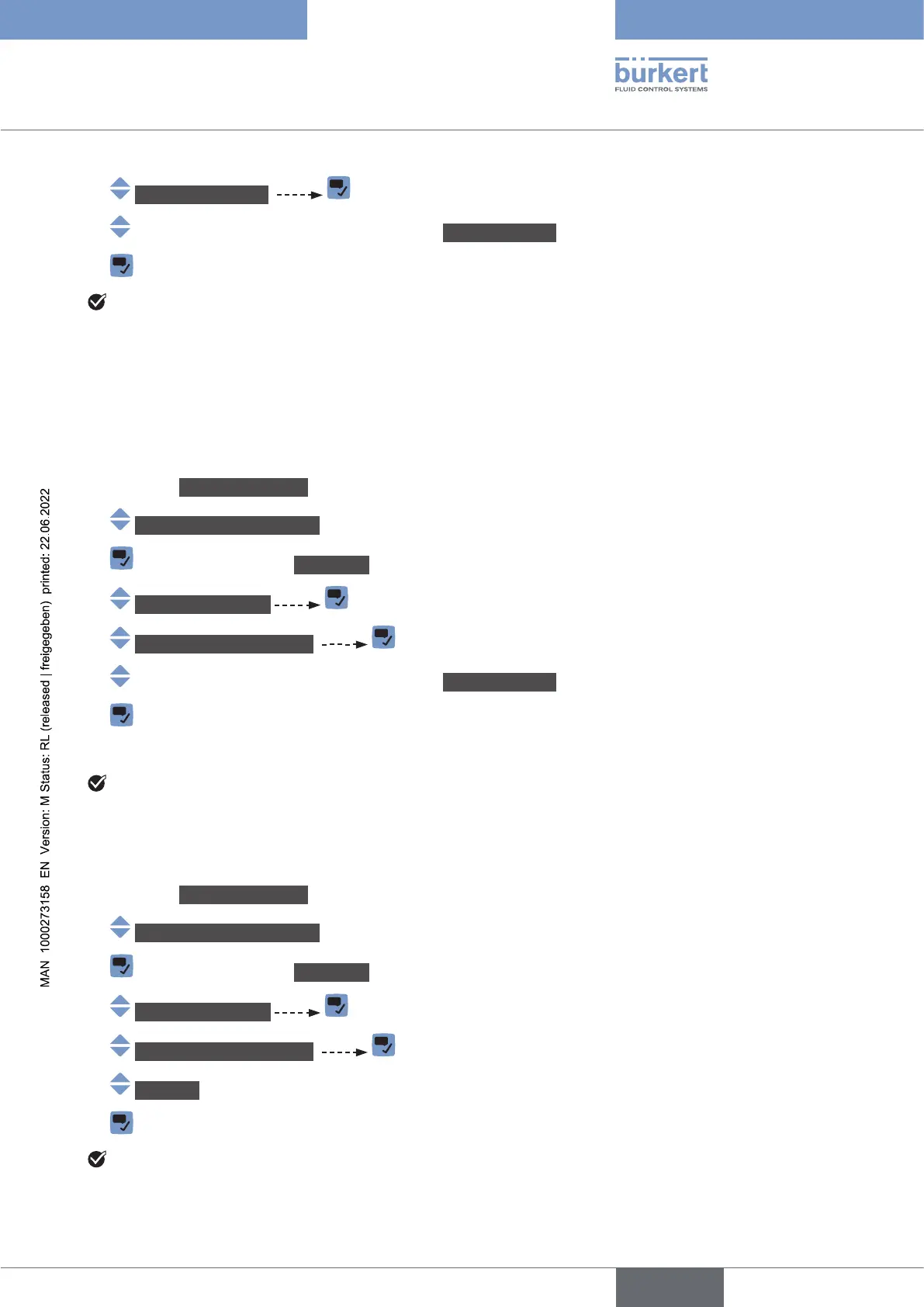
→ Go to the CONFIGURATION view.
→ Industrialcommunication
→ Parameter view.
→ Advancedsettings
→ CommunicationTimeout
→ Autocycletime and several values in milliseconds.
→
→ Restart the device.
The communication timeout is set and enabled.
21.2.9 Disabling the communication timeout
Do the following:
→ Go to the CONFIGURATION view.
→ Industrialcommunication
→ Parameter view.
→ Advancedsettings
→ CommunicationTimeout
→ DIsabled
→
The timeout is disabled.
English



 To Next Page