284
SAW sensor – Maintenance
Type 8098 FLOWave L
17.27.2 Checking the behaviour of the device by simulating an event
The events Lowowcuto and Backwardow
.
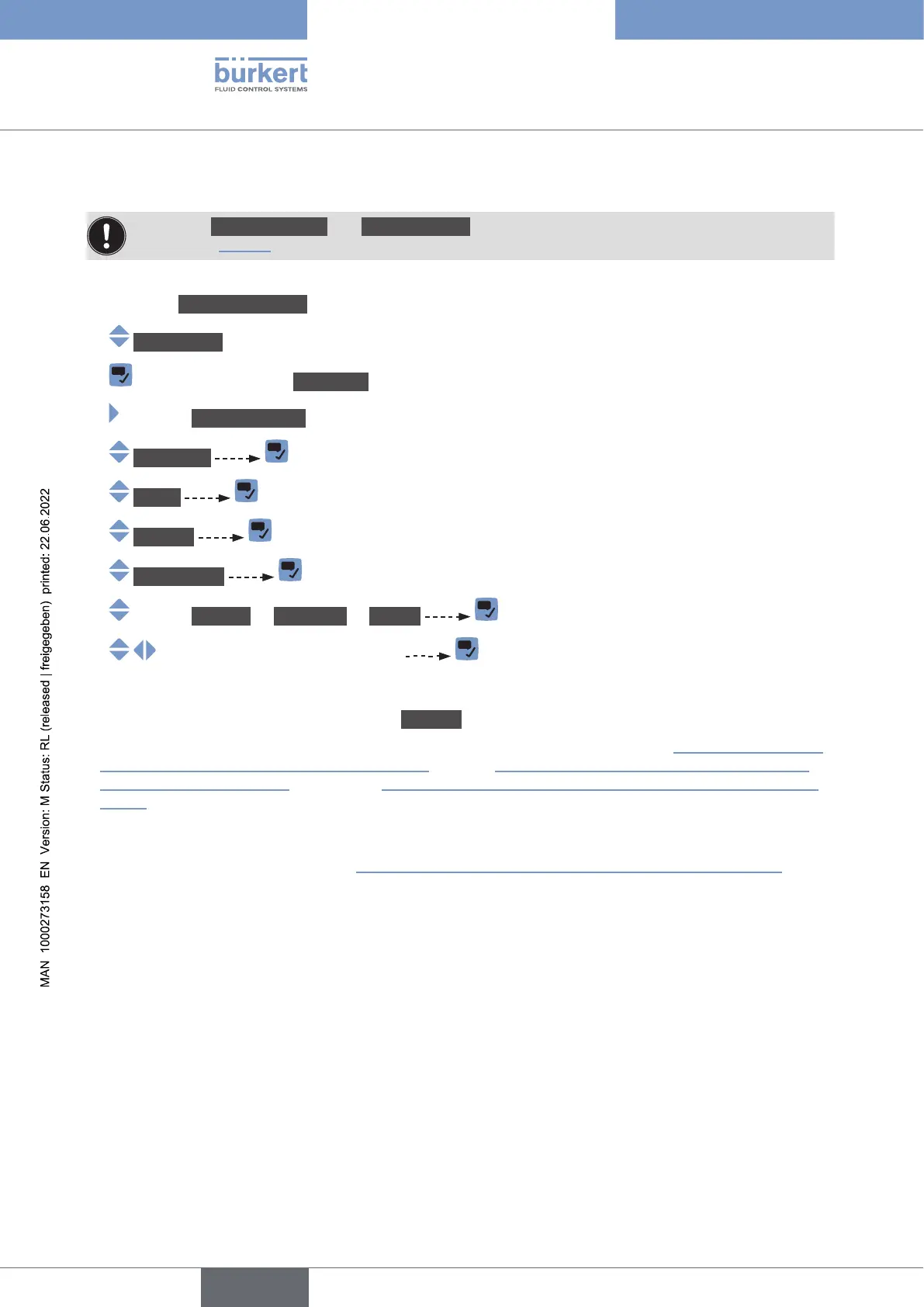
To check the behaviour by simulating one or several events that are enabled on the device, do the following:
→ Go to the CONFIGURATION view.
→ SAWsensor
→ Parameter view.
→ MAINTENANCE view.
→ Simulation
→ Status
→ Running
→ Diag.events
→ Process or Electronic or Sensor
→
→ Check if the device behaves depending on the settings you have made.
The simulation is active as long as the status Running is active. Thus, you can:
•
diagnostics events that occurred in the process
occurred on the electronics
sensor),
• or simulate one or several events.
→ .
English



 To Next Page