199
SAW sensor – Parameter
Type 8098 FLOWave L
15.9.7 Changing the error limits, the warning limits and the hysteresis
of the liquid density
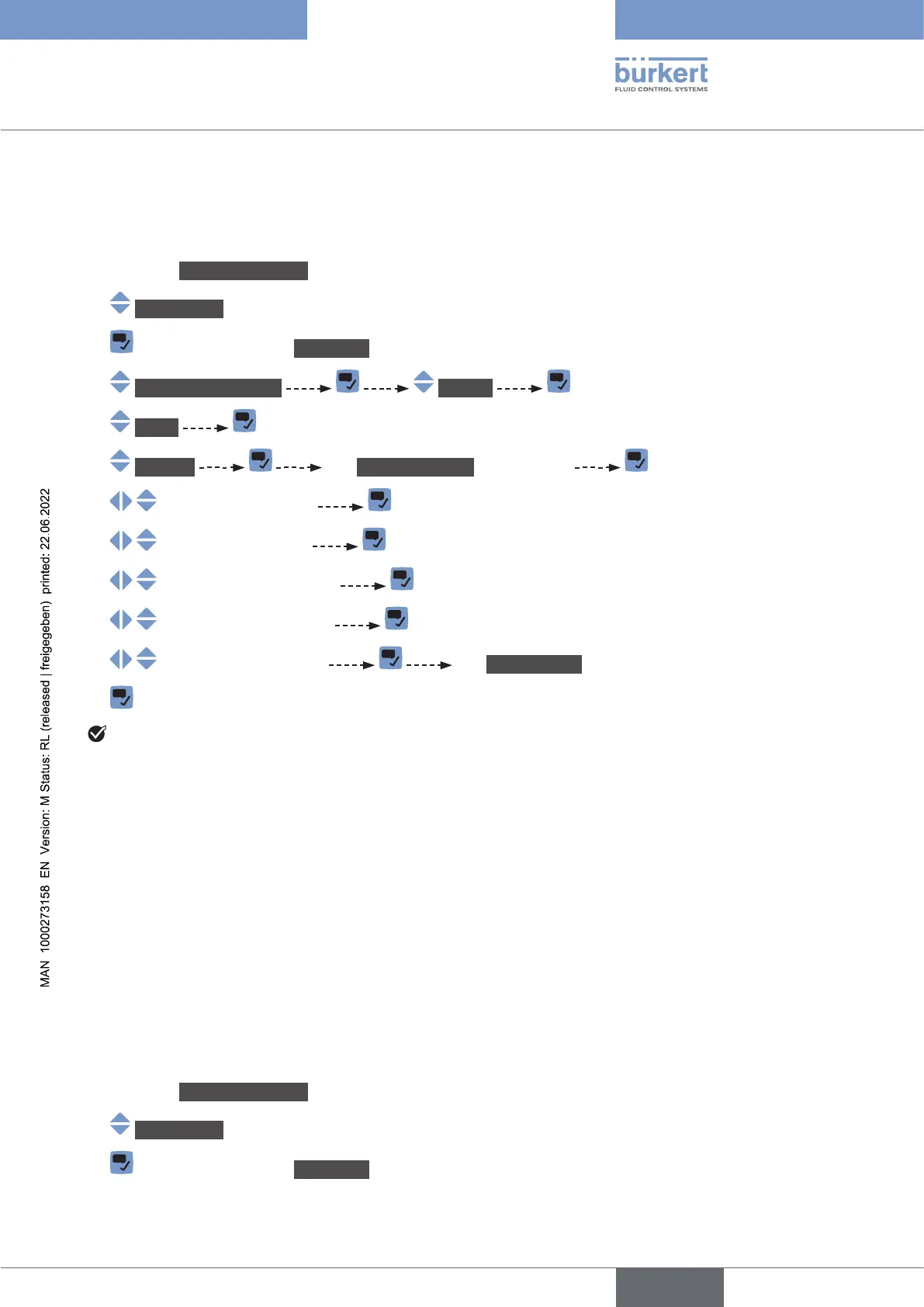
To change the error limits, the warning limits and the hysteresis of the liquid density, do the following:
→ Go to the CONFIGURATION view.
→ SAWsensor
→ Parameter view.
→ Stand.meas.values Density
→ Limits
→ Settings The Currentsettings are displayed
→
→
→
→
→ The Newsettings are displayed.
→
The limit values and the hysteresis value are changed.
15.9.8 Resetting the default values of the error limits, the warning
limits and the hysteresis of the liquid density
The default values of the error limits, the warning limits and the hysteresis of the liquid density are the
following:
•
3
,
•
3
,
•
3
,
•
3
,
•
3
.
To reset the default values of the error limits, the warning limits and the hysteresis of the liquid density, do
the following:
→ Go to the CONFIGURATION view.
→ SAWsensor
→ Parameter view.
English



 To Next Page