300
Outputs – Maintenance
Type 8098 FLOWave L
20 OUTPUTS – MAINTENANCE
The settings can be made with the Installer user level.
20.1 Calibrating an analogue output
The analogue outputs are calibrated at the factory.
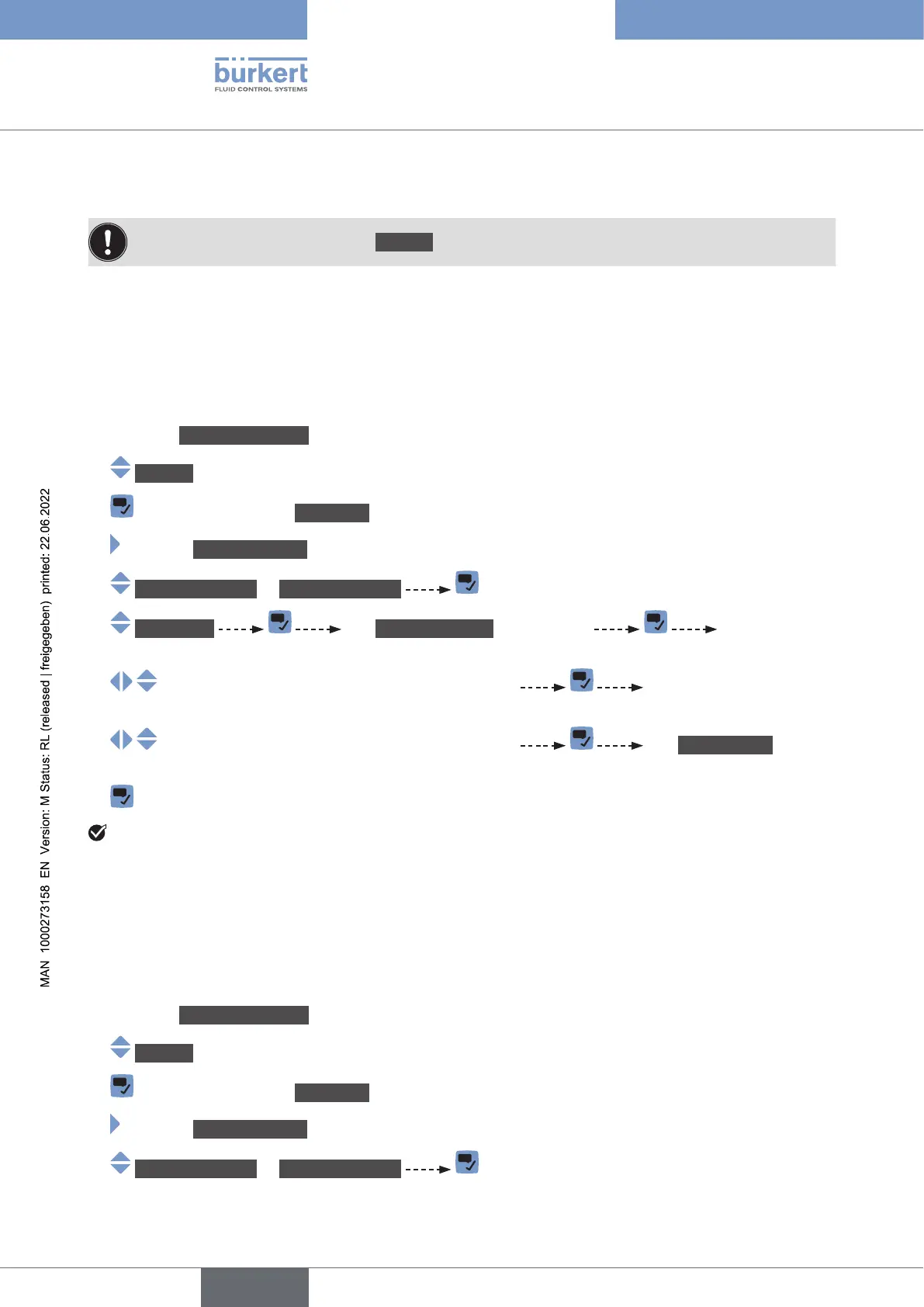
To adjust the analogue output to your equipment, do the following:
→ Connect a multimeter to the analogue output you want to adjust.
→ Go to the CONFIGURATION view.
→ Outputs
→ Parameter view.
→ MAINTENANCE view.
→ Output1:analog or Output3:analog
→ Calibration The Currentsettings are displayed The device gen-
→ The device generates a
→ The Newsettings are
displayed.
→
The analogue output is adjusted.
20.2 Checking the correct operation of an analogue
output
To check the correct operation of an analogue output, do the following:
→ Connect a multimeter to the analogue output you have adjusted.
→ Go to the CONFIGURATION view.
→ Outputs
→ Parameter view.
→ MAINTENANCE view.
→ Output1:analog or Output3:analog
English



 To Next Page