291
Outputs – Parameter
Type 8098 FLOWave L
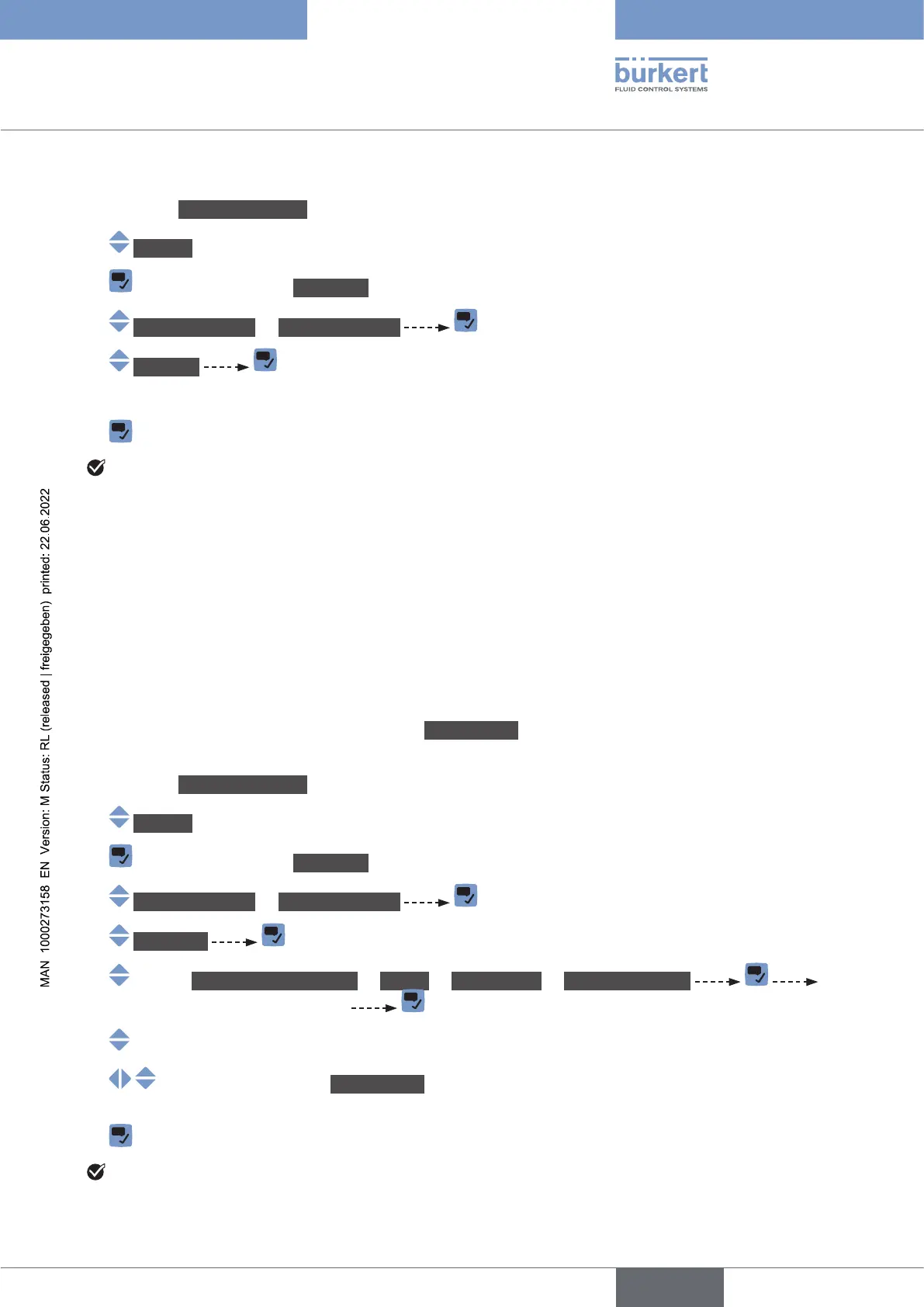
To change the damping level of the values transmitted on an analogue output, do the following:
→ Go to the CONFIGURATION view.
→ Outputs
→ Parameter view.
→ Output1:analog or Output3:analog
→ Damping
→ Choose the damping level.
→
The damping level is changed.
18.3.3 Conguring the behaviour of an analogue output depending on
the status of the device
Depending on the status of the device, the analogue output:
• can continue to transmit the process values.
• or, can transmit and hold the last process value. The choice is not available if measurements are
impossible.
•
•
• or, can transmit any preset current value (i.e. a Forcedvalue).
To change the behaviour of an analogue output depending on the status of the device, do the following:
→ Go to the CONFIGURATION view.
→ Outputs
→ Parameter view.
→ Output1:analog or Output3:analog
→ Behaviour
→ Impossibletomeasure or Failure or Outofspec. or Maintenancereq.
The current behaviour is displayed
→
→ Forcedvalue, then set the current value to any value in the range
→
The behaviour of an analogue output is changed.
English



 To Next Page