EasyManua.ls Logo

Burkert FLOWave L - Activating the Damping of the Liquid Temperature Values and Choosing a Predefined Damping Level; Giving a User Defined Name to the Measured Liquid Temperature; Setting The Parameters Of The Liquid Temperature

Burkert FLOWave L
354 pages
Print Icon
To Next Page IconTo Next Page
To Previous Page IconTo Previous Page
Loading...
173
SAW sensor – Parameter
Type 8098 FLOWave L
15.6 Setting the parameters of the liquid temperature
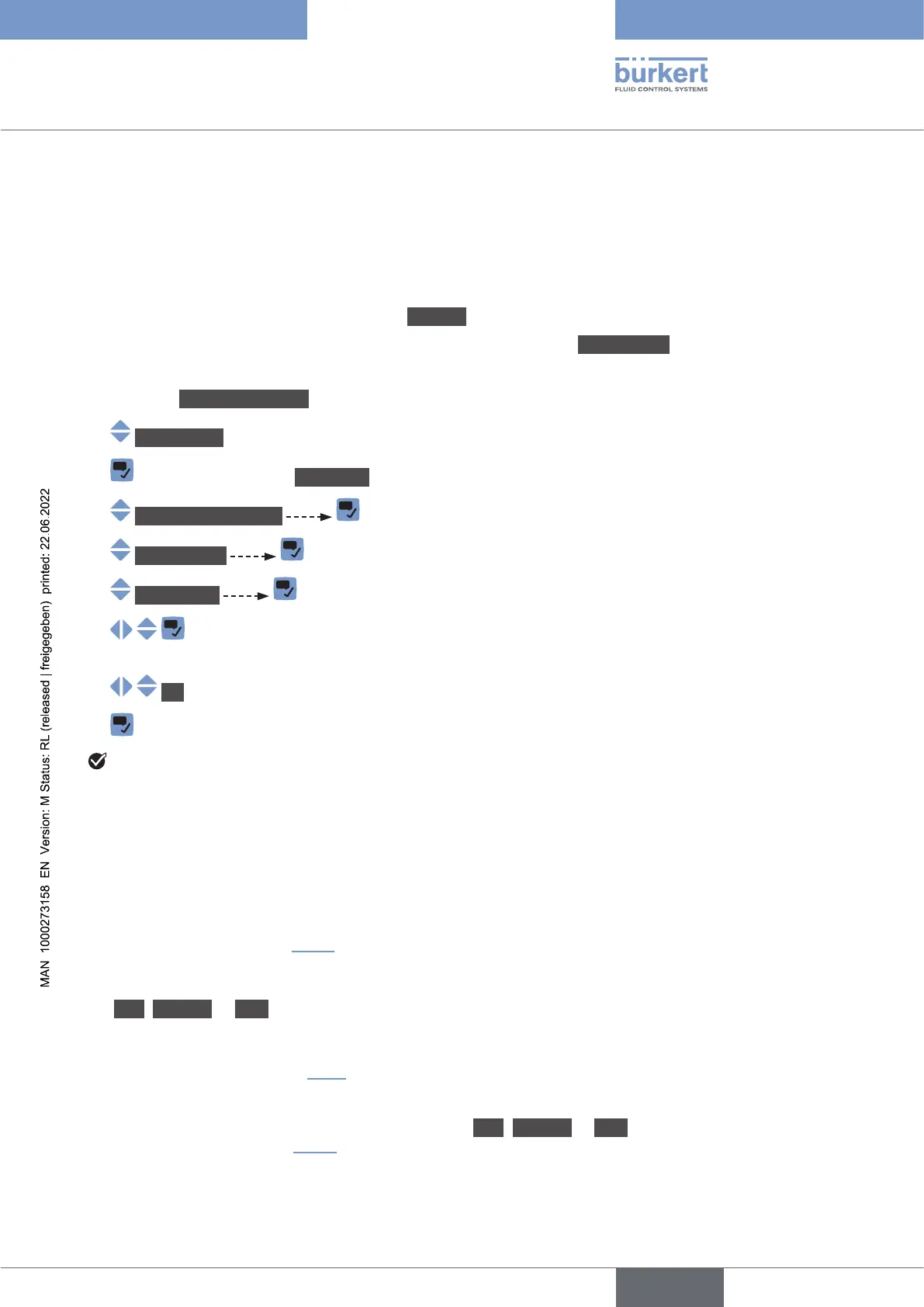
15.6.1 Giving a user dened name to the measured liquid
temperature

Outputs menu).
By default, the name associated to the measured liquid temperature is Temperature.

Go to the CONFIGURATION view.
SAWsensor
Parameter view.
Stand.meas.values
Temperature
Valuename .

characters.
OK

The name is changed.
15.6.2 Activating the damping of the liquid temperature values and
choosing a predened damping level

on the display,
on the outputs. The damping of the liquid temperature comes in addition to the damping set for each
).
The damping is not applied to the new measured value, if the 2 following conditions are met:
a Low, Medium or High damping level is active,


By default, the measured liquid temperature values are not damped.
Low, Medium or High, you can set your own
damping parameters. See .
English

Table of Contents

Related product manuals