220
SAW sensor – Parameter
Type 8098 FLOWave L
15.12.6 Activating the monitoring of the dierentiation factor
→
.
By default, the monitoring of the DF and the diagnostics are all disabled.
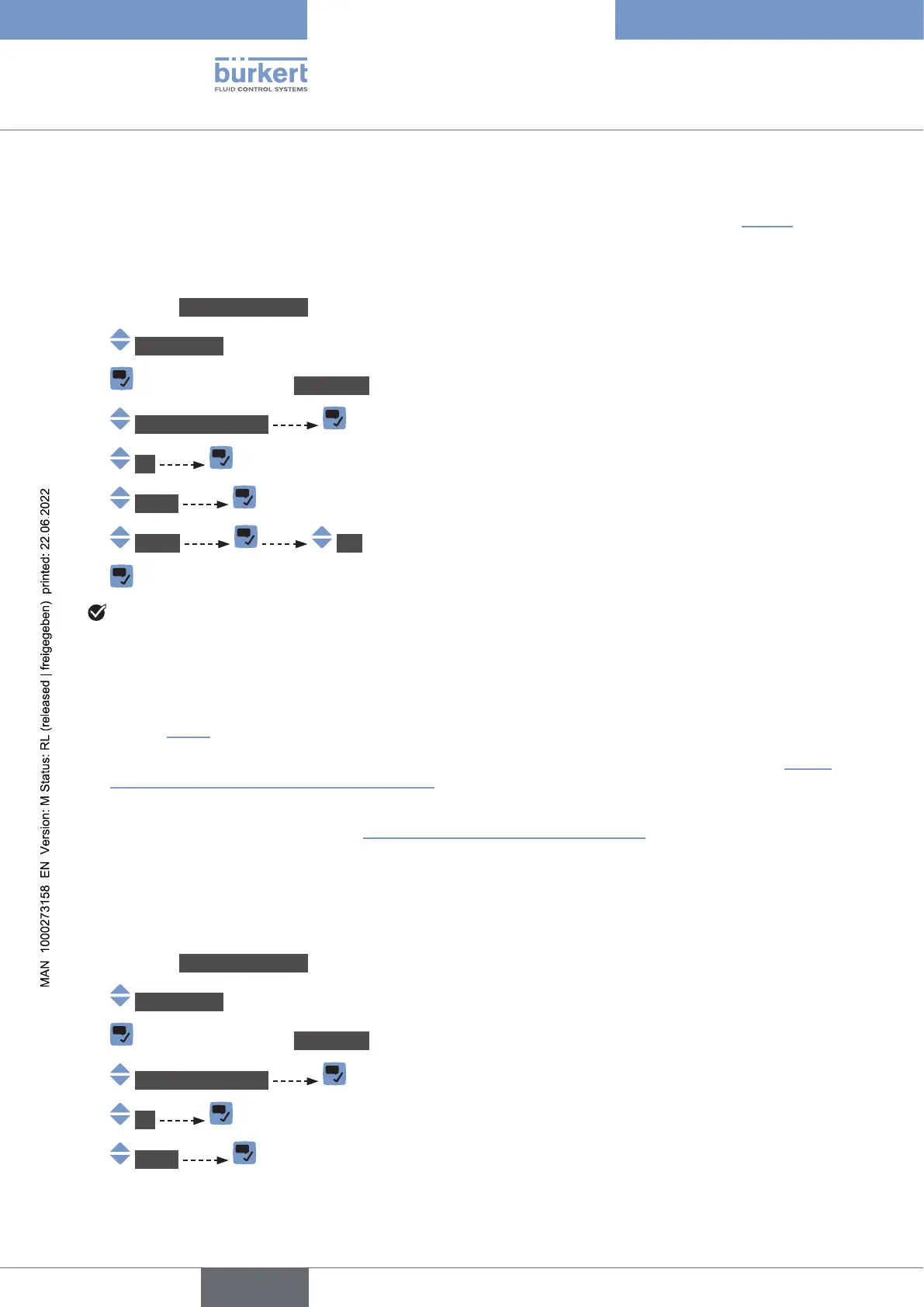
To activate the monitoring of the DF, do the following:
→ Go to the CONFIGURATION view.
→ SAWsensor
→ Parameter view.
→ Add.meas.values
→ DF
→ Limits
→ Active Yes.
→
The monitoring of the DF is active and the device status will change depending on the limits that have
been set.
→
through the pipe.
→
.
→
.
→ To enable the monitoring, i.e. to be informed when the value of the DF is outside the normal range,
.
15.12.7 Deactivating the monitoring of the dierentiation factor
By default, the DF values are not monitored. If the monitoring of the DF is active, do the following to deac-
tivate it:
→ Go to the CONFIGURATION view.
→ SAWsensor
→ Parameter view.
→ Add.meas.values
→ DF
→ Limits
English



 To Next Page