282
SAW sensor – Maintenance
Type 8098 FLOWave L
17.26 Resetting all the calibration data to its default values
(additional measurement values)
The calibration data that can be reset is:
•
• the slope value of the DF,
•
• the slope value of the liquid density,
•
• the slope value of the liquid concentration,
•
• the slope value of the acoustic transmision factor.
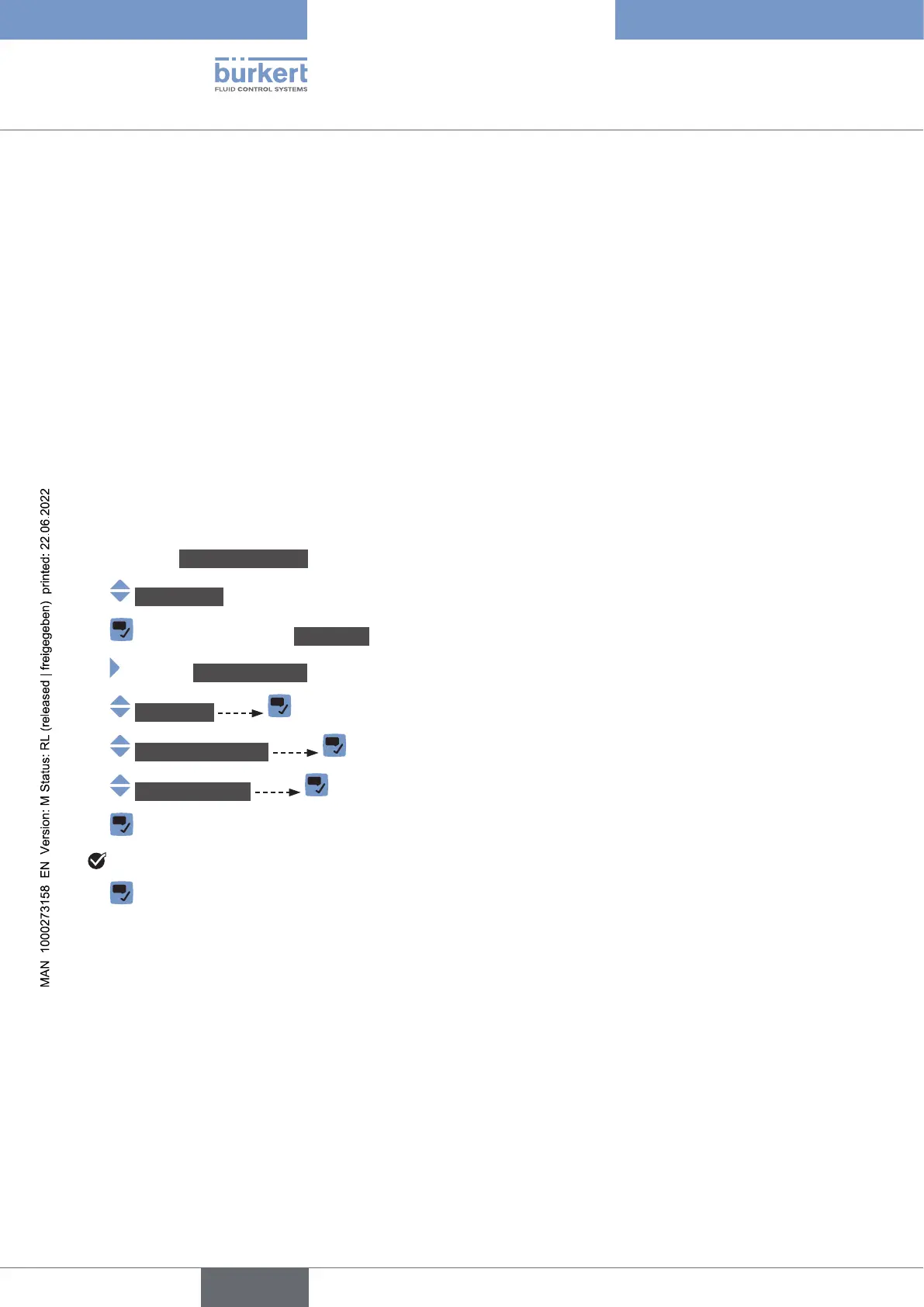
To reset all the calibration data to its default values, do the following:
→ Go to the CONFIGURATION view.
→ SAWsensor
→ Parameter view.
→ MAINTENANCE view.
→ Calibration
→ Add.meas.values
→ Resettodefault
→
All the calibration data is reset to their default values.
→
English



 To Next Page