301
Outputs – Maintenance
Type 8098 FLOWave L
→ Test
→ Enter the current value to be tested The device generates the entered current value on
the chosen analogue output.
→
20.3 Resetting the calibration data of an analogue output
to its default values
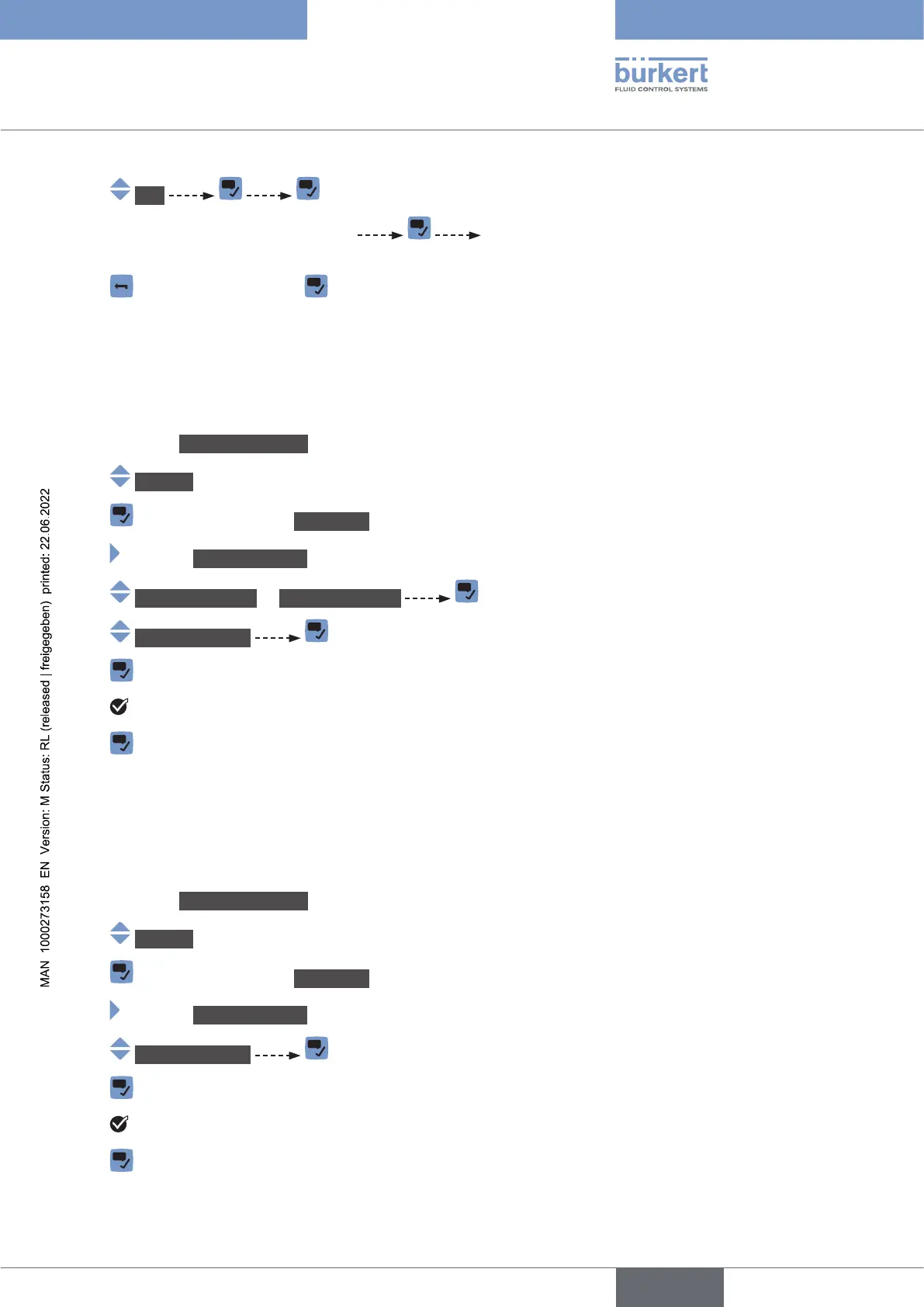
To reset the calibration data of an analogue output to its default values, do the following:
→ Go to the CONFIGURATION view.
→ Outputs
→ Parameter view.
→ MAINTENANCE view.
→ Output1:analog or Output3:analog
→ Resettodefault
→
→ The calibration data of an analogue output is reset to its default values.
→
20.4 Resetting the calibration data of all the analogue
outputs to its default values
To reset the calibration data of all the analogue outputs to its default values, do the following:
→ Go to the CONFIGURATION view.
→ Outputs
→ Parameter view.
→ MAINTENANCE view.
→ Resettodefault
→
→ The calibration data of all the analogue outputs is reset to its default values.
→
English



 To Next Page