126
General settings – Parameter
Type 8098 FLOWave L
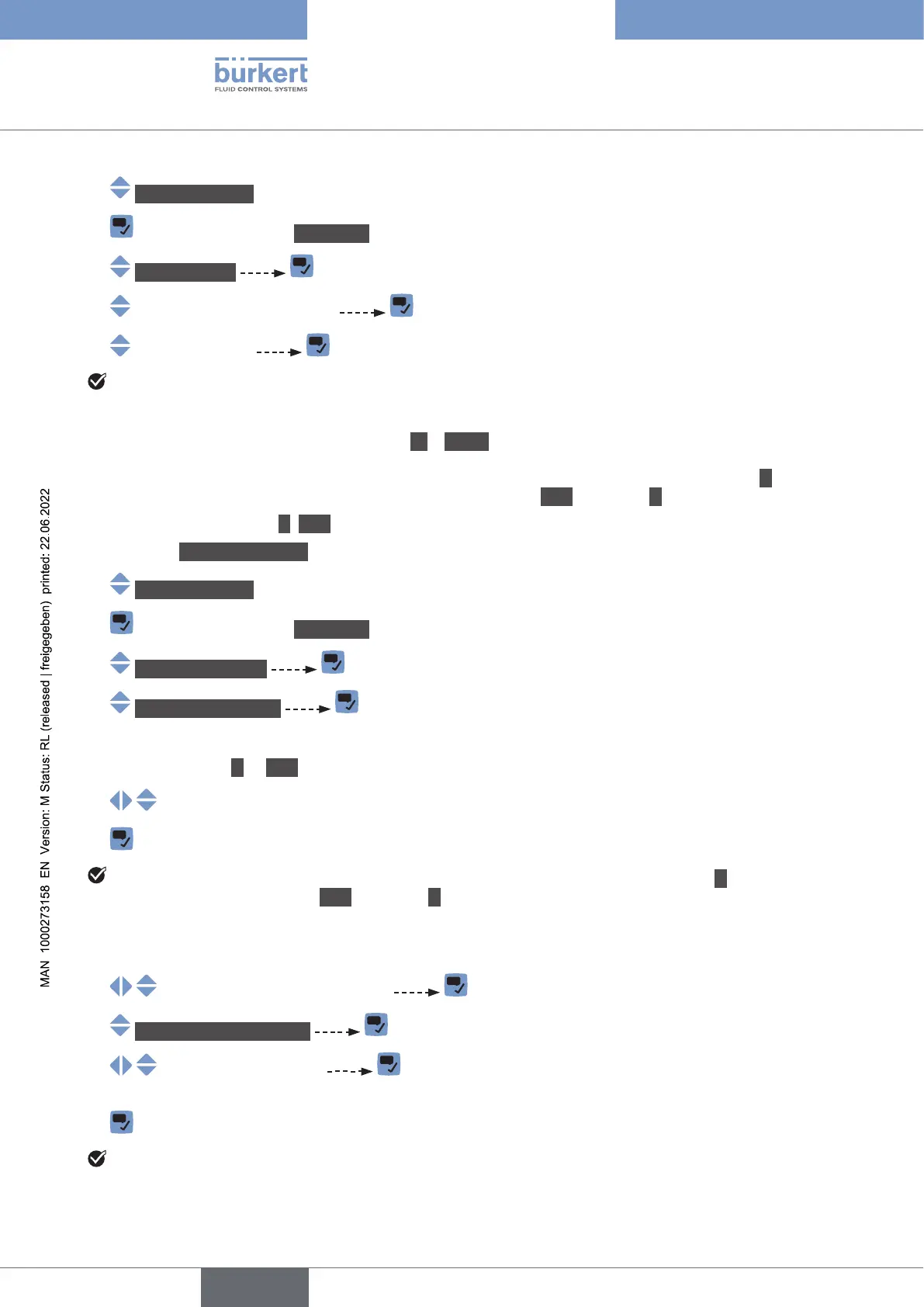
→ Generalsettings
→ Parameter view.
→ Physicalunits
→
→
The units are changed.
12.19 Displaying the text -- (NaN) or a numerical value
-- or a
numerical value. The Bürkert Communicator software will display NaN instead of --.
-- (NaN) or the numerical value, do the following:
→ Go to the CONFIGURATION view.
→ Generalsettings
→ Parameter view.
→ NaNReplacement
→ NaNProcessvalues . A list of process values is displayed.
• -- or NaN, do the following:
→
→
If the device cannot measure a selected process value, then the display module shows --. The Bürkert
Communicator software displays NaN instead of --.
• To display a numerical value, do the following:
→
→ NaNReplacementvalue
→ . The numerical value is applied to all the selected process
values.
→
If the device cannot measure a selected process value, then the display module and the Bürkert Com-
municator software display the numerical value.
English



 To Next Page