117
General settings – Parameter
Type 8098 FLOWave L
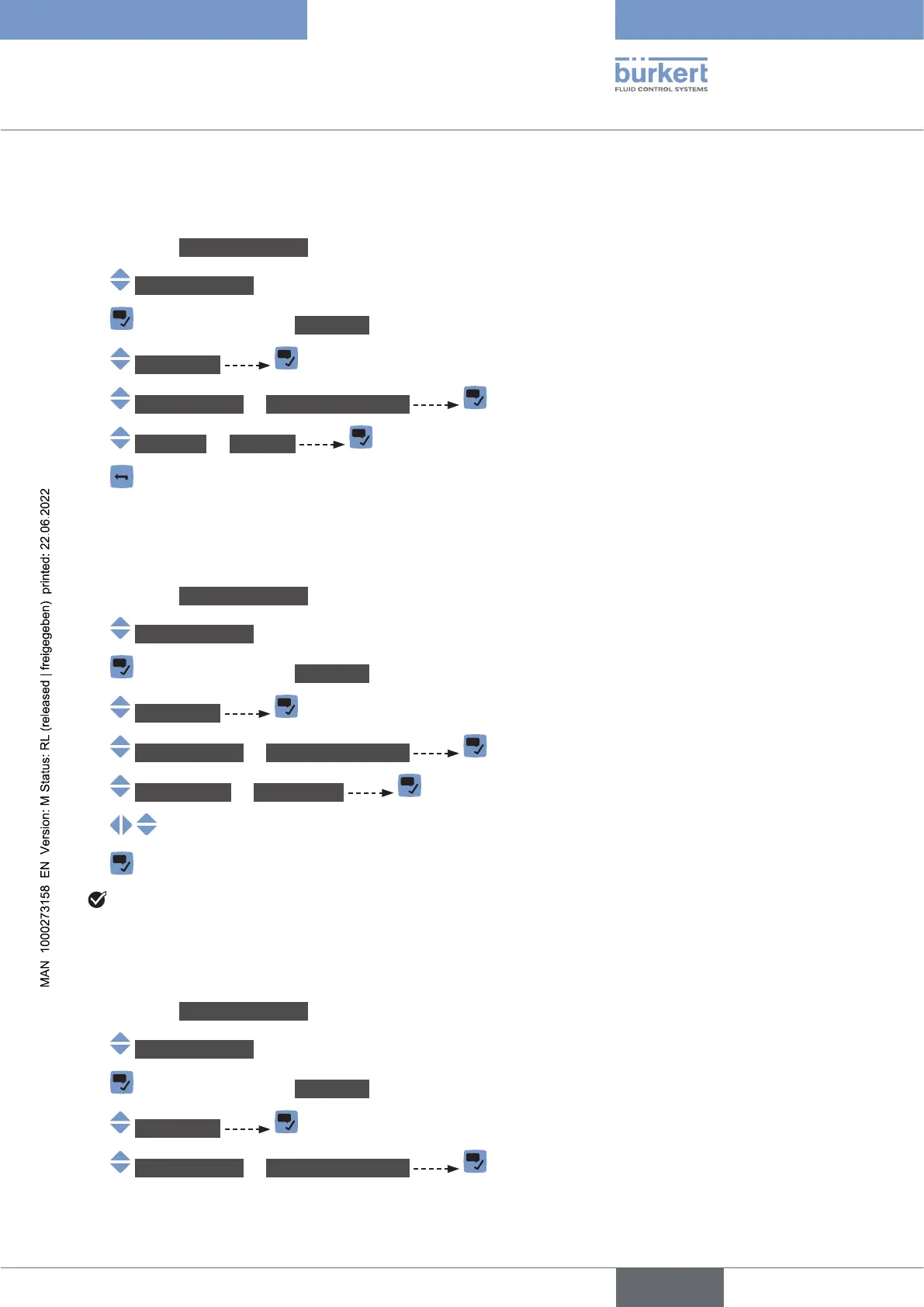
12.7.1 Reading out the 2 error limit values
To read out the limits the supply voltage of the device should be in, do the following:
→ Go to the CONFIGURATION view.
→ Generalsettings
→ Parameter view.
→ Alarmlimits
→ Supplyvoltage or Devicetemperature
→ Errorhigh or Errorlow
→
12.7.2 Changing the 2 warning limit values
To change the warning limits of the supply voltage or of the device temperature, do the following:
→ Go to the CONFIGURATION view.
→ Generalsettings
→ Parameter view.
→ Alarmlimits
→ Supplyvoltage or Devicetemperature
→ Warninghigh or Warninglow
→
→
The warning limits are changed.
12.7.3 Reading out the hysteresis value
To read out the hysteresis value, do the following:
→ Go to the CONFIGURATION view.
→ Generalsettings
→ Parameter view.
→ Alarmlimits
→ Supplyvoltage or Devicetemperature
English



 To Next Page