138
General settings – Maintenance
Type 8098 FLOWave L
14 GENERAL SETTINGS – MAINTENANCE
14.1 User levels of the menu items
Generalsettings – Maintenance menu
Deviceinformation Basic user
Resetdevice Installer
14.2 Reading out some device information
14.2.1 Reading out the displayed name of the device
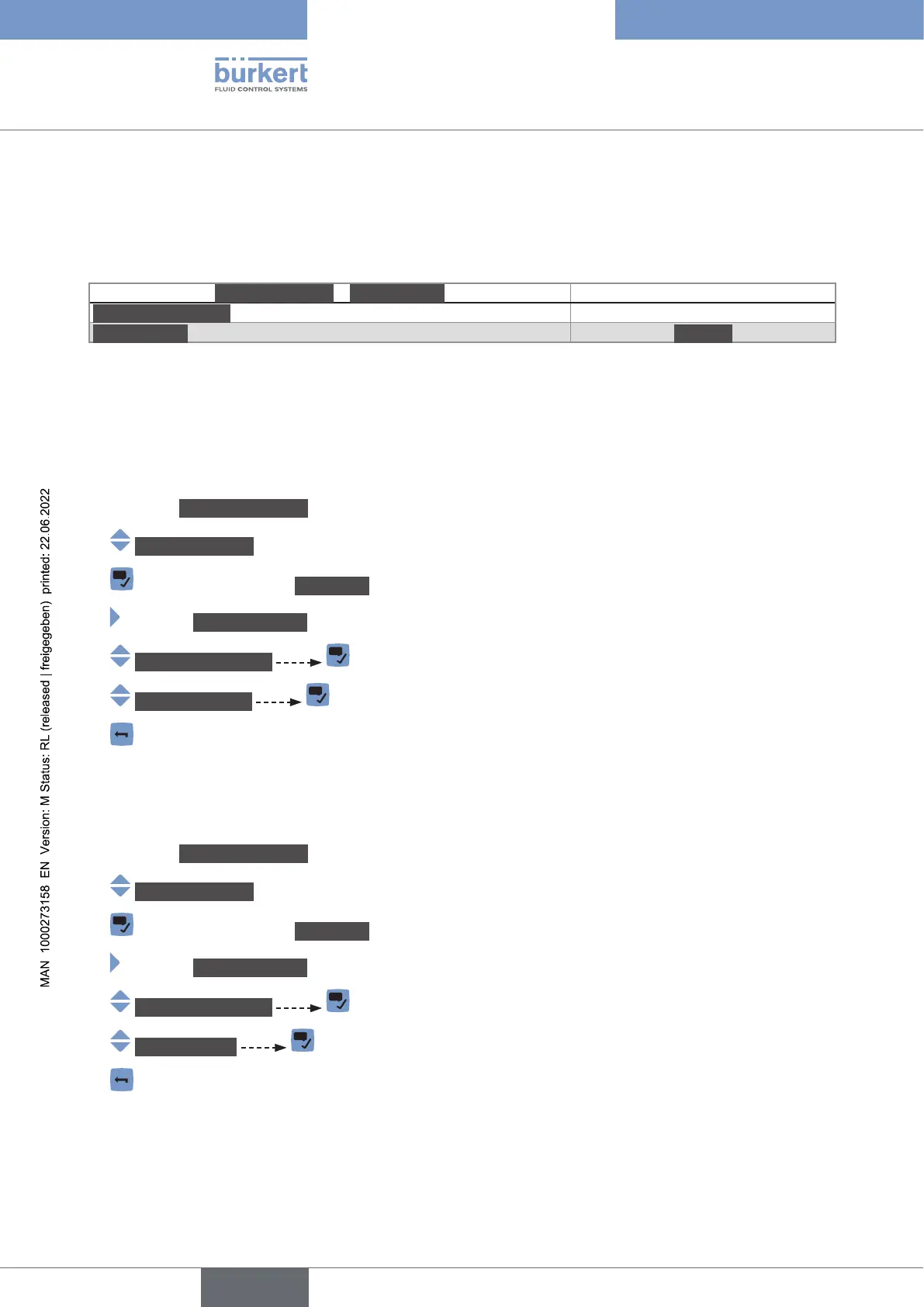
To read out the displayed name of the device, do the following:
→ Go to the CONFIGURATION view.
→ Generalsettings
→ Parameter view.
→ MAINTENANCE view.
→ Deviceinformation
→ Displayedname
→
14.2.2 Reading out the article number of the device
To read out the article number of the device, do the following:
→ Go to the CONFIGURATION view.
→ Generalsettings
→ Parameter view.
→ MAINTENANCE view.
→ Deviceinformation
→ Ident.number
→
English



 To Next Page