EasyManua.ls Logo

Burkert FLOWave L - Configuration Provider; Disabling All The Diagnostics

Burkert FLOWave L
354 pages
Print Icon
To Next Page IconTo Next Page
To Previous Page IconTo Previous Page
Loading...
120
General settings – Parameter
Type 8098 FLOWave L
12.11 Disabling all the diagnostics
By default, all the diagnostics events related to the process, the electronics or the sensor, the messages

the device and on büS are disabled.
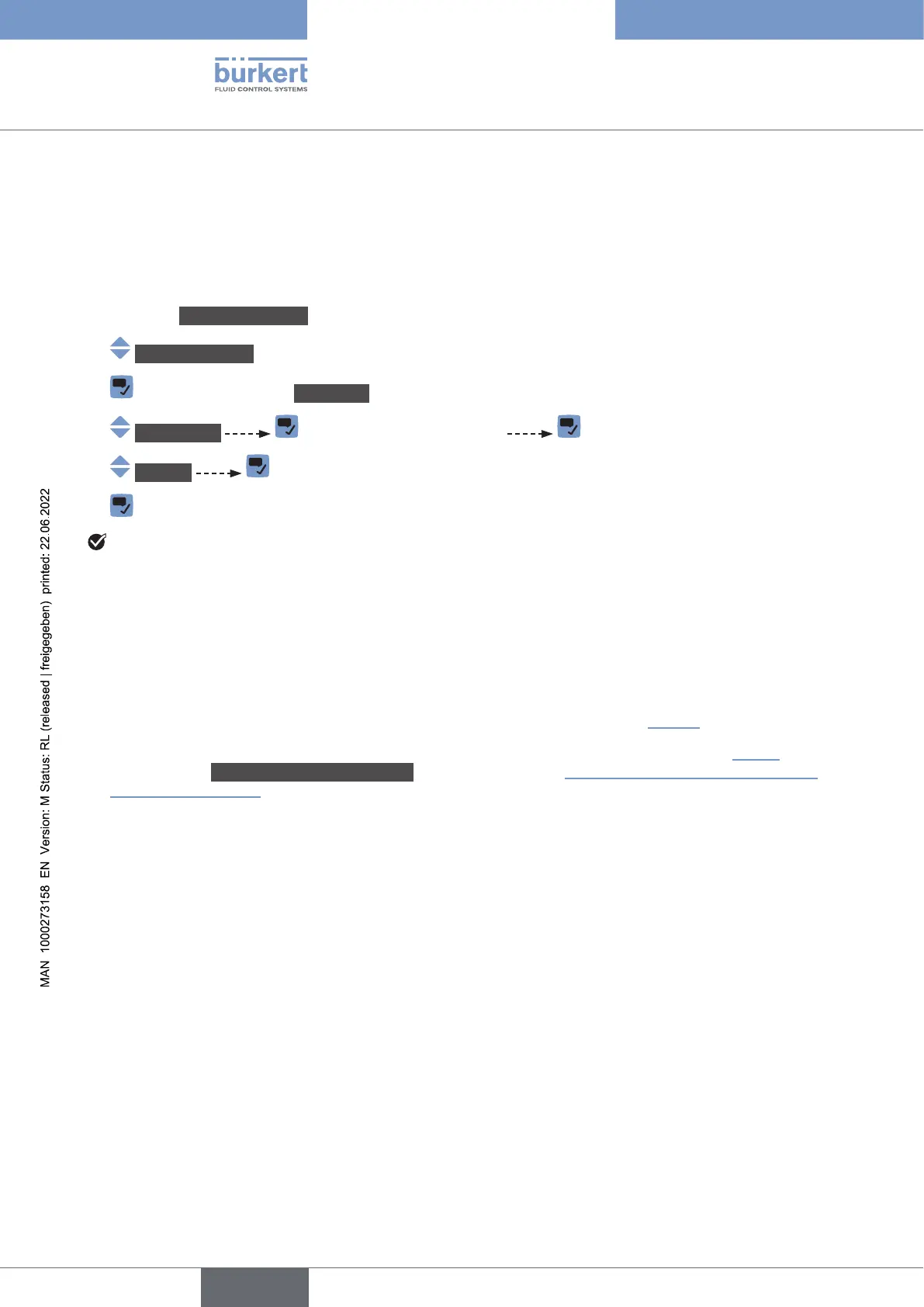
If the diagnostics are active on the device, do the following to disable them:
Go to the CONFIGURATION view.
Generalsettings
Parameter view.
Diagnostics Read the displayed message
Inactive

All the diagnostics are disabled.
12.12 Conguration provider

-


.
 or to
the parameter Transferablememorystatus
.


Upon the device startup, the device can have one of the following behaviours:



numbers of the modules with the same article number are compared:




memory.

setting has been changed.
English

Table of Contents

Related product manuals