89
How to do the settings
Type 8098 FLOWave L
→ Press and hold
→ By using the shortcut to be deleted, go to the view or menu item.
→ Press and hold
→ Deleteshortcut
10.7.3 Reading out the messages generated by the device
value limit has been reached.
→ To read out the messages in the Bürkert Communicator software, refer to the Operating Instructions
Type 8920, available on the internet at country.burkert.com.
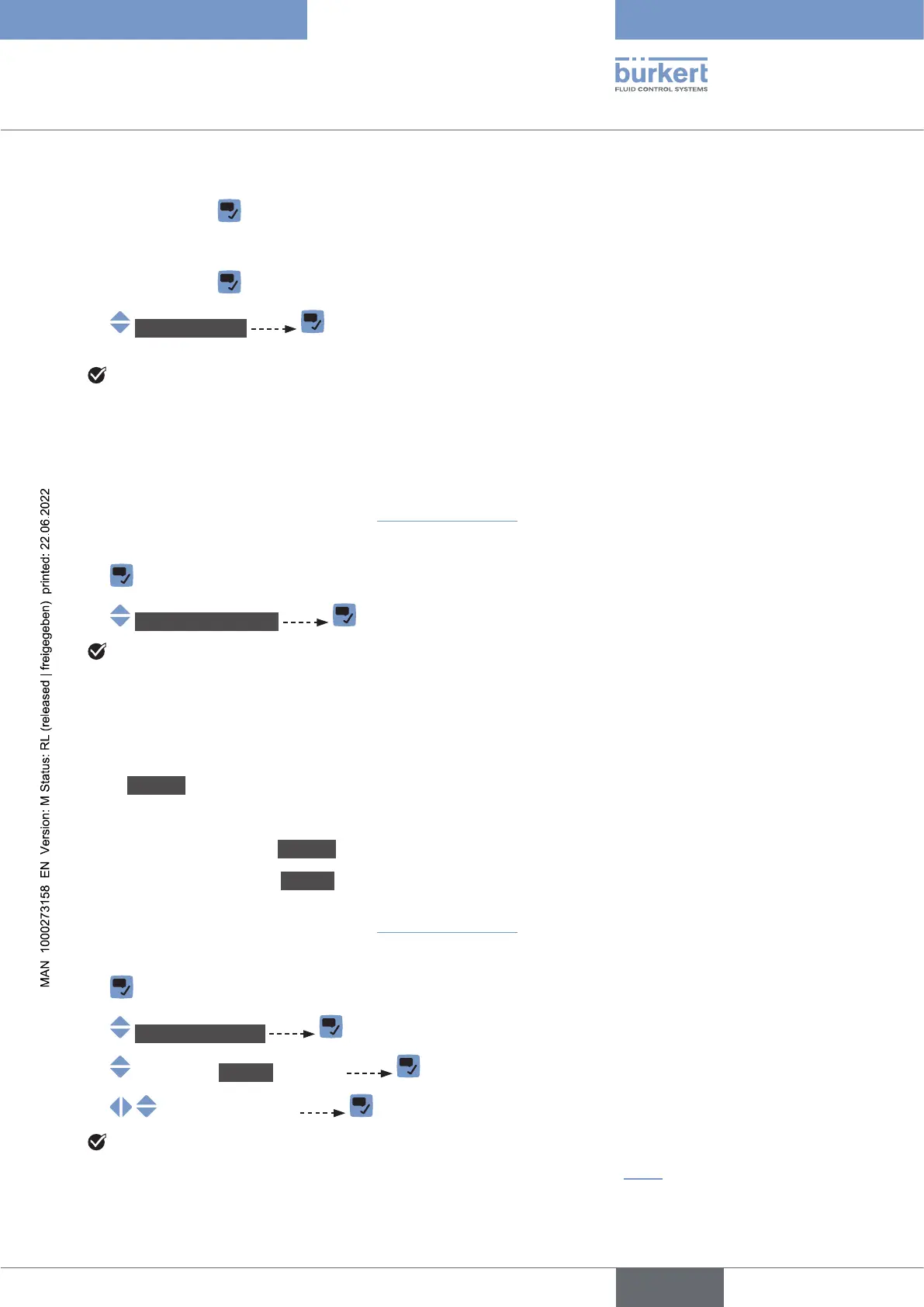
Do the following to display the generated messages on the display module:
→
→ Messagesoverview
The generated messages are displayed. Some messages can be acknowledged.
10.7.4 Changing the login user level if the adjustment is not
protected through passwords
By default:
• the Installer user level is active on the device,
• the adjustment is not protected through passwords,
• the symbol related to the Installer user level is not displayed in the information bar.
You can only change to the Bürkert user level.
→ To change the login user level in the Bürkert Communicator software, refer to the Operating Instructions
Type 8920, available on the internet at country.burkert.com.
Do the following to change the login user level on the display module:
→
→ Changeuserlevel
→ Bürkert user level
→
The user level is changed.
→ .
English



 To Next Page