233
SAW sensor – Parameter
Type 8098 FLOWave L
15.13.10 Resetting the default values of all the acoustic transmission
factor parameters
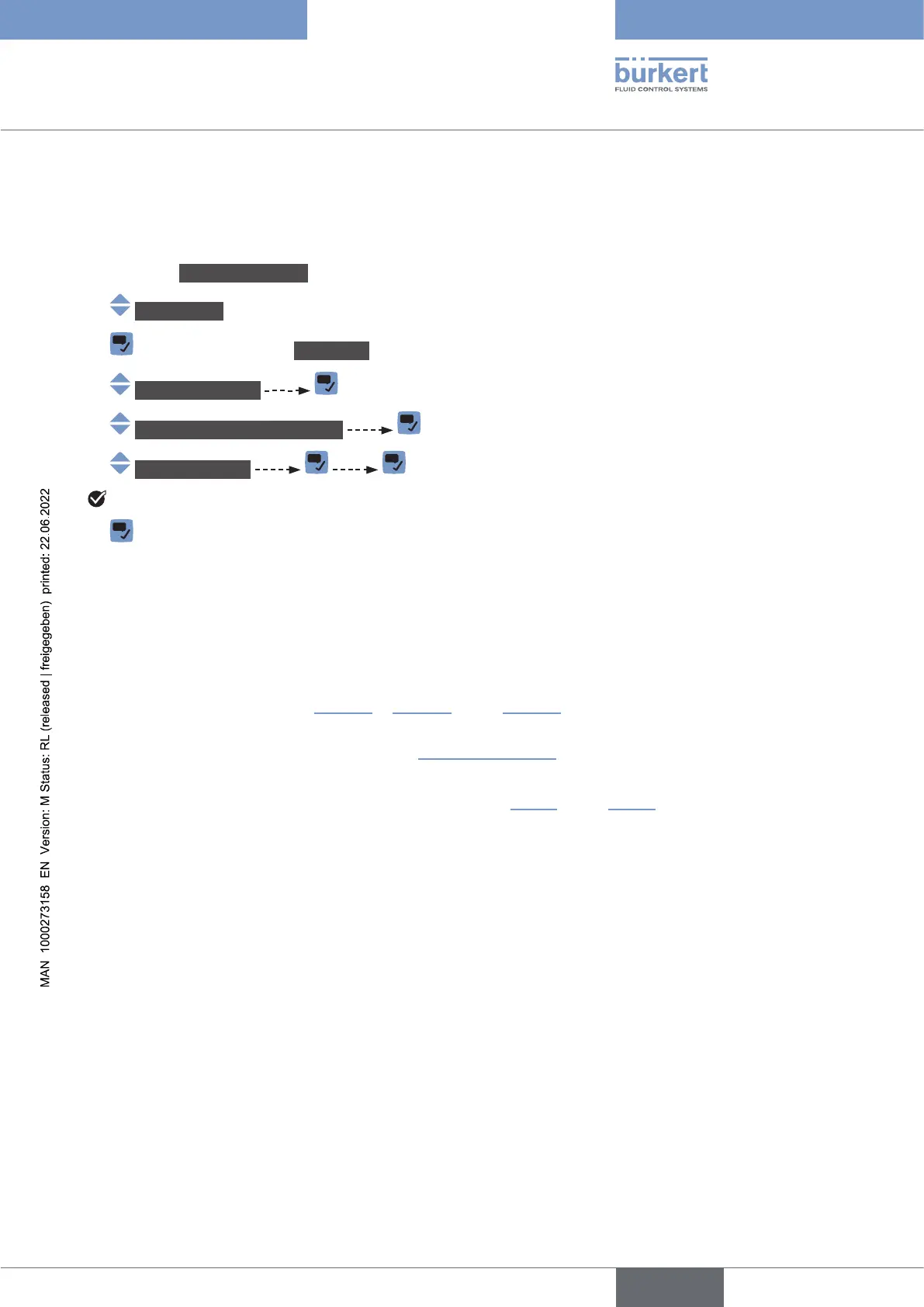
To reset all the default values of all the acoustic transmission factor parameters, do the following:
→ Go to the CONFIGURATION view.
→ SAWsensor
→ Parameter view.
→ Add.meas.value
→ Acoustictransmissionfactor
→ Resettodefault
All the acoustic transmission factor parameters are reset.
→
15.14 Diagnostics: monitoring special events that occur in
the process, on the sensor or on the electronics
You can be informed when a special event occurs in the process, on the sensor or on the electronics of the
device. You can also choose each event to be a normal operating.
The possible events are listed in Table 32 in Table 33 and in Table 34
→
.
You can be informed through the colour of the device status indicator and/or through a message and/or
and in .
English



 To Next Page