EasyManua.ls Logo

Burkert FLOWave L - Changing The Type Of Output 3; Default Settings; Outputs - Parameter

Burkert FLOWave L
354 pages
Print Icon
To Next Page IconTo Next Page
To Previous Page IconTo Previous Page
Loading...
288
Outputs – Parameter
Type 8098 FLOWave L
18 OUTPUTS – PARAMETER
The output parameters can be set with the Installer user level.
Even if the menu Outputs is available on an Ethernet device variant, we recommend to not use the
outputs.
18.1 Default settings

country.burkert.com.

all the default settings of the device.
18.2 Changing the type of output 3
NOTICE
Riskofshort-circuitifthecongurationofoutput3iswrong.


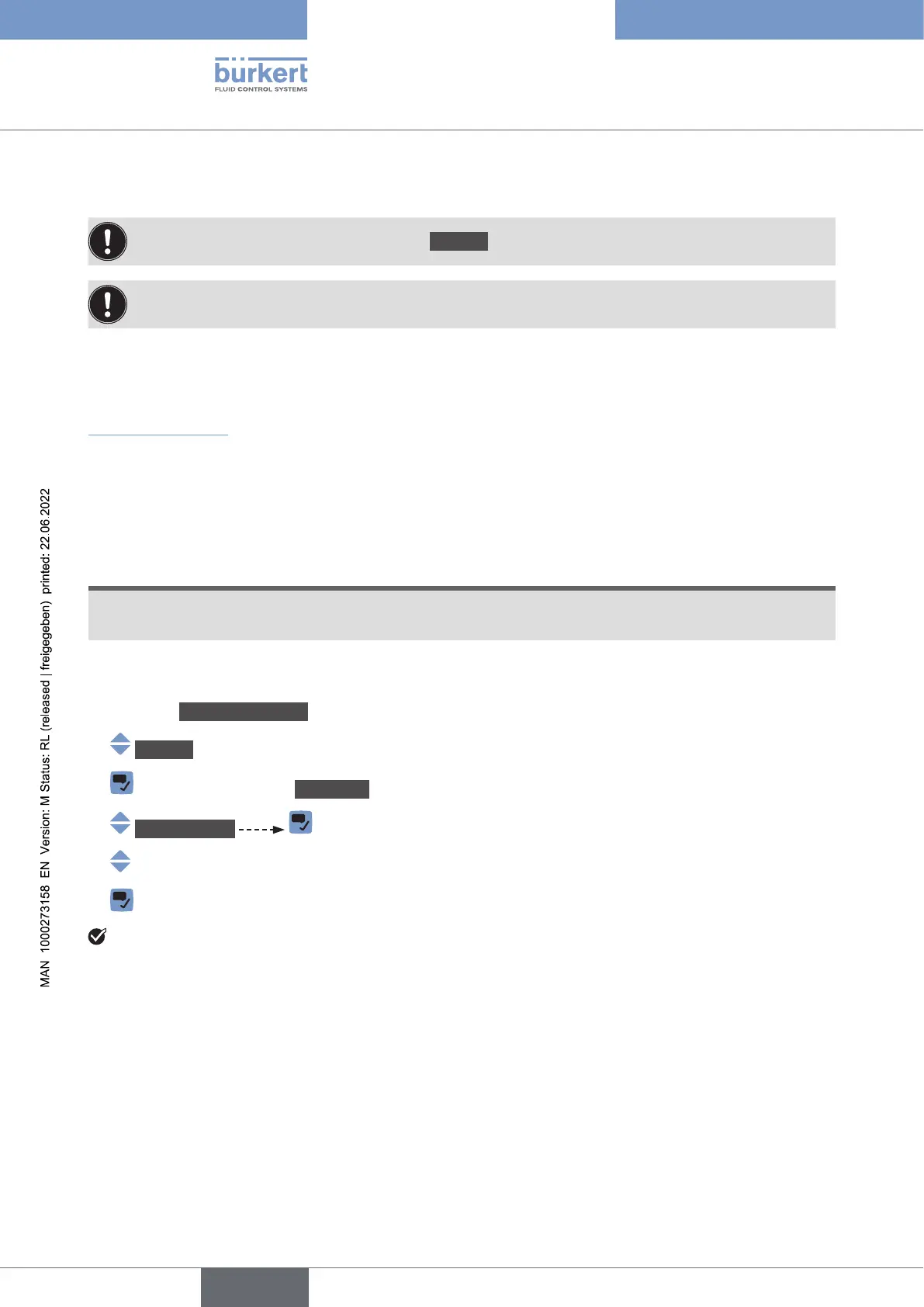
To change the type of the output 3, do the following:
Go to the CONFIGURATION view.
Outputs
Parameter view.
Output3type .


andthename of the output 3 are changed.
English

Table of Contents

Related product manuals