137
General settings – Diagnostics
Type 8098 FLOWave L
13.4.7 Reading out the number of failed recongurations
The value is valid since the last device start-up.
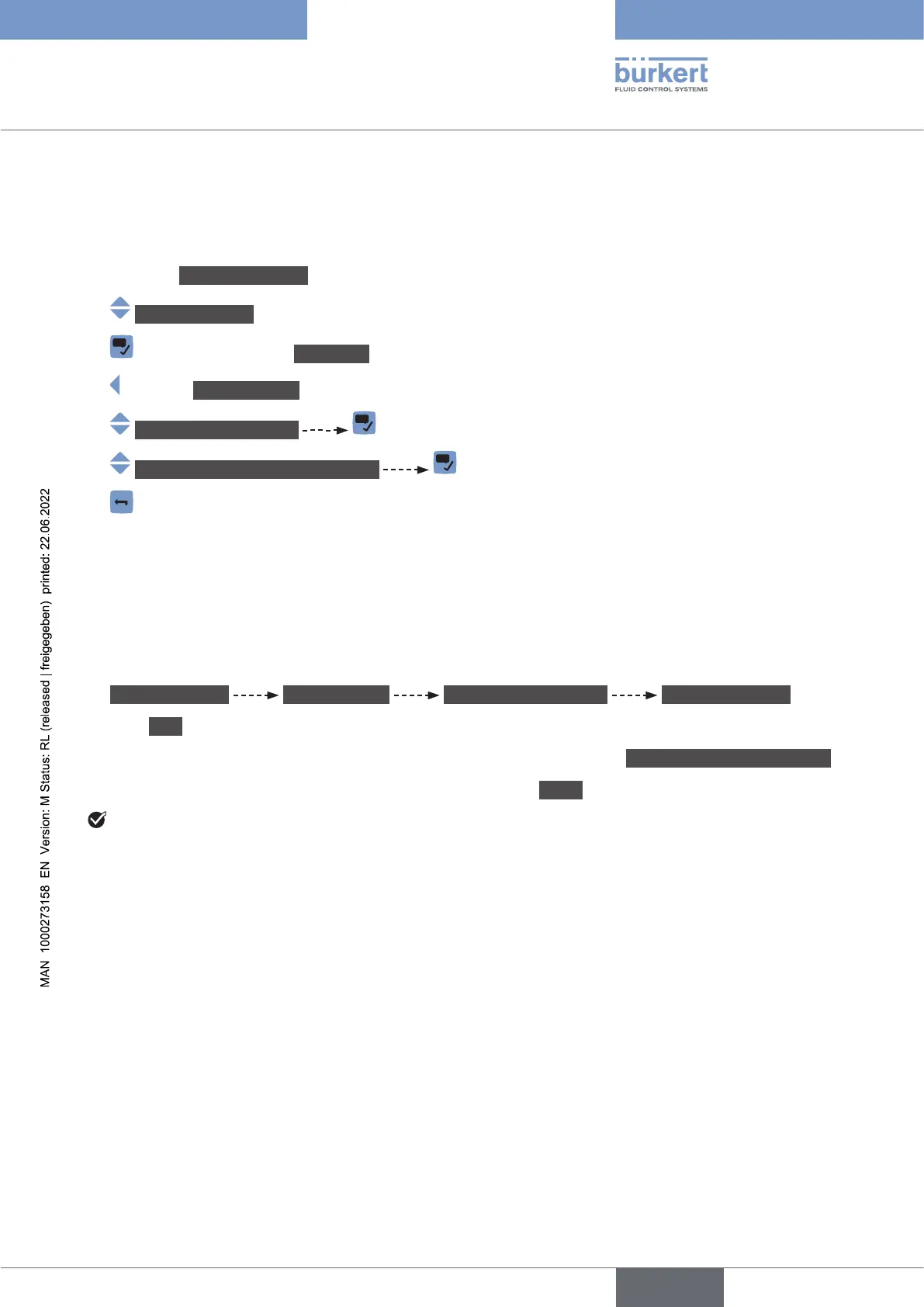
Do the following:
→ Go to the CONFIGURATION view.
→ Generalsettings
→ Parameter view.
→ DIAGNOSTICS view.
→ Congurationprovider
→ Numberoffailedrecongurations
→
13.4.8 Erasing the conguration data of a single module
This function is only available on the PC software Bürkert Communicator.
-
ration data of each module, do the following:
Do the following:
→ Generalsettings DIAGNOSTICS Congurationprovider Manageddevices
→ Click Next
→ Erasecongurationofclient
→ Finish.
English



 To Next Page