182
SAW sensor – Parameter
Type 8098 FLOWave L
→ Concentration1 or Concentration2
→ Damping The Currentsettings are displayed
→ Low, Medium and High
The Newsettings are displayed.
→
15.7.4 Activating a user-dened damping of the liquid concentration
values
• on the display,
• on the outputs. The damping of the liquid concentration comes in addition to the damping set for each
).
By default, the measured liquid concentration values are not damped.
→ Low, Medium or High.
→ Or you can set your own damping parameters with the Special damping.
With the Special damping, you can set 2 parameters:
• Responsetime in seconds,
• the Jumpthreshold
for ± the set liquid concentration value, no damping is applied to the second measured value.
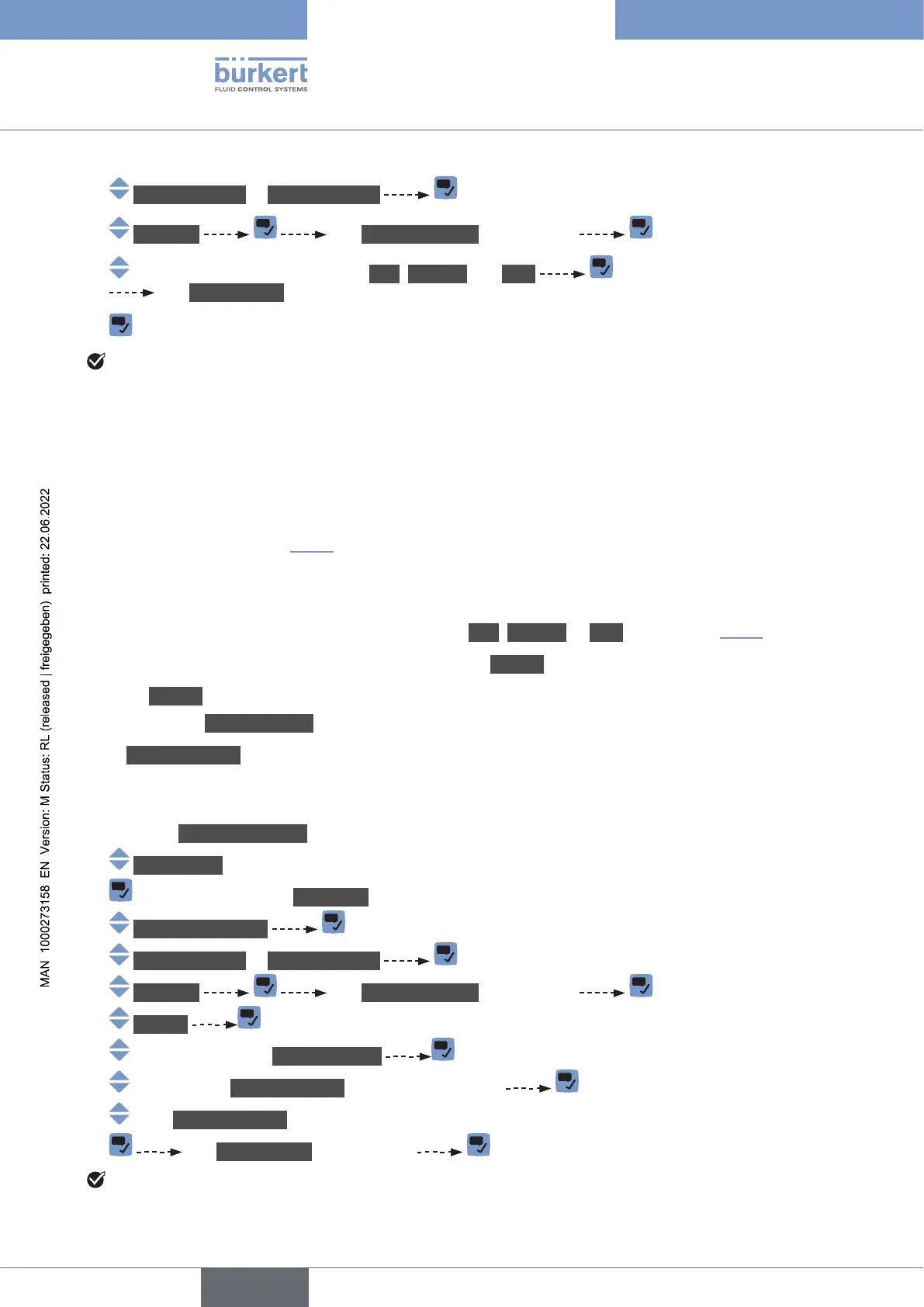
To set your own damping parameters of a measured liquid concentration value, do the following:
→ Go to the CONFIGURATION view.
→ SAWsensor
→ Parameter view.
→ Add.meas.values
→ Concentration1 or Concentration2
→ Damping The Currentsettings are displayed
→ Special
→ Responsetime
→ Jumpthreshold is enabled or disabled
→ Jumpthreshold is enabled, set the value.
→ The Newsettings are displayed
The special damping of the liquid concentration value is active.
English



 To Next Page