59
Electrical installation
Type 8098 FLOWave L
•
•
• Terminal 8: positive output 3 (analogue output or digital output)
• Terminal 9: negative output 2 (digital output)
•
•
•
8.9 Opening the front of the transmitter
To open the front of the transmitter housing, remove either the blind cover or the display module or the
Wi-Fi module.
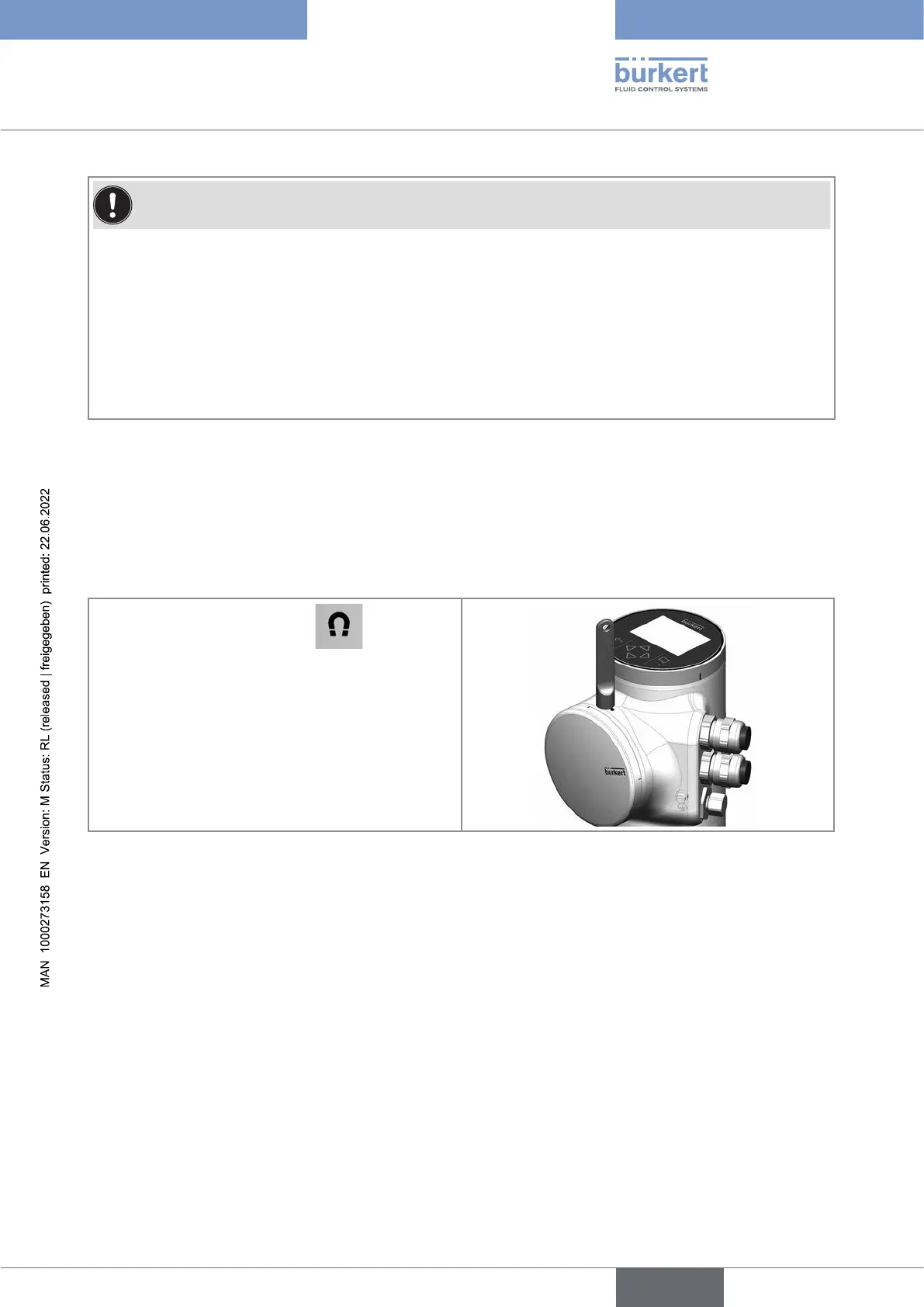
Proceduretoopenthefrontofthetransmitteriftheblindcoverisonthefrontofthedevice
Put the magnetic key on the mark related
to the blind cover. You should hear a click indi-
cating that the blind cover is unlocked. Do not
use a tool to turn the blind cover.
2. Turn the blind cover by hand to the unlocked
position and remove it.
English



 To Next Page